Understanding the Photoelectric Sensor Basics
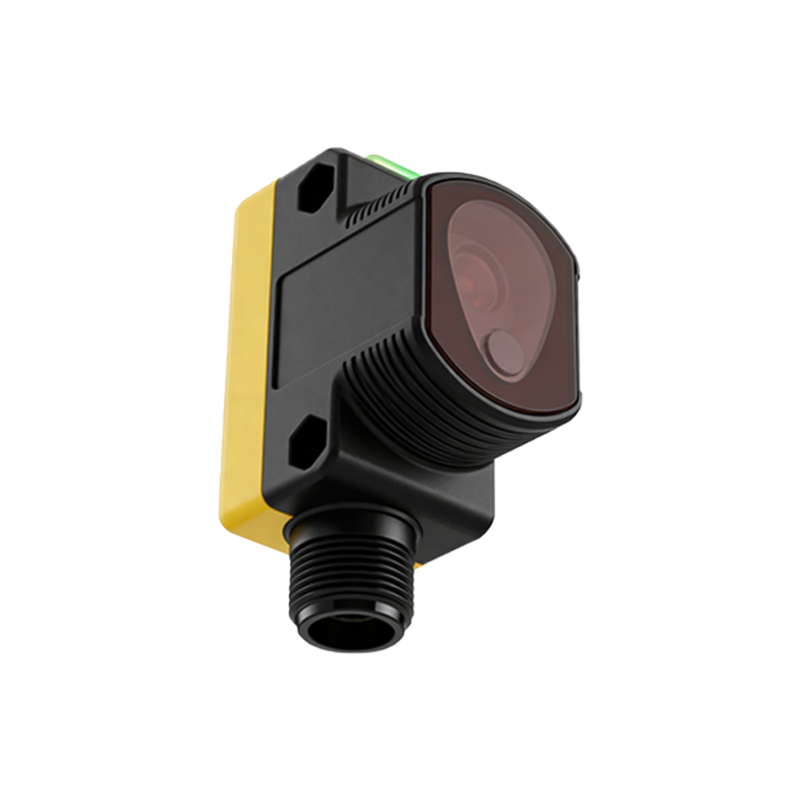
Photoelectric sensors are essential components in industrial automation, used to detect objects or changes in light intensity. For light control applications, these sensors typically operate in three modes: through-beam, retro-reflective, and diffuse. Each mode influences wiring configurations. As an electrical engineer, you must first identify the sensor type (e.g., NPN or PNP output, 3-wire or 4-wire) based on the load requirements. The wiring diagram must align with the sensor datasheet to ensure proper voltage supply (typically 10–30 VDC) and signal output. Always verify the sensor’s sensitivity and response time to match the control system’s logic.
Common Wiring Configurations for Light Control
For a basic light control setup, a 3-wire NPN photoelectric sensor is often used. The wiring includes: brown wire for positive supply (V+), blue wire for negative supply (0V), and black wire for output signal (NO or NC). Connect the brown wire to a 24 VDC power source, blue to ground, and black to the PLC input or relay coil. For PNP sensors, the output is positive, requiring a load connected to ground. For retro-reflective sensors, align the emitter and receiver with a reflector; wiring remains similar but includes alignment adjustments. Use a multimeter to test continuity and ensure no short circuits before powering on.
Step-by-Step Wiring Diagram Interpretation
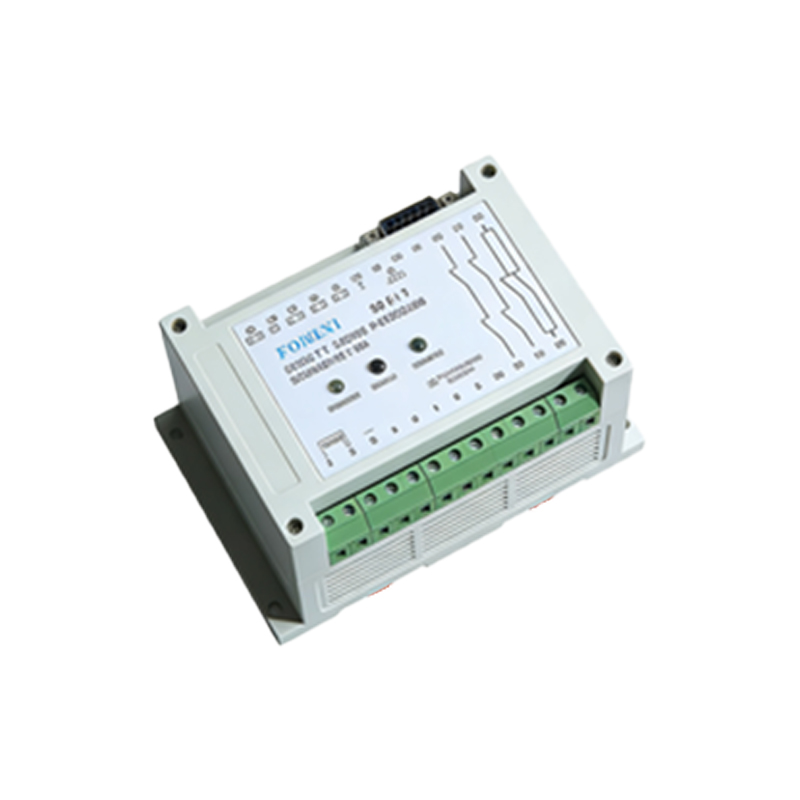
A typical wiring diagram for a photoelectric sensor in light control includes: power supply terminals (L+ and L-), output contact (Q), and optional auxiliary outputs. For a through-beam sensor, separate emitter and receiver require two wiring sets: emitter (brown and blue) and receiver (brown, blue, and black). Connect the receiver’s black wire to a timer or controller that activates a light relay. Use shielded cables if running long distances to avoid electromagnetic interference. Label each wire clearly and follow color codes per IEC 61131 or your local standard.
Troubleshooting Common Wiring Issues
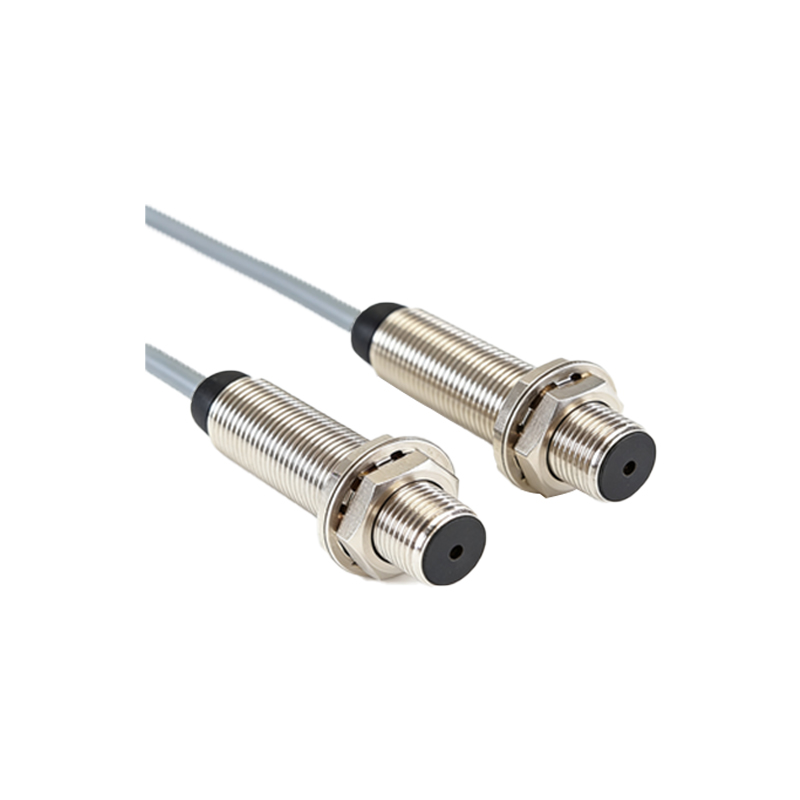
If the sensor fails to trigger, check voltage at the brown and blue wires (should be within 10–30 VDC). For NPN sensors, the black wire should show 0V when activated; if not, the sensor may be misaligned or the load is too high. Verify the reflector or target surface for cleanliness. For retro-reflective sensors, ensure the reflector is perpendicular to the sensor beam. Use a photoelectric sensor tester to simulate object detection. If the output remains stuck, inspect for moisture ingress or damaged cables. Always disconnect power before rewiring.
Advanced Wiring for Complex Light Systems
In multi-sensor light control, wire sensors in parallel or series. For parallel, connect all brown wires, all blue wires, and combine black wires through a diode to avoid backfeed. For series, black wires of NPN sensors must be connected to the next sensor’s brown wire (cascading). Use a PLC for advanced logic, wiring each sensor to a separate input. Incorporate time-delay relays to prevent flickering. For analog sensors (e.g., 4-20 mA), use a transmitter and wire to analog input modules. Always ground the shield at one end only to prevent ground loops.
Safety and Compliance Considerations
Adhere to NEC or IEC standards for wiring. Use appropriate fuses on the power supply line (e.g., 1A fast-blow). Ensure the sensor housing is rated for the environment (e.g., IP67 for dusty areas). For light control in hazardous locations, use intrinsically safe barriers. Label all wires with heat-shrink markers to avoid confusion during maintenance. Document the wiring diagram with revision numbers and test logs. Always perform a risk assessment to prevent accidental energization during installation.