Understanding the Basics of Infrared Photoelectric Sensors
Infrared photoelectric sensors are non-contact devices that use light beams to detect the presence, absence, or distance of objects. In industrial automation, they are preferred for their reliability in harsh environments. The key to accurate measurement lies in understanding three components: the emitter (infrared LED), the receiver (photodetector), and the target. The emitter sends a modulated infrared beam; when the beam is interrupted or reflected, the receiver triggers a signal. For precise measurement, ensure the sensor’s wavelength (typically 850 nm to 940 nm) matches the target’s reflectivity.
Selecting the Right Measurement Mode: Through-Beam, Retro-Reflective, or Diffuse
The measurement method depends on the application. Through-beam sensors (separate emitter and receiver) offer the longest range and highest accuracy for opaque objects, as the beam is fully blocked. Retro-reflective sensors use a reflector to bounce the beam, ideal for transparent or shiny targets. Diffuse sensors rely on light reflected directly from the target, suitable for short-range detection. For distance measurement, consider time-of-flight (ToF) sensors, which calculate the time delay of the reflected pulse. Always calibrate the sensor’s sensitivity to avoid false triggers from ambient light or dust.
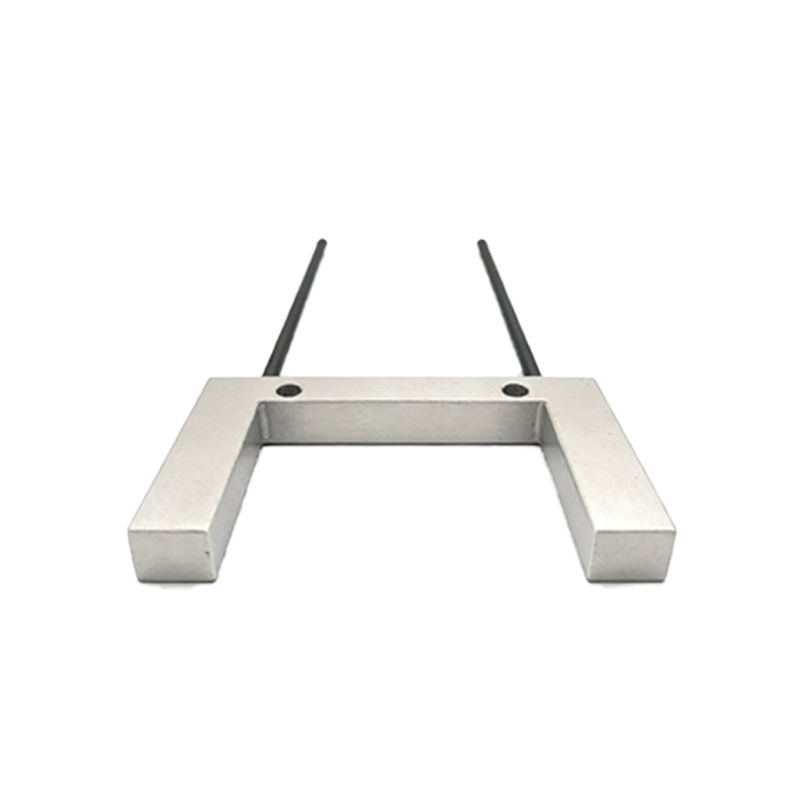
Calibrating the Sensor for Optimal Performance
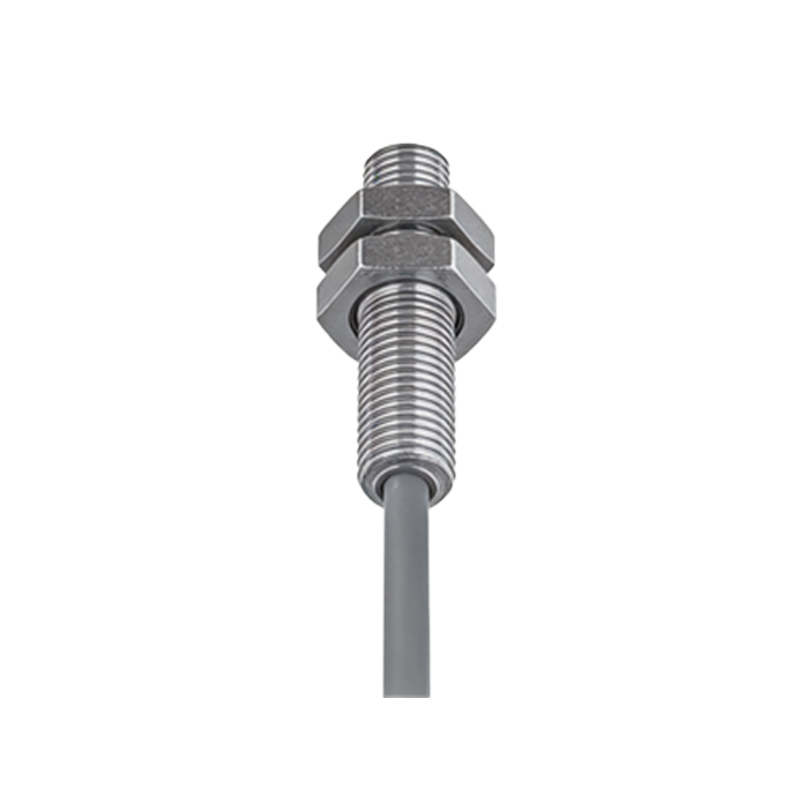
Calibration is critical. Start by setting the background suppression if using a diffuse sensor to ignore surfaces behind the target. Adjust the potentiometer or software gain to match the target’s color and texture. For example, a black target absorbs more infrared, requiring higher gain than a white one. Use a reference target of known reflectivity (e.g., a standard 90% reflective white card) to establish a baseline. Then, perform a “teach-in” procedure: place the target at the desired detection distance and run the sensor’s auto-calibration function. Verify with multiple passes.
Measuring Distance Versus Presence: Key Differences
For presence detection, you only need a binary output (on/off) based on the beam’s integrity. For distance measurement, use analog output sensors (e.g., 0-10 V or 4-20 mA) that correlate output voltage or current to the distance. For instance, a common formula is: Distance (mm) = (V_out - V_min) / (V_max - V_min) * Range_max. To improve accuracy, factor in environmental variables: temperature drift (typically<0.1% per °C), and surface angle (keep incidence angle<10° for consistent results). Implement a moving average filter in your PLC to smooth noisy signals.
Common Pitfalls and Troubleshooting in Industrial Environments
In factories, dust, oil mist, and vibration can degrade performance. Always use sensors with IP67 or higher ratings and install them with vibration dampers. If the sensor triggers intermittently, check for electrical noise: separate sensor cables from power lines by at least 10 cm. For reflective surfaces, use polarizing filters to avoid false reflections from shiny objects. When measuring transparent materials (e.g., glass or plastic), use a retro-reflective sensor with a polarizing filter to ignore the target’s transparency. Finally, test with a certified calibration tool to ensure I/O accuracy.
Verifying Measurement Data with a Multimeter or Oscilloscope
To confirm the sensor’s output, connect a multimeter to the analog output terminal. For a 4-20 mA sensor, the current should be 12 mA at mid-range. For pulse outputs (e.g., ToF sensors), use an oscilloscope to measure pulse width; a typical pulse of 10 µs corresponds to 1.5 m distance. Document the readings under static and dynamic conditions. If discrepancies exceed 5%, re-calibrate or replace the sensor. Always record the measurement conditions (temperature, humidity, ambient light) in your logbook for traceability.