Understanding the Slot Type Photoelectric Sensor
A slot type photoelectric sensor, also known as a fork sensor, is a non-contact detection device commonly used in industrial automation for object presence, counting, or positioning. It integrates an emitter and receiver in a single housing with a U-shaped slot. When an object passes through the slot, it interrupts the light beam, triggering a switch output. For electrical engineers, verifying its functionality using a multimeter is essential during installation, troubleshooting, or maintenance.
Selecting the Right Multimeter Settings
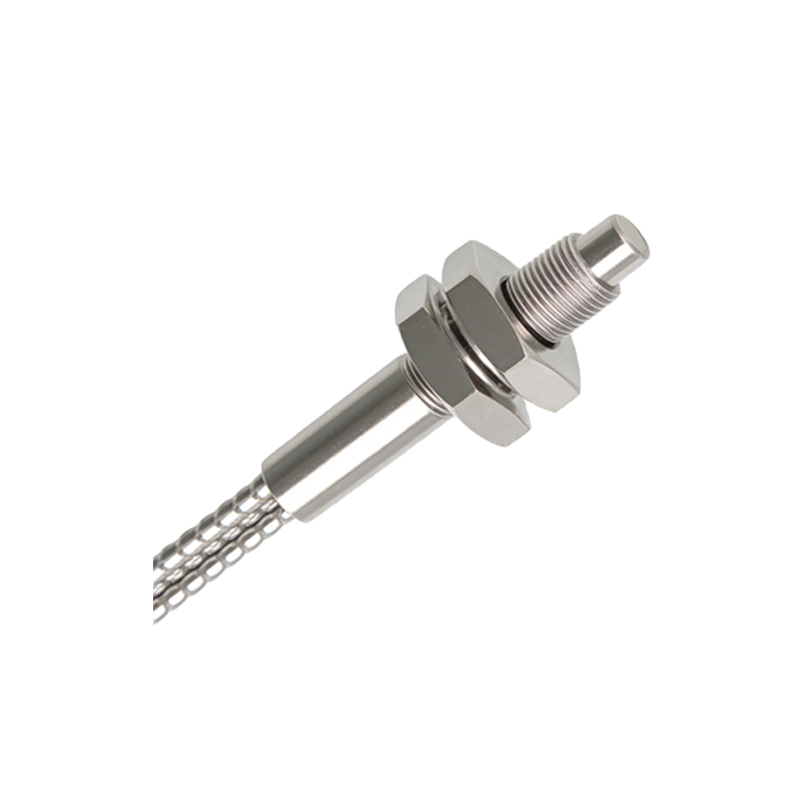
Before testing, ensure your multimeter is set to the correct mode. For DC-powered sensors (typically 10-30 VDC), switch the multimeter to DC voltage mode. For NPN (sinking) or PNP (sourcing) output types, you need to measure the voltage between the output terminal and ground (GND). If the sensor has a current output, use the DC current mode (mA) in series with the load. Always confirm the sensor’s datasheet for pin assignments: brown for V+, blue for V-, and black for output.
Step-by-Step Testing Procedure

First, power the sensor with a stable DC supply. Connect the multimeter’s red probe to the sensor’s output (black wire) and the black probe to GND (blue wire). With no object in the slot, the output should be in its normal state: for NPN, voltage near 0V; for PNP, voltage near V+. Then, insert an opaque object into the slot. The output should switch: NPN rises to V+, PNP drops to 0V. If the readings are inconsistent, check the supply voltage (must be within the rated range) and inspect for wiring errors or damage.
Common Troubleshooting with Multimeter
If the sensor fails to output, measure the supply voltage at the brown and blue wires—expect a stable DC voltage (e.g., 24V). A significant drop indicates power supply issues. Next, test the sensor’s dark current: in the blocked state, PNP output should show near 0V; if it remains high, the sensor may be faulty. For NPN, a high voltage in the unblocked state suggests a short circuit. Additionally, use the continuity test to check cable integrity—any open circuit means the cable needs replacement.
Interpreting Output Signals for Automation Systems
For integration with PLCs or relays, your multimeter readings must match the input specifications. For example, a PNP sensor outputting 24V (active high) can directly drive a PLC’s sink input. If the multimeter shows fluctuating voltages, it may indicate electrical noise—consider adding a shielded cable or a ferrite bead. Always verify that the sensor’s switching frequency and load current (usually ≤100mA) are within the multimeter’s measurement range to avoid damage.
Safety and Best Practices
Always disconnect power before changing multimeter modes or probes. Avoid touching exposed wires while measuring high-voltage circuits. Use a fused multimeter for current measurements to prevent short circuits. After testing, record the sensor’s baseline readings (e.g., 0.2V in blocked state for NPN) for future reference. This data helps quickly diagnose failures in the field.