Understanding the Basics of Photoelectric Sensors
Photoelectric sensors are essential components in industrial automation, used to detect the presence or absence of objects by emitting and receiving light beams. Positive and negative limit sensors specifically monitor the extremes of motion, such as the end of a conveyor belt or a robotic arm’s travel range. These sensors operate on either positive logic (output active when light is detected) or negative logic (output active when light is blocked). For reliable operation, correct wiring is critical, as miswiring can lead to false triggers or sensor damage. Always consult the sensor datasheet for voltage ratings, typically 10-30V DC, and output type, such as NPN or PNP.
Tools and Materials Required
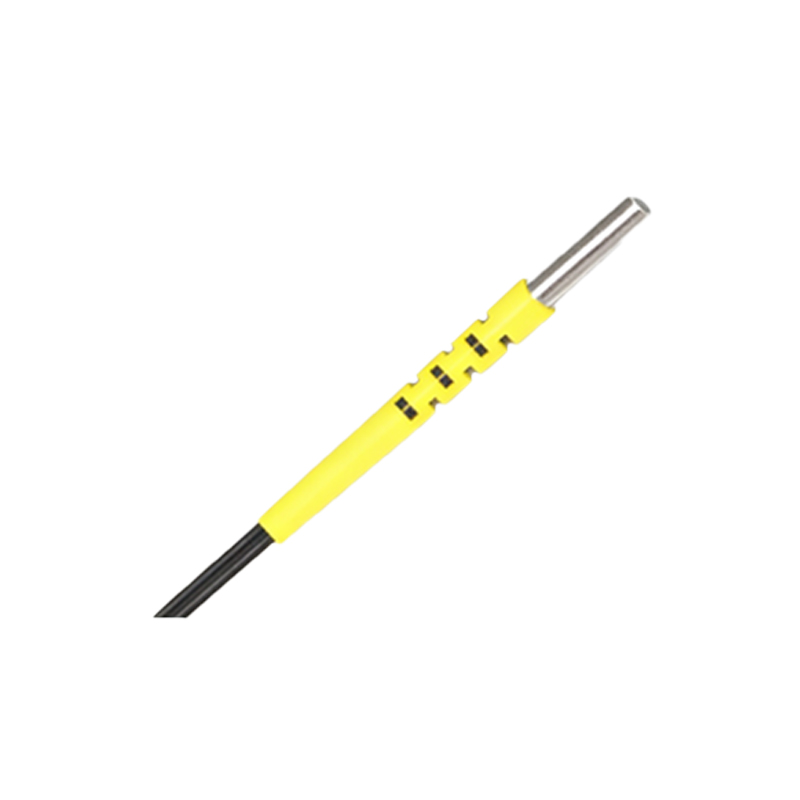
Before starting, gather the necessary tools: a multimeter for continuity and voltage testing, wire strippers, a screwdriver set (flathead and Phillips), heat shrink tubing or electrical tape, and a power supply matching the sensor’s specifications. For wiring, use stranded copper wire with appropriate gauge (e.g., 18-22 AWG for most sensors). Additionally, prepare a PLC or relay module for output signal integration. Ensure all equipment is de-energized during setup to prevent electric shock. Label wires clearly for future maintenance, as industrial environments often have complex cabling.
Identifying Sensor Pinouts and Wire Colors
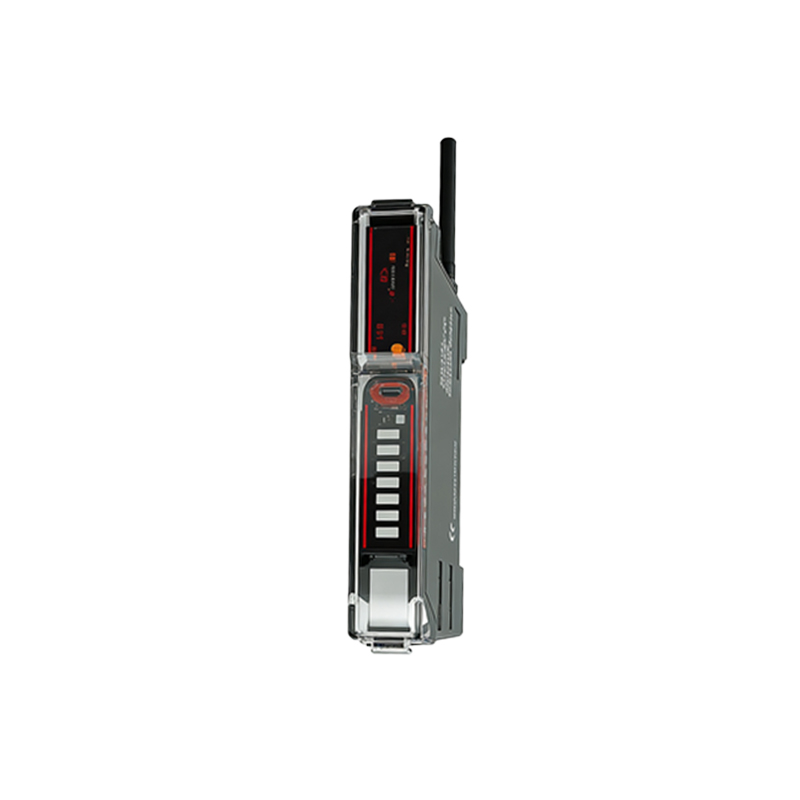
Common photoelectric sensors have three wires: brown (positive or V+), blue (negative or GND), and black (output signal). For positive limit sensors, the output is normally open (NO) or normally closed (NC) depending on application. Negative limit sensors may have a white wire as an additional output for complementary logic, such as PNP (sourcing) or NPN (sinking). Use a multimeter in diode mode to verify the pinout if the datasheet is unavailable: connect the brown wire to positive, blue to negative, and measure the black wire relative to negative; a voltage drop indicates the output transistor type.
Step-by-Step Wiring Procedure for Positive Limit Sensors
First, connect the brown wire to the positive terminal of the power supply (e.g., +24V DC). Connect the blue wire to the negative terminal (0V or GND). The black wire is the output; for a PNP sensor, it will source voltage (typically +24V) when the sensor is triggered, so connect it to the input of a PLC module configured for sinking logic. For an NPN sensor, the black wire sinks to ground when triggered; connect it to a PLC input with sourcing logic. Use a pull-up or pull-down resistor (e.g., 10kΩ) if the PLC input lacks internal termination to avoid floating signals.
Wiring Negative Limit Sensors with Complementary Outputs
Negative limit sensors often include a white wire for the complementary output (e.g., normally closed when the black is normally open). Connect the brown and blue wires as before. The black wire goes to the PLC input for the primary limit signal, while the white wire can be used for alarm or status monitoring. For example, if the black wire triggers a stop signal at the negative limit, the white wire might indicate when the sensor is in a safe zone. Ensure both outputs are properly terminated; use a multimeter to confirm that black and white voltages are opposite states (e.g., 24V on black, 0V on white) during normal operation.
Testing and Troubleshooting the Connection
After wiring, power on the system and test the sensor by blocking/unblocking its light beam. Use a multimeter to measure voltage between the black wire and GND: for PNP, it should be near 24V when triggered; for NPN, it should be near 0V. If the output is erratic, check for loose connections or voltage drops across long cable runs (consider using thicker wire or a relay). Common issues include reversed polarity (brown/blue swapped), which can fry the sensor—always double-check with a multimeter before powering up. For noisy environments, add a ferrite bead or shielded cable to reduce electromagnetic interference.
Safety and Best Practices
Always follow lockout/tagout procedures before working on live circuits. Use fuses (e.g., 0.5A on the power line) to protect the sensor from overcurrent. Document the wiring diagram with wire colors and logic states for future reference. In wet or dusty environments, ensure connectors are IP67-rated and sealed with silicone. For systems with multiple sensors, use a common power supply but separate ground returns to avoid ground loops. Finally, test the sensor’s response time to confirm it meets the application’s speed requirements—long cable lengths can introduce delays.