Introduction to Photoelectric Sensor Symbols
Photoelectric sensors are critical components in industrial automation, used for detecting objects, distances, and presence without physical contact. Understanding their standard graphic symbols is essential for engineers and technicians to read and design circuit diagrams, control panels, and system layouts. This guide provides a complete overview of common photoelectric sensor symbols, adhering to IEC and ANSI standards.
Standard Circuit Symbol for Photoelectric Sensor
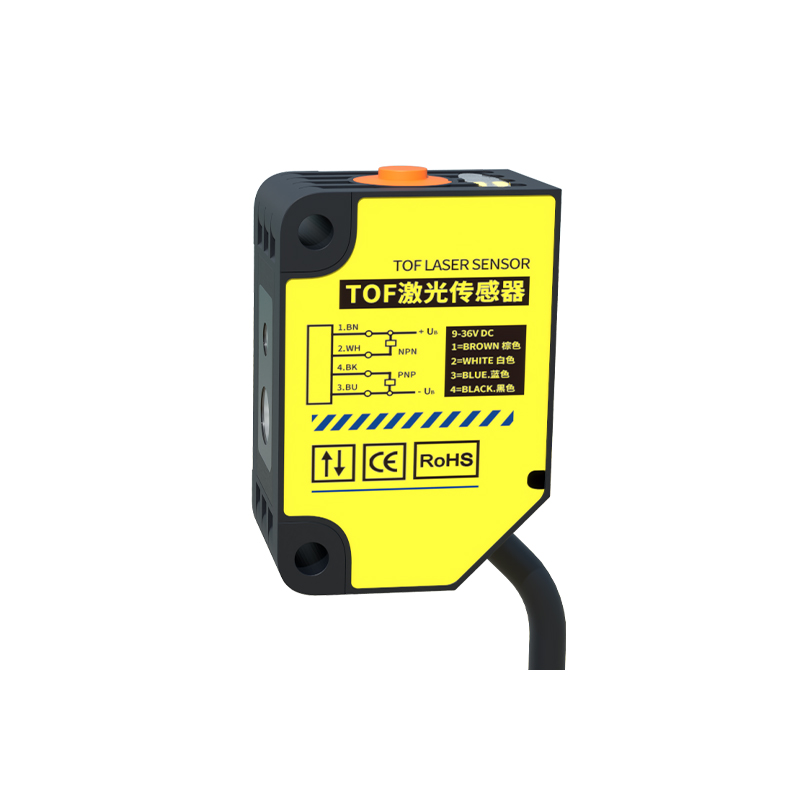
The basic symbol for a photoelectric sensor in electrical schematics typically consists of a rectangle with two diagonal lines or arrows indicating the light beam. A common representation includes a transmitter (emitter) and receiver (detector) separated by a gap, often labeled as "TX" and "RX". For through-beam sensors, the symbol shows two distinct blocks: one for the emitter with a light source icon (e.g., a small circle with rays) and one for the receiver with a sensitive element. The overall symbol may also include a power supply connection (V+ and V-) and a switching output (NO or NC contact).
Through-Beam Photoelectric Sensor Symbol
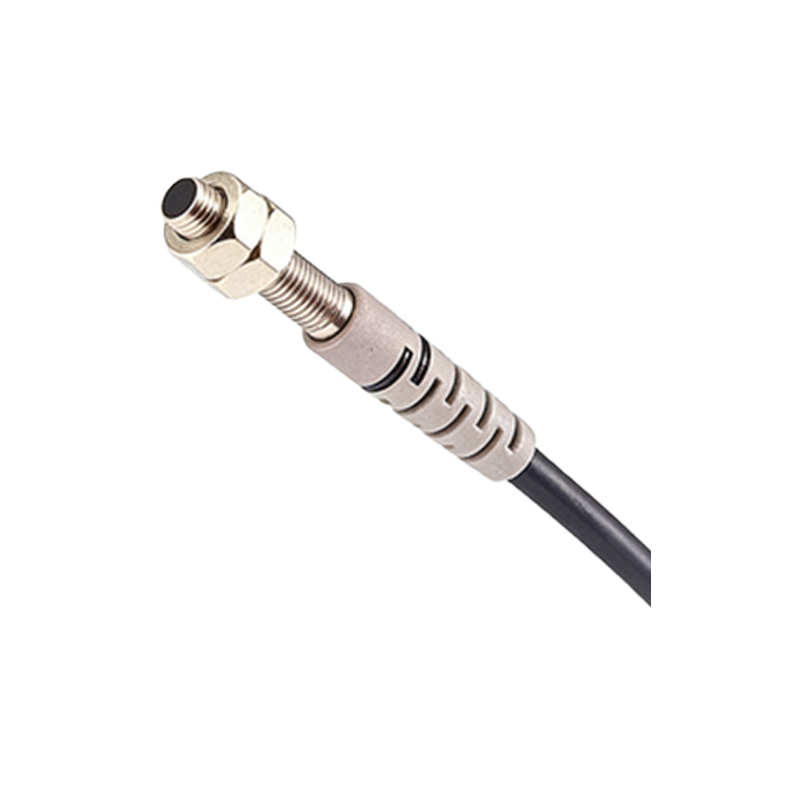
The through-beam sensor symbol is the most straightforward. It depicts a light source and a detector aligned opposite each other. The emitter side often uses an arrow pointing outward, representing the light beam, while the receiver side shows a light-sensitive element (such as a phototransistor) inside a triangle. In some diagrams, a dashed line connects the two to indicate the continuous light path. This symbol clearly represents a system where the target interrupts the beam.
Retroreflective Photoelectric Sensor Symbol
For retroreflective sensors, the symbol integrates the emitter and receiver into one housing, with a separate reflector symbol placed opposite. The typical graphic shows a single block containing both a light source (arrow) and a receiver (phototransistor), and a separate rectangle or circle representing the reflector. A dashed arrow from the sensor to the reflector and back indicates the reflected beam path. This configuration is common in packaging and conveyor systems.
Diffuse (Proximity) Photoelectric Sensor Symbol
The diffuse sensor symbol is similar to the retroreflective but without a separate reflector. It shows the emitter and receiver in one block, with a curved or broken arrow pointing away and returning to the same unit, symbolizing light reflection off the target. This symbol is often drawn with a short dashed line to indicate limited detection range, suitable for applications like object counting in tight spaces.
Fiber Optic Photoelectric Sensor Symbol
Fiber optic sensors have a unique symbol that includes a control unit (amplifier) and separate fiber cables. The symbol typically shows a main rectangular block for the amplifier, with two small circles or curved lines representing the fiber tips (emitter and receiver ends). The cables are drawn as wavy lines connecting the amplifier to the sensor heads. This symbol emphasizes the remote sensing capability, ideal for harsh environments.
General Graphical Representation Guidelines
When drawing photoelectric sensor symbols, consistency is key. Use ISO 1219 and IEEE 315 standards for clarity. Always label pins (e.g., +24V, 0V, Output) and indicate sensor type (NPN or PNP). For color-coding, include black, blue, and brown lines for power and output. Avoid overcrowding; use separate symbols for emitter and receiver in through-beam systems. Remember that these symbols are part of larger control schematics, so ensure they align with logic symbols like AND or NOR gates if used in PLC diagrams.
Conclusion and Application Tips
Mastering photoelectric sensor symbols simplifies troubleshooting and design. Engineers commonly encounter these symbols in conveyor systems, packaging machines, and safety light curtains. Always refer to manufacturer datasheets for exact pinouts and wiring, as symbols may vary. For complex systems, use CAD software with built-in symbol libraries to ensure accuracy. This knowledge enhances efficiency in industrial automation projects.