Understanding the Sensor Types
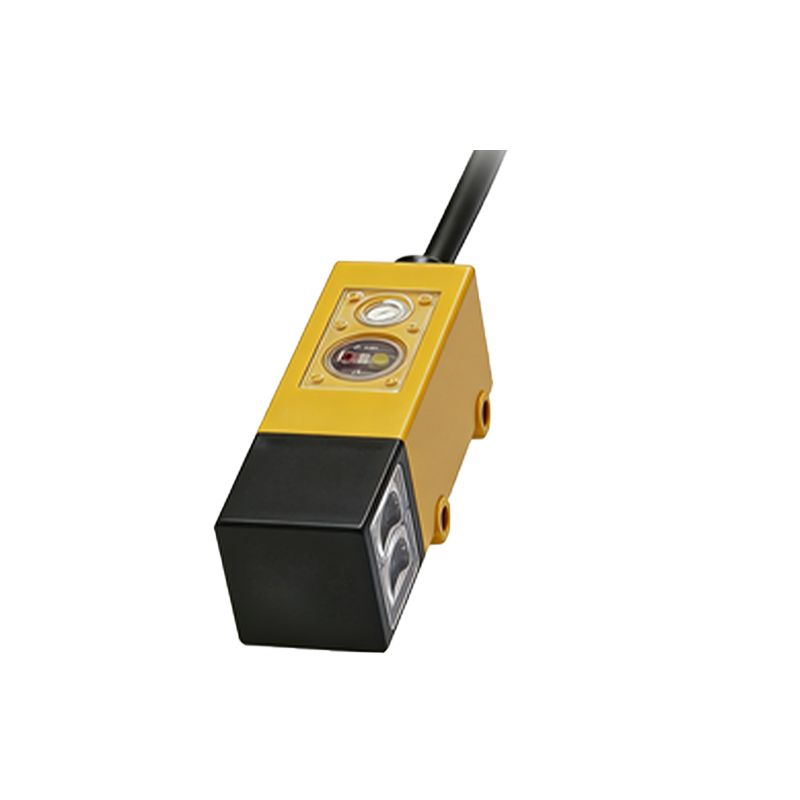
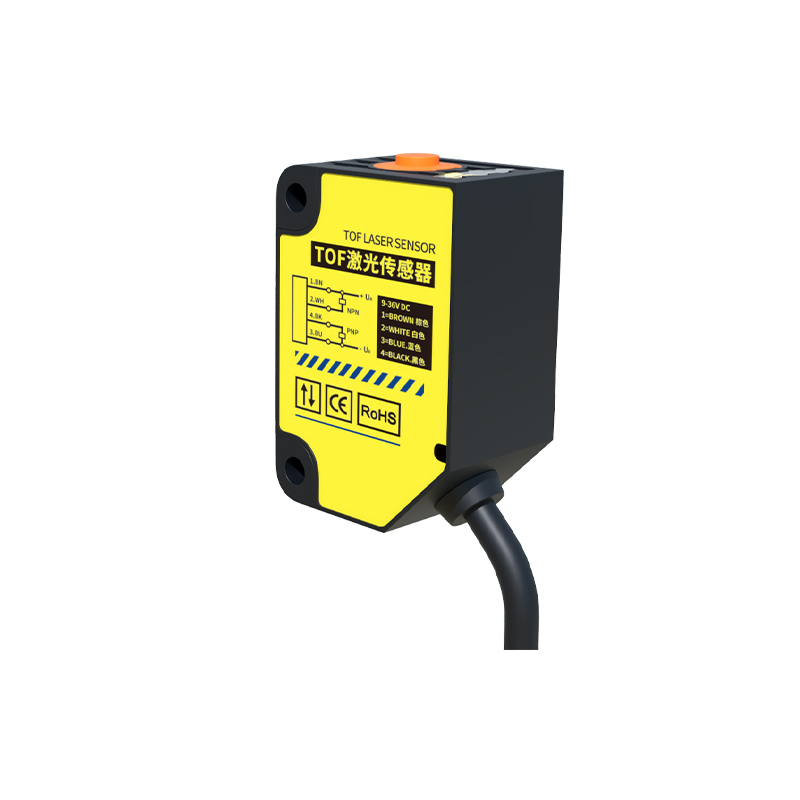
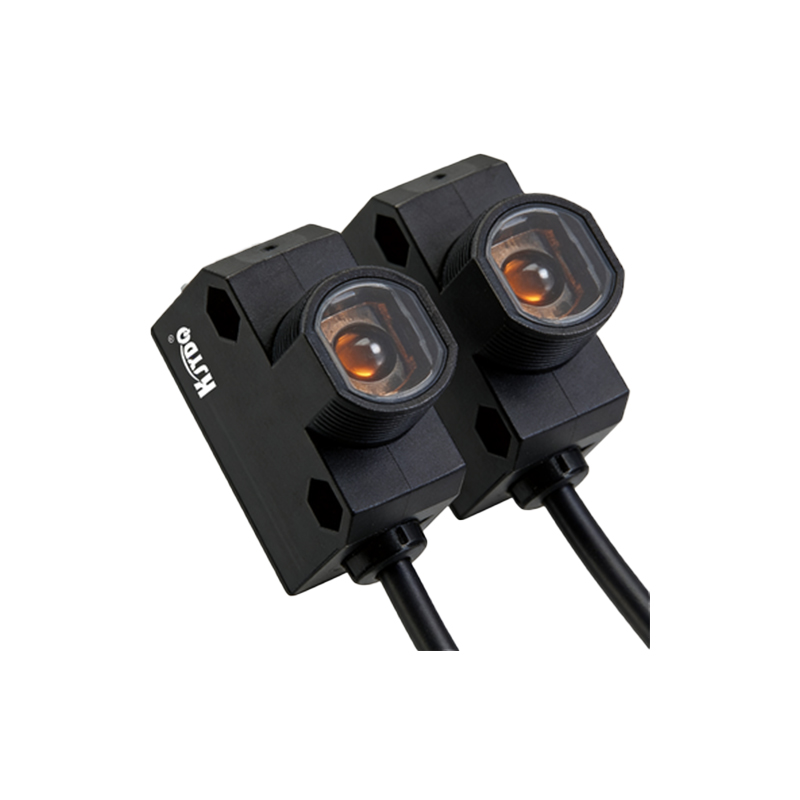
Sick photoelectric sensors come in various types, including through-beam, retro-reflective, and diffuse reflection models. Each has specific wiring requirements. Before wiring, identify the sensor model from its datasheet. For instance, through-beam sensors require separate emitter and receiver units, while retro-reflective sensors typically integrate both components. Check the voltage rating (e.g., 10-30 VDC) and output type (PNP or NPN) to avoid mismatches. Always verify the polarity: brown wire is positive (Vcc), blue is negative (GND), and black is the output signal.
Preparing the Wiring Tools
Gather essential tools: a multimeter for continuity testing, wire strippers, screwdrivers, and heat shrink tubing. Use a shielded cable for long distances to reduce electromagnetic interference. Ensure the power supply is off before connecting wires. Strip wires to 6-8 mm length to secure solid connections. For industrial environments, use M8 or M12 connectors if available, as they simplify replacement.
Connecting the Power Supply
Connect the brown wire to the positive terminal of a DC power supply, and the blue wire to the negative (ground). For 3-wire sensors, the black wire is the output. Verify the supply voltage matches the sensor rating, e.g., 24 VDC typical for most Sick sensors. If using a 4-wire sensor, additional wires like white (for configuration) may be present. Refer to the wiring diagram: for PNP output, the load connects between black and ground; for NPN, load connects between black and positive.
Wiring the Output Signal
For PNP (sourcing) sensors, the black wire outputs a positive signal when the sensor is active. Connect it to a PLC input module configured for sinking logic. For NPN (sinking) sensors, the black wire outputs a negative signal. Use a pull-up resistor (e.g., 10 kΩ) if the PLC input requires a high signal. Test with a multimeter: set to DC voltage, probe between black and blue. Active state should show near supply voltage for PNP or near 0V for NPN.
Testing and Troubleshooting
After wiring, power on the sensor. Aim the sensor at a target: for retro-reflective, ensure the reflector is clean. Check the LED indicator: solid green means power, yellow indicates output activation. If no response, test wire continuity. Common issues include reversed polarity (brown/blue swapped) or incorrect output wiring. Use a oscilloscope to check signal noise. For long cables, add a ferrite bead to suppress interference. Consult the Sick sensor manual for specific diagnostic codes.