Understanding Photoelectric Sensor Power Down Methods
Photoelectric sensors are essential components in industrial automation, but properly shutting them down is critical for system maintenance, troubleshooting, or replacement. Unlike simply disconnecting a general device, turning off a photoelectric sensor requires careful handling to avoid damage to the sensor, connected controllers, or power supplies. The most common methods include using the power supply disconnect switch, removing the sensor’s wiring harness, or employing a dedicated shutdown sequence via the PLC (Programmable Logic Controller) interface. Engineers must first identify the sensor type—whether it’s through-beam, retro-reflective, or diffuse—as the shutdown process might slightly vary based on the output configuration (NPN or PNP) and voltage requirements (typically 10-30V DC or 24V DC). Always consult the sensor’s datasheet for specific instructions to prevent unexpected behavior like false triggering or electrical surges during shutdown.
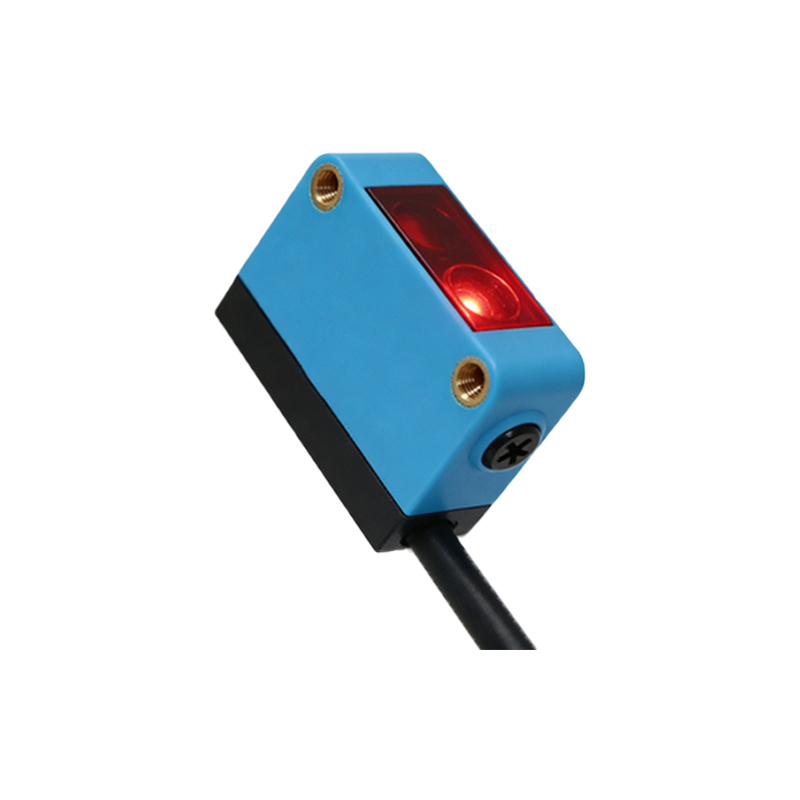
Method 1: Disconnecting the Power Supply
The simplest and most reliable way to turn off a photoelectric sensor is to isolate its power supply. This is often done via a circuit breaker, fuse, or a dedicated power switch in the control cabinet. Before cutting power, ensure that the sensor is not in a critical operation loop to avoid interrupting production processes. For sensors integrated into a distributed control system, turn off the power at the source—usually a 24V DC power supply unit—rather than just unplugging the sensor connector. This prevents voltage spikes or backfeed from other devices. After power is removed, wait at least 30 seconds to allow internal capacitors to discharge fully. This step is crucial because residual charge can cause false signals or damage the sensor’s opto-electronic components when reconnected. Use a multimeter to verify zero voltage across the sensor’s power terminals before handling the wiring.
Method 2: Using the PLC or Controller Software Shutdown
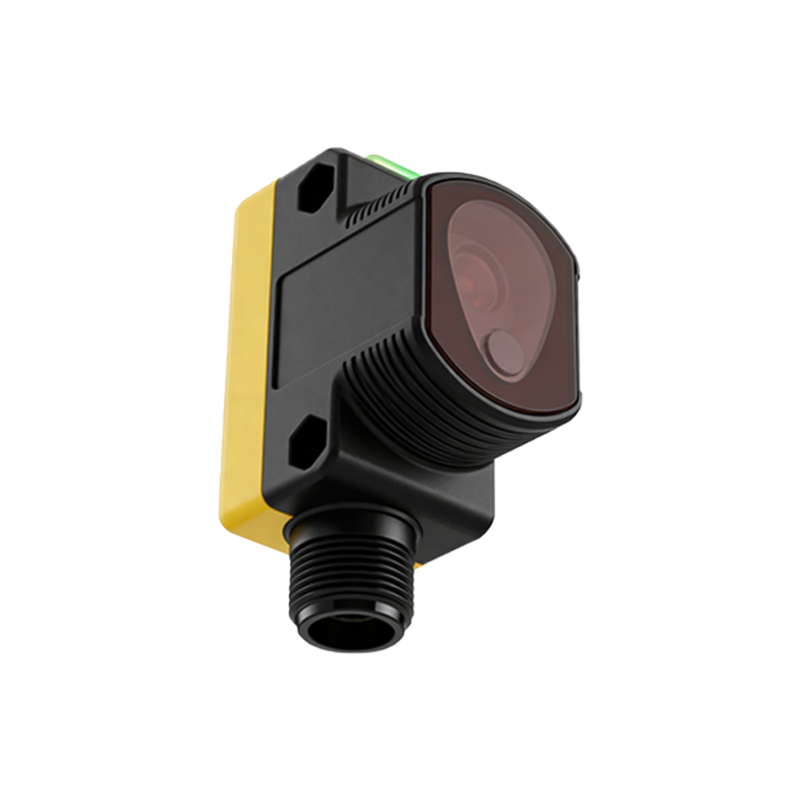
For sensors tied to a PLC or industrial controller, a software-based shutdown is often preferred, especially in complex systems where powering down the entire machine is impractical. This involves sending a specific command through the control software to disable the sensor’s output or de-energize its power rail. For example, in a Siemens TIA Portal or Rockwell Automation environment, engineers can create a logic block that sets the sensor’s input to a forced “off” state or cuts the channel in the I/O module configuration. However, this method does not physically turn off the sensor’s internal circuitry; it only prevents the signal from being processed. Therefore, for safety-critical maintenance, always combine software shutdown with physical power isolation. Additionally, document the shutdown sequence in the system’s SOP to avoid confusion during future maintenance.
Method 3: Removing or Isolating the Sensor Connector
In modular setups, engineers can turn off a photoelectric sensor by disconnecting its M8, M12, or other industrial connectors. This is common during replacement or when testing individual sensors without affecting the rest of the network. First, identify the connector type and ensure the power is already off to prevent arcing or short circuits. Use a properly sized wrench or tool to unscrew the connector, and avoid pulling on the cable directly to prevent damage to the pins. Once disconnected, store the connector in a dry, clean environment to protect against moisture or dust ingress. For sensors with integrated LED indicators, verify that the indicator light is completely off after disconnection. If it remains lit, there may be residual power from a different path, such as a shared power bus, requiring additional isolation.
Important Safety and Verification Steps After Shutdown
After turning off the sensor, always perform a verification procedure to confirm it is completely deactivated. This includes checking for any LED activity, using a multimeter to measure voltage at the sensor’s terminals, or testing with a target object to see if the output changes. For sensors in hazardous locations (e.g., explosion-proof environments), follow lockout/tagout (LOTO) procedures before any shutdown. Additionally, update your system documentation, such as the electrical schematic or maintenance log, to record the shutdown event. This helps in troubleshooting future issues and ensures compliance with industry standards like IEC/EN 60947-5-2 for proximity switches. Remember that improper shutdown can lead to sensor misalignment, calibration drift, or permanent damage to the internal emitter-receiver pair.