Introduction to Photoelectric Sensor Replacement
Photoelectric sensors are critical components in Ricoh imaging and printing systems, enabling precise detection of paper jams, toner levels, and component alignment. Over time, these sensors can fail due to dust accumulation, wear, or electrical issues, leading to operational downtime. This guide provides a systematic procedure for replacing photoelectric sensors on Ricoh machines, tailored for experienced electrical engineers. The process emphasizes safety, accuracy, and minimal disruption to machine calibration.
Tools and Safety Precautions
Before beginning, gather essential tools: a Phillips-head screwdriver, ESD-safe tweezers, a multimeter for continuity checks, and replacement sensors specific to your Ricoh model (e.g., Ricoh MPC6003 or Pro C9200). Power down the machine completely and unplug it from the mains. Discharge any residual capacitors using a resistor tool to avoid electric shock. Wear anti-static wrist straps to protect sensitive electronics. Review the machine's service manual for sensor location diagrams and torque specifications for mounting screws.
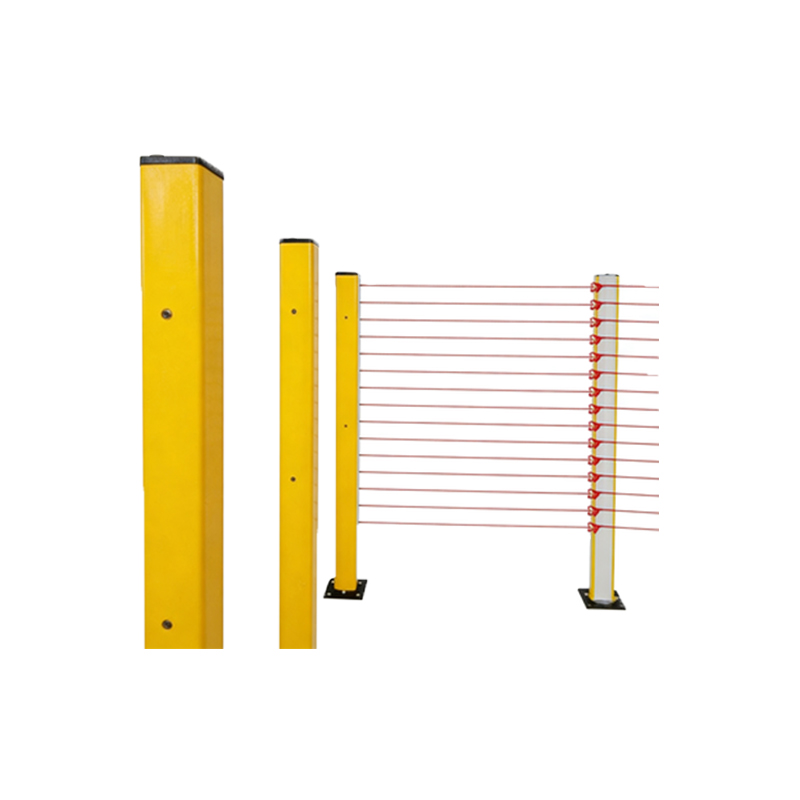
Identifying the Faulty Sensor
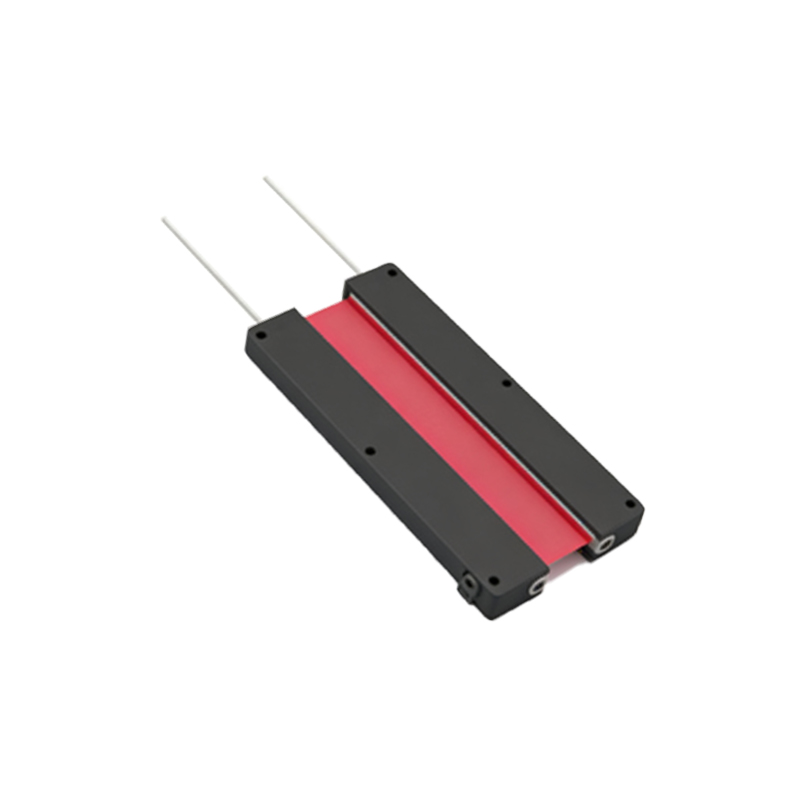
Access the machine's diagnostic menu (often via SP mode) to read error codes related to sensor failure—common codes include SC542 or SC575. Use a multimeter to test the sensor's output voltage at the connector; a healthy sensor should show 5V or 24V DC when unobstructed. Visually inspect for cracked lenses or debris. If the sensor is intermittent, simulate paper path movement to trigger the sensor while monitoring the control board's LED indicators. Document the sensor's part number (e.g., B148-2120) to ensure correct replacement.
Removing the Old Sensor
Locate the sensor mounting bracket, typically secured by two screws or clips. Carefully detach the wiring harness by pressing the lock tab and pulling straight—avoid twisting to prevent pin damage. Use tweezers to unseat the sensor from its bracket if it is press-fitted. Clean the mounting area with isopropyl alcohol to remove dust or toner residue. Note the orientation of the sensor's emitter and receiver to maintain alignment when installing the new unit.
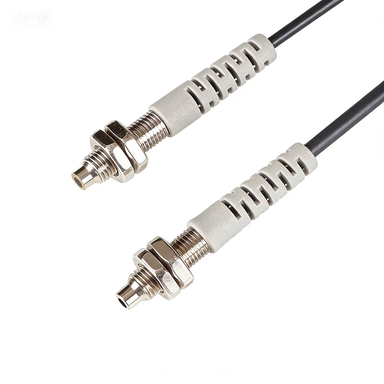
Installing the New Sensor
Align the new sensor's mounting holes with the bracket and secure it with screws to the specified torque (usually 0.5-1.0 Nm). Attach the wiring harness, ensuring a click sound confirms full engagement. Apply a small amount of dielectric grease to the connector to prevent corrosion. For adjustable sensors, set the sensing distance to 10-15 mm using a feeler gauge, as per Ricoh's specifications. Reconnect the machine to power and enter Service Mode to calibrate the sensor's threshold.
Testing and Calibration
Power on the machine and run a self-diagnostic test from the Service Mode menu (e.g., Input Check: Sensor Test). Manually trigger the sensor using a piece of paper; the machine should register the state change within 200 ms. Adjust the potentiometer on the sensor if response time is delayed. For multiple sensors in a bank, verify that each one operates independently without cross-talk. Run a full print cycle to confirm no error codes reappear. Record the replacement in the maintenance log with the date and sensor serial number.
Common Pitfalls and Troubleshooting
If the new sensor fails immediately, check for reversed polarity in the wiring harness (pin 1 vs. pin 4). Loose connections often mimic sensor failure—reseat the harness. In dusty environments, sensors may require periodic cleaning; use compressed air at 20 psi. For persistent errors, update the machine’s firmware to ensure compatibility with the sensor model. Always test with a known-good sensor from an identical machine to isolate board-level issues.
Conclusion and Best Practices
Regular sensor replacement is key to maintaining Ricoh machine reliability. Stock common sensor models (e.g., D4F-120-5D) to reduce downtime. Document each replacement with photos for future troubleshooting. For complex machines like the Ricoh Pro C9200, consider replacing sensors in pairs to ensure uniform wear. By following this procedure, engineers can restore machine performance efficiently and prevent cascading failures.