Introduction to Through-Beam Photoelectric Sensors
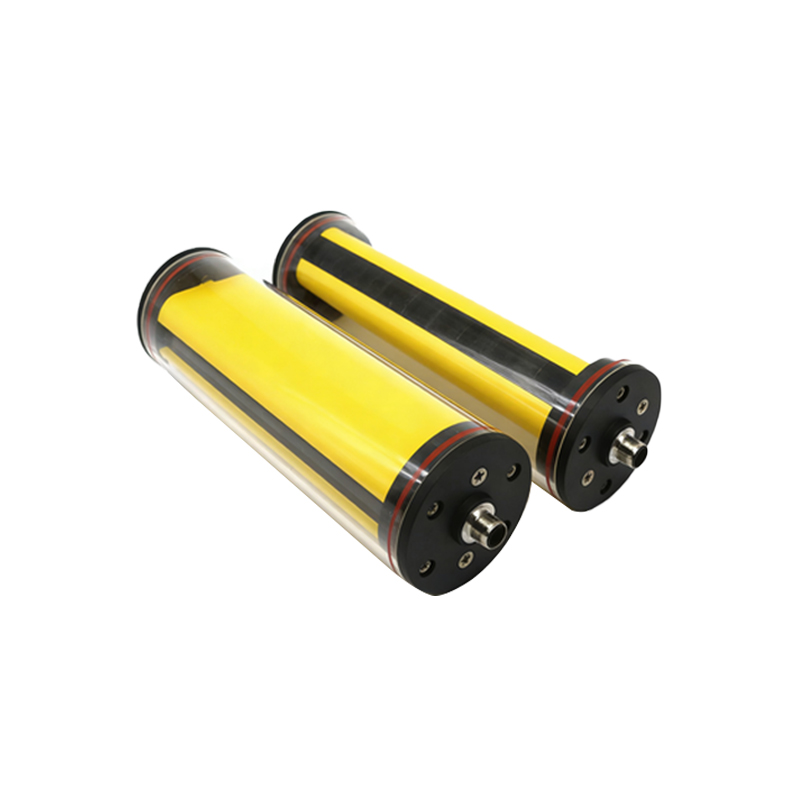
In industrial automation, through-beam photoelectric sensors are widely used for object detection due to their high reliability and long sensing range. Unlike reflective sensors, they consist of a separate emitter and receiver, creating a direct light beam. When an object interrupts this beam, the sensor triggers a signal. The Raspberry Pi, a compact single-board computer, can interface with these sensors to build cost-effective monitoring systems for manufacturing lines, conveyor belts, or safety barriers.
Sensor Selection and Wiring
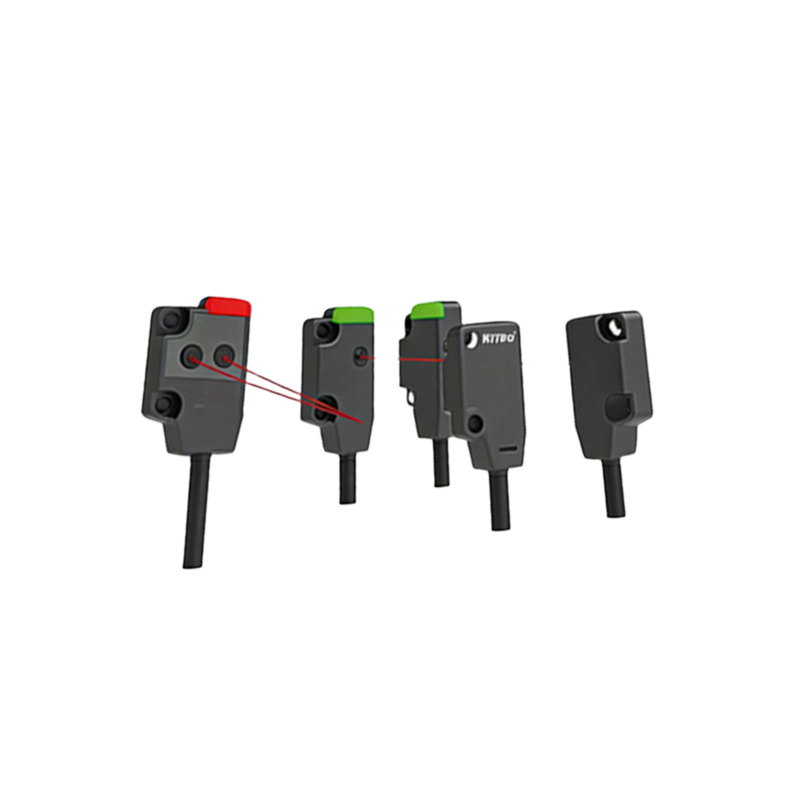
For industrial use, choose a through-beam sensor with a response time under 1 ms and a range suitable for your application (e.g., 10 meters for conveyor monitoring). Common models operate at 12-24 V DC with NPN or PNP output. For Raspberry Pi, NPN (open collector) output is easier to interface because it pulls the signal to ground when triggered. Connect the sensor emitter and receiver to a stable 24 V power supply. Wire the receiver output to a GPIO pin on the Raspberry Pi via a voltage divider (e.g., 10kΩ resistor to 3.3 V) to prevent 24 V damage. Use a pull-up resistor on the GPIO to ensure a clean digital signal.
Software Setup with Python
Enable GPIO access on Raspberry Pi by installing the RPi.GPIO library viasudo apt-get install python3-rpi.gpio. Write a Python script to poll the sensor state. For example, set GPIO 17 as input with a pull-up resistor. In a loop, read the pin:if GPIO.input(17) == GPIO.LOW: print("Object detected"). Use debouncing with a 10 ms delay to filter noise from mechanical vibrations. To avoid busy-waiting, implement edge detection withGPIO.add_event_detect(17, GPIO.FALLING, callback=my_callback). This triggers a function when the beam is broken, ideal for real-time counting.
Industrial Application Example
Consider a conveyor belt monitoring bottles. Mount the emitter on one side and receiver on the opposite, aligned at bottle neck height. Wire the sensor to Raspberry Pi, which runs a counting script. Each interruption increments a counter and logs timestamps to a CSV file. For production, use a watchdog timer to reset the script if it hangs. If multiple sensors are needed, use a multiplexer or GPIO expander like MCP23017 to handle up to 16 sensors. Test with a high-speed camera to verify detection accuracy at line speeds of 2 m/s.
Troubleshooting Common Issues
Signal noise often arises from poor wiring or electromagnetic interference. Shield the sensor cables and use ferrite beads on power lines. If the beam is misaligned, use a laser alignment tool for precise optical alignment. For long ranges, ensure the emitter and receiver lenses are clean and free from dust. If Raspberry Pi misses detections, reduce the polling interval or switch to hardware interrupts. Check the sensor datasheet for minimum object size to avoid false triggers from dust particles.