Understanding the Gear Disc in Photoelectric Sensor Systems
A photoelectric sensor gear disc is a critical component in rotary encoder applications, where it converts mechanical rotation into electrical pulses. The gear disc typically features a series of slots or teeth that interrupt the light beam between an emitter and receiver. When analyzing a gear disc image, engineers must first identify the pattern: it can be a standard binary code (e.g., Gray code) or an incremental pattern with uniform spacing. The disc material (e.g., metal or optical glass) and slot dimensions directly affect sensor resolution and signal quality. For example, a disc with 256 slots provides 256 pulses per revolution, enabling precise speed or position measurement.
Key Visual Elements in Gear Disc Images for Fault Diagnosis
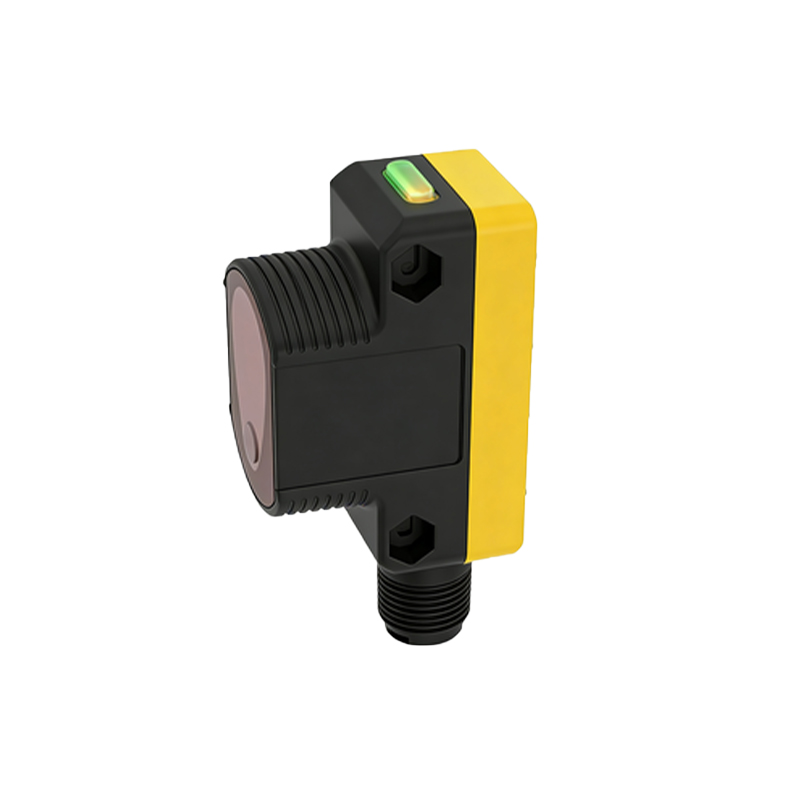
A high-quality gear disc image reveals crucial details for troubleshooting. Look for uneven slot edges or burrs, which indicate manufacturing defects or wear that can cause false triggering. Dust or oil spots on the disc surface scatter the light beam, leading to intermittent signal loss. In the image, compare the slot width to the sensor's beam diameter; a mismatch reduces the signal-to-noise ratio. For instance, if the slot width is less than twice the beam diameter, the sensor may fail to detect transitions. Engineers should also check for disc warping or eccentricity, visible as non-concentric slot patterns, which introduces angular measurement errors.
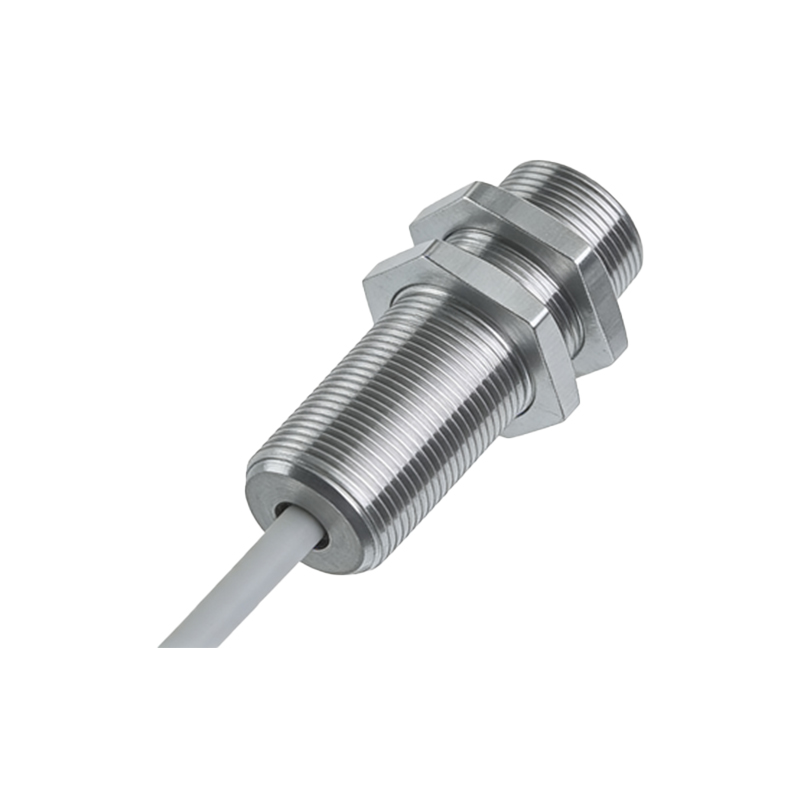
Using Gear Disc Images to Optimize Sensor Selection
When selecting a photoelectric sensor for a specific application, the gear disc image provides critical data. For high-speed applications (e.g., conveyor belts), a disc with narrow slots and high slot density (e.g., 500 PPR) is ideal, but the image must confirm minimal cross-talk between adjacent slots. In contrast, for heavy-duty environments, a disc with wide slots and reinforced edges (visible in the image) improves tolerance to vibration. Engineers can also analyze the disc's reflective properties: a matte finish reduces stray light, while a glossy finish may cause false counts. Always match the disc's material (e.g., metal for high temperature, plastic for low cost) to the operating conditions.
Common Pitfalls When Analyzing Gear Disc Images
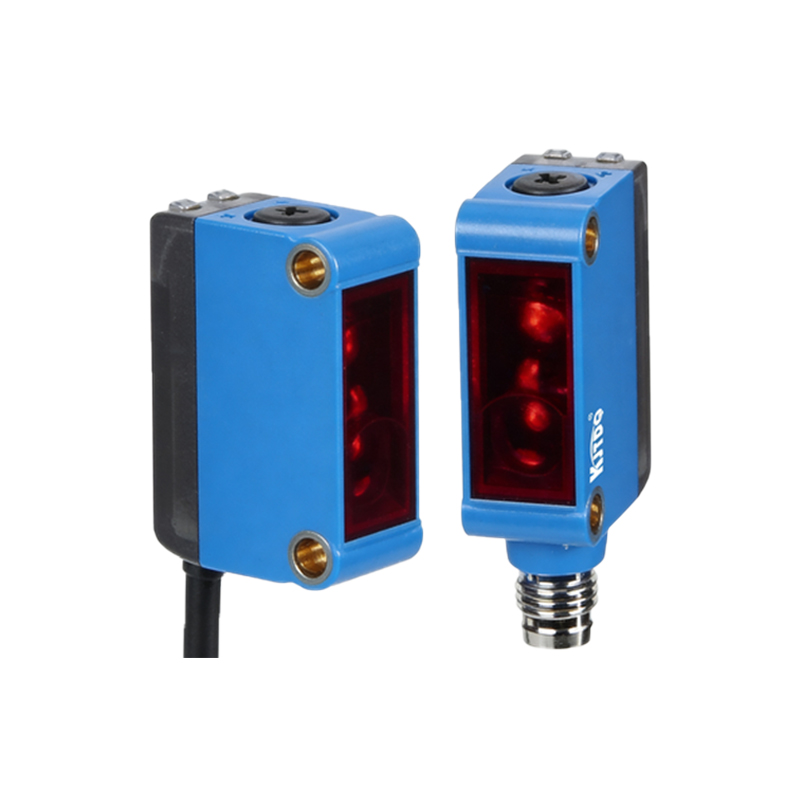
Avoid relying solely on the disc image without considering the sensor's mounting alignment. A tilted disc in the image creates variable gap distances, leading to non-uniform pulse widths. Another pitfall is misinterpreting scratches or scratches as intentional code patterns; use a calibration scale in the image to distinguish between defects and design features. For incremental discs, verify that the start/end marks (if present) align with the expected cycle. Finally, always cross-check the disc image with the sensor's datasheet specifications, such as maximum rotational speed and operating temperature range.
Practical Steps for Image-Based Gear Disc Evaluation
1. Capture the gear disc image under uniform lighting to avoid glare or shadows. 2. Use image processing software (e.g., MATLAB or OpenCV) to measure slot dimensions and pitch. 3. Compare the measured values against the sensor's resolution requirements (e.g., 0.5° per pulse). 4. Check for concentricity by overlaying a perfect circle on the disc image; deviation above 0.1 mm indicates a mechanical issue. 5. Document the findings for maintenance logs or design revisions. For example, if a disc shows 10% variation in slot width, replace it to prevent erratic sensor output.