Understanding the CPK Photoelectric Sensor
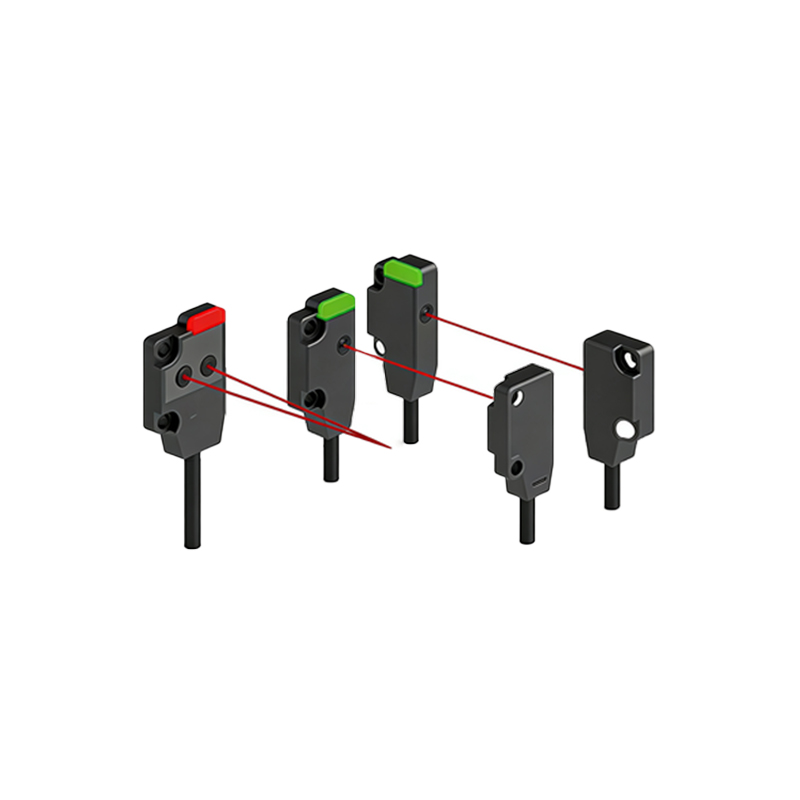
CPK photoelectric sensors are widely used in industrial automation for object detection, positioning, and counting. These sensors operate by emitting a beam of light (infrared, visible red, or laser) and detecting changes in the received light signal. Proper wiring is critical to ensure reliable performance and avoid damage to the sensor or connected equipment. Before starting, always verify the sensor model (e.g., CPK-12, CPK-24) and its specifications, such as supply voltage (typically 10-30V DC) and output type (NPN or PNP, normally open or normally closed).
Identifying the Sensor Wire Colors and Functions
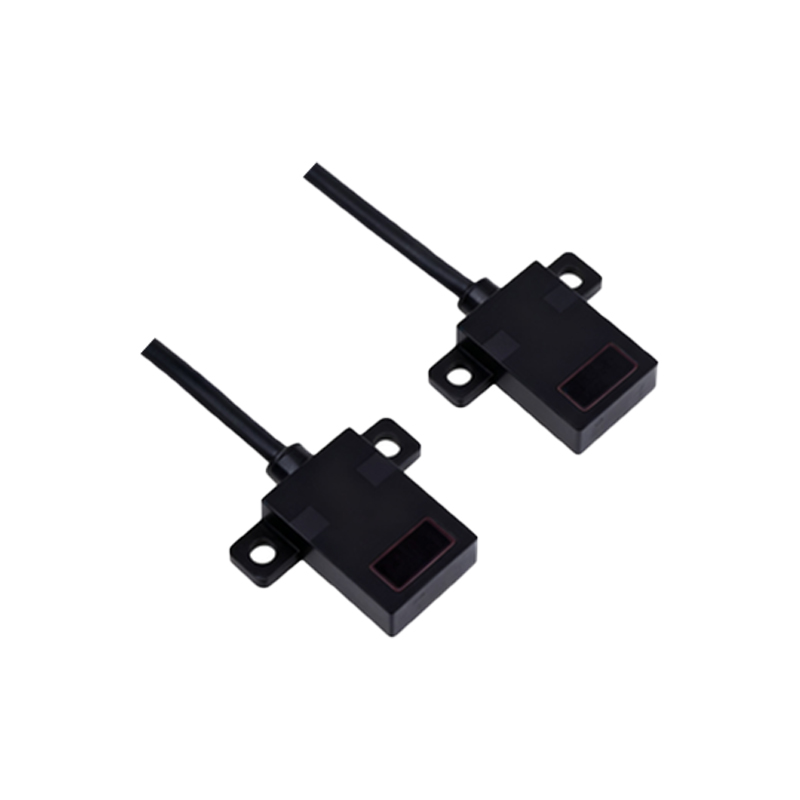
Most CPK photoelectric sensors follow a standardized color coding for their leads. Common wire colors and their functions include:
- Brown (or Red): Positive power supply (+V, typically 10-30V DC)
- Blue: Negative power supply (0V, GND)
- Black: Output signal (NPN or PNP, depending on model)
- White: Optional auxiliary output or test input (consult the datasheet)
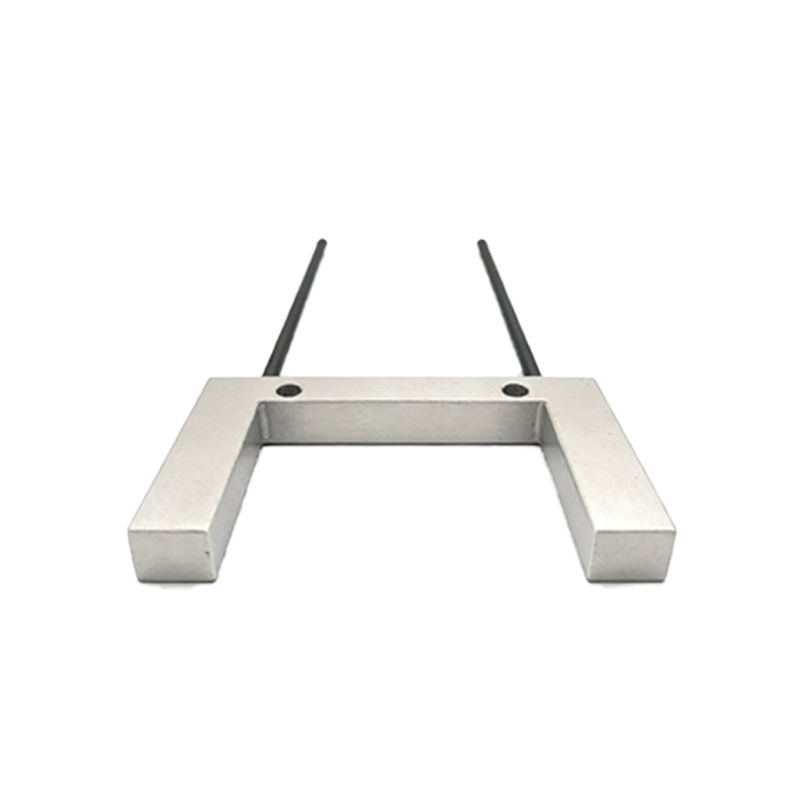
Some models have a fourth wire (gray or yellow) for alarm or synchronization. Always cross-reference the color code with the sensor’s datasheet, as variations exist between manufacturers.
Selecting the Correct Power Supply
Ensure the power supply voltage matches the sensor’s rating, typically 12-24V DC. Use a regulated DC power supply to avoid voltage spikes. Connect the brown wire to the positive terminal (+) and the blue wire to the negative terminal (-). For sensors with a wider range (e.g., 10-30V DC), a stable 24V DC supply is recommended. Avoid using AC power unless the sensor is specifically designed for it.
Wiring the Output for NPN or PNP Logic
The black wire is the sensor’s output. Determine whether the sensor is NPN (sinking) or PNP (sourcing). For NPN sensors, the output switches to ground (0V) when activated, so connect the black wire to the load (e.g., PLC input, relay coil) and then to the power supply positive. For PNP sensors, the output switches to positive (+V) when activated, so connect the black wire to the load and then to ground. If the output is normally open (NO), the signal is active when the object is detected; if normally closed (NC), the signal is active when no object is present.
Connecting to a PLC or Controller
When wiring the CPK sensor to a PLC, match the output type to the PLC input card. For NPN sensors, use a sinking input module; for PNP sensors, use a sourcing input module. Add a pull-up or pull-down resistor (typically 1-10 kΩ) if the PLC input lacks internal impedance. For high-speed applications, use shielded twisted-pair cables to minimize electromagnetic interference (EMI). Connect the shield to ground at the PLC end only.
Testing and Troubleshooting the Wiring
After wiring, power on the sensor and test with a target object. Use a multimeter to check the supply voltage (brown to blue) should be within the specified range. Measure the output voltage (black to blue) when the sensor is triggered and not triggered. If the output does not change state, verify the wiring polarity, output type, and load resistance. For sensors with a test input (white wire), applying +V or 0V can force the output to toggle for diagnostic purposes.
Safety and Best Practices
Always disconnect power before making or changing wiring connections. Use fuses (e.g., 0.5A) on the power supply line to protect the sensor from short circuits. Avoid running sensor cables parallel to high-voltage AC lines to prevent inductive noise. For outdoor or harsh environments, use IP67-rated connectors and ensure cable glands are tightened. Document the wiring configuration for future maintenance.