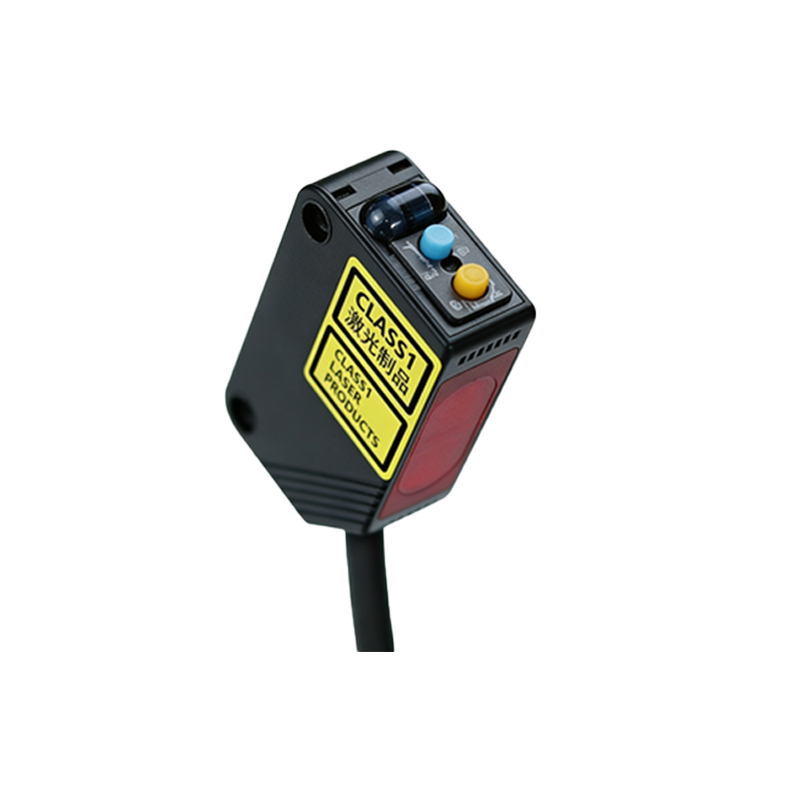
Understanding the Photoelectric Sensor and Multi-Core Cable Basics
In industrial automation, photoelectric sensors are critical for non-contact detection of objects. When wiring these sensors with multi-core cables (e.g., 4-core, 5-core, or 8-core), proper connection ensures reliable signal transmission and power supply. Multi-core cables typically include wires for power (VCC, GND), output (NO/NC), and sometimes auxiliary functions like test inputs or alarm signals. Always verify the sensor’s datasheet for pin assignments and cable color codes before starting. For example, a standard 4-core cable may use brown (VCC), blue (GND), black (NPN output), and white (PNP output) in accordance with IEC 60947-5-2.
Step-by-Step Wiring Process for Multi-Core Photoelectric Sensors
First, disconnect all power sources to avoid electrical hazards. Strip the outer sheath of the multi-core cable by approximately 30 mm using a cable stripper, exposing the individual wires. Next, strip each wire’s insulation by 6-8 mm. Connect the power wires: typically, the brown wire to the positive DC supply (10-30 VDC) and the blue wire to the negative (0 VDC). For output wiring, identify the sensor’s output type (NPN or PNP). For an NPN sensor, connect the black wire to the load’s negative side and the white wire (if present) as a normally open or normally closed auxiliary output. Use a multimeter to verify continuity and correct voltage after connections. For shielded multi-core cables, connect the shield wire to the ground terminal at the control system end only, to prevent ground loops.
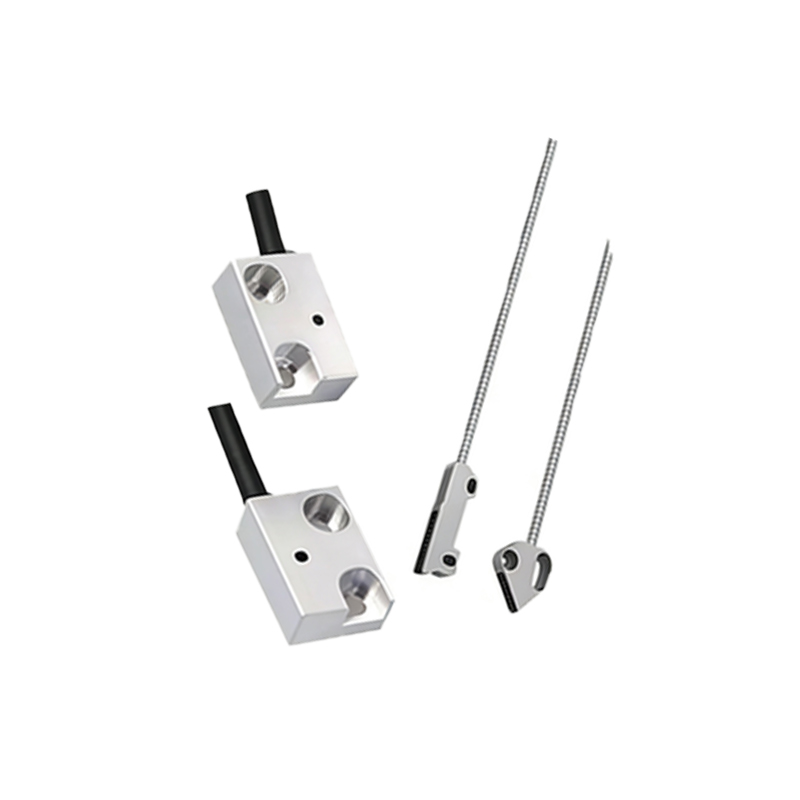
Common Wiring Configurations and Troubleshooting Tips
For a 3-wire photoelectric sensor (VCC, GND, output), a 4-core cable can be used with one spare wire left unconnected or reserved for future use (e.g., a locking function). In 5-core cables, the extra wires often serve as test inputs or synchronization lines. Always ensure the sensor’s current rating matches the cable’s gauge (e.g., 0.25 mm² for standard applications). Common issues include reversed polarity, which can damage the sensor, or loose connections causing intermittent signals. Use a terminal block or solder connections with heat shrink tubing for permanent installations. If the sensor fails to trigger, check the cable’s length: longer runs (over 10 meters) may require a thicker gauge to avoid voltage drop.
Safety and Best Practices for Industrial Environments
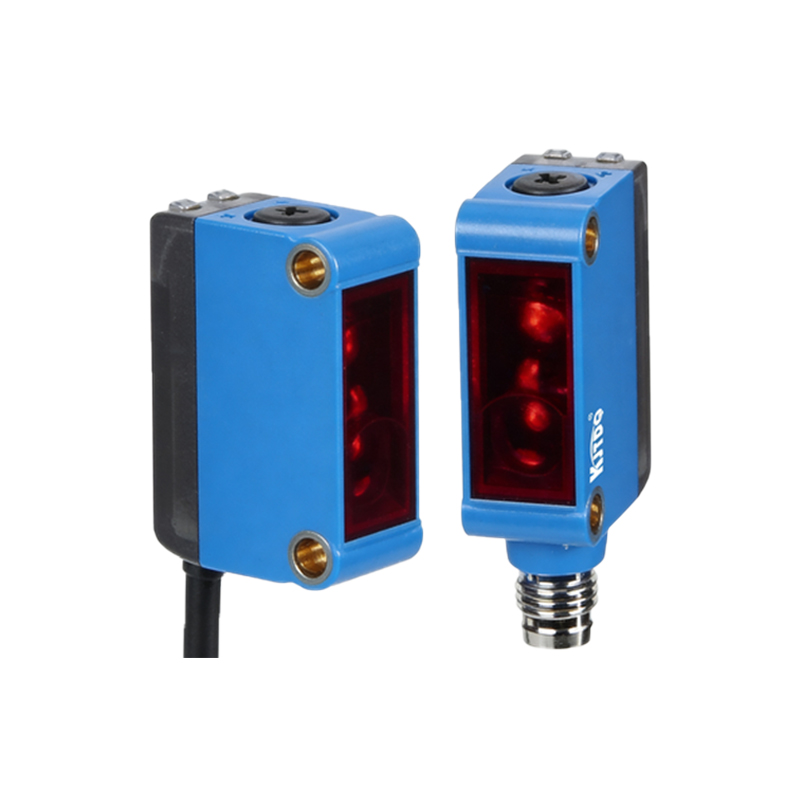
In harsh environments, use multi-core cables with PVC or PUR jackets for resistance to oil and abrasion. Label each cable core at both ends for easy identification. Follow the manufacturer’s torque specifications for terminal screws to avoid damage. For high-vibration applications, secure the cable with cable ties near the sensor. Document the wiring diagram in the system manual for future maintenance. Always perform a functional test by covering and uncovering the sensor’s lens while monitoring the output on a PLC input module. This ensures the sensor behaves as expected, such as normally open closing when triggered.