Understanding Ultra-Thin Photoelectric Sensors
Ultra-thin photoelectric sensors are compact devices designed for space-constrained industrial environments, offering reliable object detection without physical contact. Their slim profile, often less than 10 mm in thickness, allows integration into tight machinery gaps, conveyor systems, and automated assembly lines. These sensors operate using light beams, typically infrared or visible red, to detect presence, position, or distance. Proper wiring is critical for ensuring signal integrity, minimizing electrical noise, and maintaining long-term performance in harsh industrial settings.
Core Wiring Configurations for Ultra-Thin Sensors
There are three primary wiring configurations for ultra-thin photoelectric sensors: three-wire, four-wire, and two-wire systems. The three-wire configuration is most common, featuring a brown wire for positive power supply (typically 10-30 VDC), a blue wire for negative or ground, and a black wire for the output signal (NPN or PNP). For four-wire sensors, an additional white wire provides a second output, such as a complementary or alarm signal. Two-wire sensors, while simpler, require careful attention to load resistance and voltage drop, as they operate as current-sinking or sourcing devices.
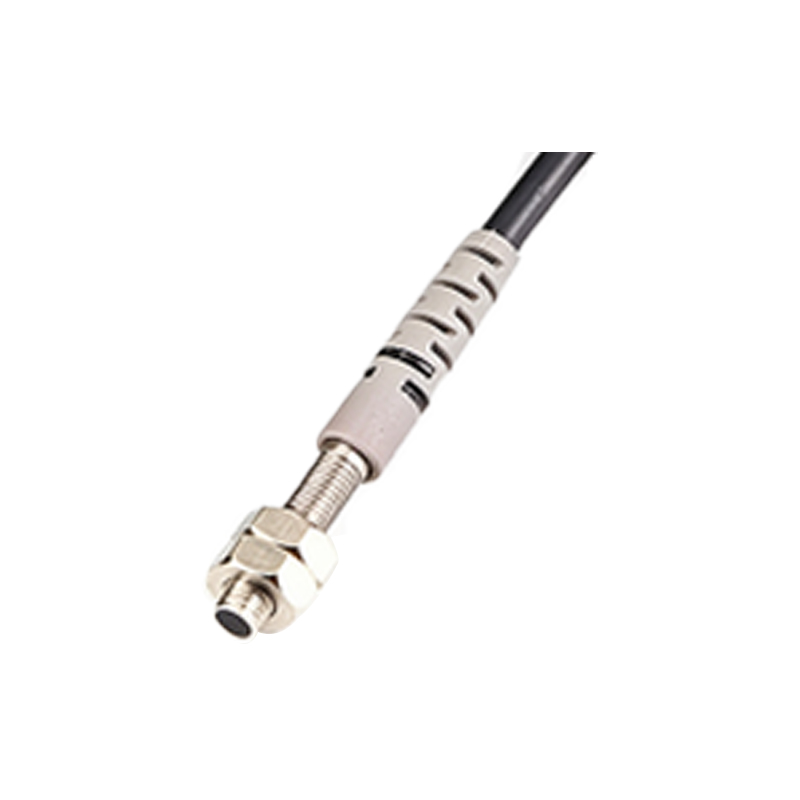
Identifying NPN vs. PNP Output Types
Before wiring, determine whether your sensor uses NPN (sinking) or PNP (sourcing) output. NPN outputs switch the load to ground, making them suitable for interfacing with PLCs that have sinking inputs. PNP outputs switch the load to positive voltage, ideal for sourcing inputs. Check the sensor datasheet or label for output type. For a PNP sensor, the black output wire connects to the PLC input, while the brown and blue wires connect to the power supply. For NPN, the black wire connects to the PLC input, but the load is completed through the blue wire to ground.
Step-by-Step Wiring Procedure
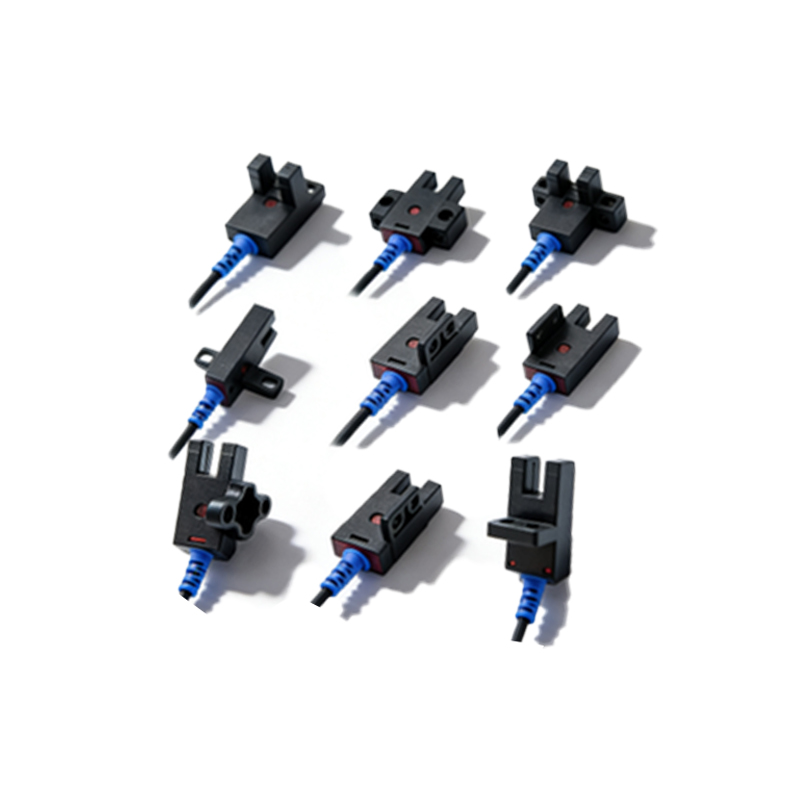
Start by disconnecting power to avoid short circuits or damage. Strip approximately 6-8 mm of insulation from each wire using a wire stripper. Connect the brown wire to the positive terminal of the DC power supply (e.g., 24 VDC). Connect the blue wire to the negative terminal or ground. For PNP output, connect the black wire to the PLC input terminal; for NPN output, connect the black wire to the PLC input and ensure the blue wire is properly grounded. Use shielded cables for long runs (over 5 meters) to reduce electromagnetic interference. Apply heat shrink tubing or electrical tape to secure connections and prevent moisture ingress.
Common Wiring Mistakes and Troubleshooting
A frequent error is mixing NPN and PNP connections, which can cause no output or false triggering. Verify the sensor type against your PLC input card configuration. Another issue is voltage drop due to long cable lengths or undersized wire gauges, leading to sensor malfunction. For two-wire sensors, ensure the load current is within the sensor's specified range (often 5-100 mA). If the sensor fails to detect objects, check for optical misalignment or contamination on the lens. Use a multimeter to test voltage at the sensor terminals; it should be within the rated range (e.g., 10-30 VDC).
Best Practices for Industrial Environments
In dusty or wet conditions, use sensors with IP67 or higher ratings and seal wire entry points with conduit fittings. Route sensor cables away from high-voltage lines or motor drives to avoid noise interference. Label all wires clearly near termination points for easy maintenance. Implement strain relief near the sensor body to prevent wire fatigue from vibration. For multi-sensor setups, use a common power supply with proper fusing to protect against short circuits. Regularly inspect wiring for corrosion or damage, especially in chemical or outdoor environments.