Understanding the 3-Wire Sensor Configuration
A three-wire photoelectric sensor typically consists of a power supply line (brown wire), a ground wire (blue wire), and an output signal wire (black or white wire). This configuration is common in industrial automation for object detection in conveyor systems, packaging machines, and material handling. The sensor operates on a DC voltage range, usually 10-30V DC, and offers discrete output signals (PNP or NPN) based on the application. Ensure the sensor's voltage rating matches your control system to avoid damage.
Identifying the Wire Functions and Color Codes
Standard color coding for 3-wire sensors follows IEC 60947-5-2: brown for V+ (positive supply), blue for V- (ground/negative), and black for the output signal. For PNP (sourcing) sensors, the output switches the positive voltage to the load; for NPN (sinking) sensors, the output switches ground to the load. Always verify the sensor datasheet for exact wiring, as some manufacturers may use white for output in certain models.
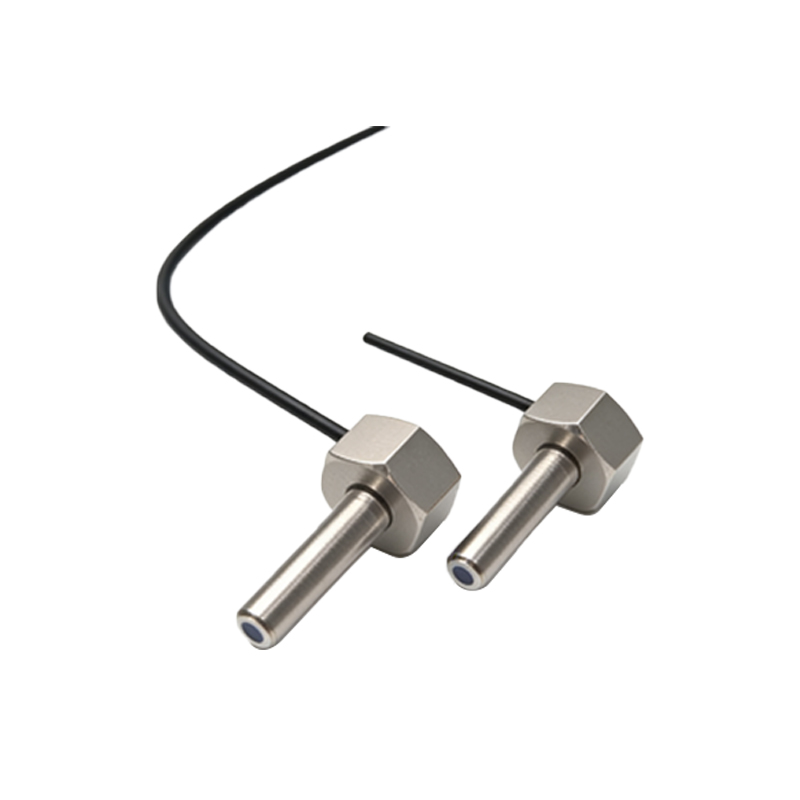
Step-by-Step Wiring Procedure for PNP Sensors
1. Connect the brown wire to the positive terminal of the DC power supply (e.g., +24V DC).
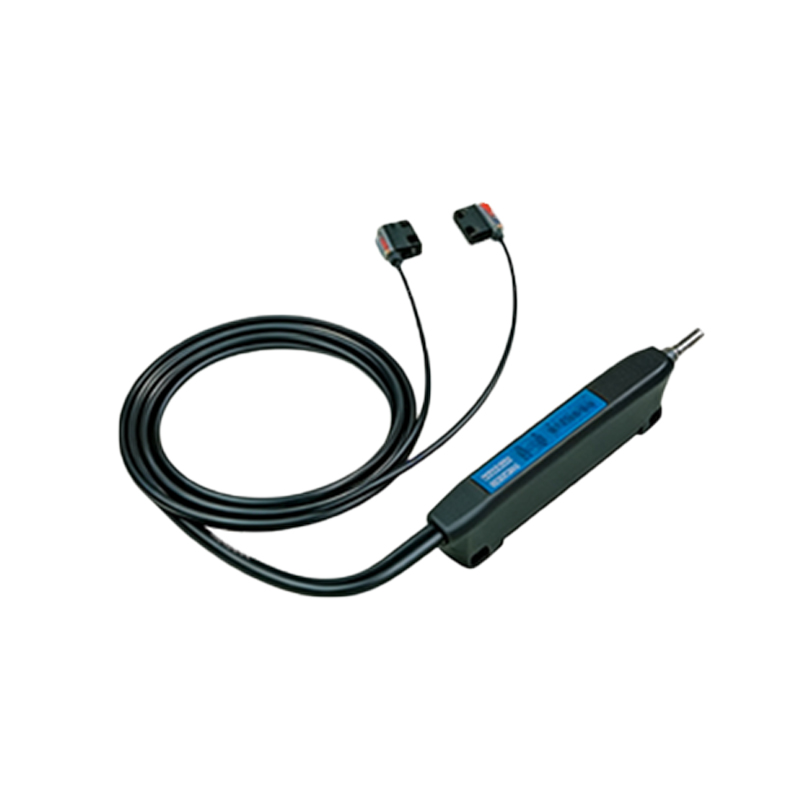
2. Connect the blue wire to the negative terminal (0V or ground).
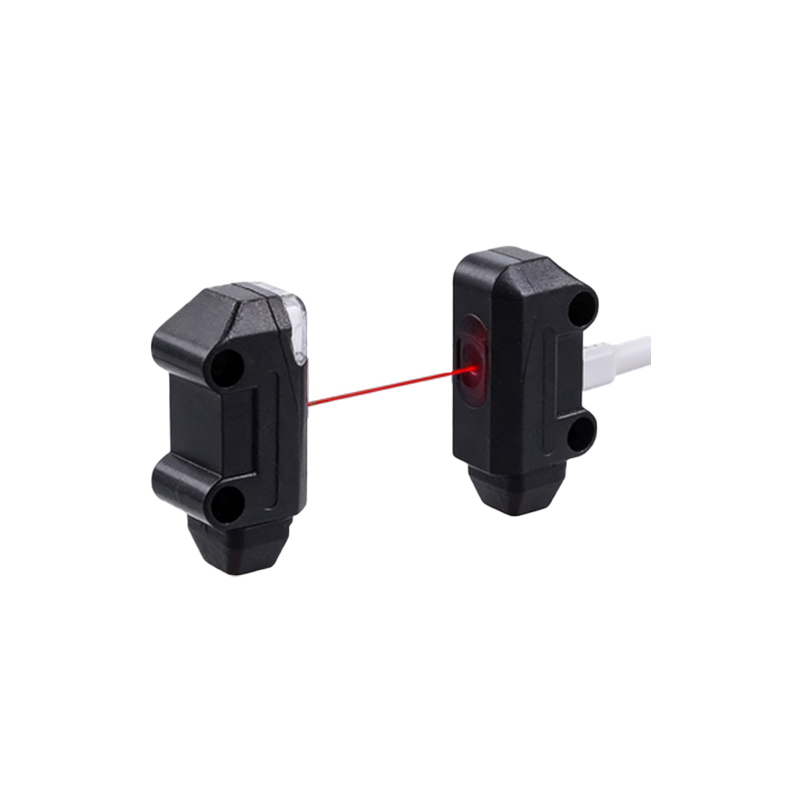
3. Connect the black wire to the input terminal of the PLC or controller. For a PNP sensor, the load (e.g., relay coil or PLC input) should be connected between the output and ground. Use a multimeter to confirm voltage readings before powering the system.
Step-by-Step Wiring Procedure for NPN Sensors
1. Connect the brown wire to the positive supply terminal.
2. Connect the blue wire to the negative supply terminal.
3. Connect the black wire to the input terminal. For an NPN sensor, the load must be connected between the output and the positive supply. Ensure the PLC input module is compatible with sinking signals to prevent ground loops or incorrect triggering.
Common Wiring Mistakes and Troubleshooting
Miswiring the power lines can cause permanent sensor damage. Always double-check polarity before energizing. If the sensor fails to detect objects, verify the output type (PNP vs. NPN) matches the load requirements. Use a pull-up or pull-down resistor if the input impedance of the controller is too high. Also, check for loose connections in terminal blocks or damaged cables, which can cause intermittent failures.
Testing and Verification after Installation
After wiring, perform a functional test: power the system and place an object in the sensor's detection range. Use a multimeter to measure voltage between the output and ground. For a PNP sensor, the output should read near V+ when activated; for NPN, it should drop to near 0V. Record baseline measurements for future maintenance. Ensure the sensor's sensing distance is adjusted according to the target material and ambient light conditions.
Safety Considerations and Best Practices
Always disconnect power before handling wires. Use appropriate gauge wires for current ratings (typically 22-18 AWG for low-voltage sensors). Avoid routing sensor cables near high-voltage lines to prevent electromagnetic interference. Implement surge protection if the sensor is in a harsh environment with frequent voltage spikes.
Conclusion
Proper wiring of a 3-wire photoelectric sensor is critical for reliable automation system performance. By following color codes, matching output types to controllers, and conducting thorough testing, engineers can minimize downtime and ensure accurate detection.