Introduction to Photoelectric Sensors and Three-Wire Configuration
Photoelectric sensors are essential components in industrial automation, used for detecting objects, distances, and presence without physical contact. The three-wire configuration is one of the most common setups, offering reliable performance in harsh environments. This configuration typically includes a power supply wire (often brown), a ground wire (blue), and a signal output wire (black or white). Understanding the wiring diagram is crucial for proper installation and troubleshooting in systems like conveyor belts, packaging lines, and safety barriers.
Wiring Color Codes and Their Functions
In standard three-wire photoelectric sensors, the brown wire connects to the positive terminal of the DC power supply, typically +24V DC. The blue wire serves as the ground or common, connected to the negative terminal (0V). The black wire is the output signal, which can be either NPN (sinking) or PNP (sourcing) depending on the sensor type. For PNP sensors, the output switches to positive voltage when activated; for NPN, it switches to ground. Some sensors may use a white wire as an additional output for alarm or test functions. Always verify the manufacturer's datasheet to confirm polarity and output type, as incorrect wiring can damage the sensor.
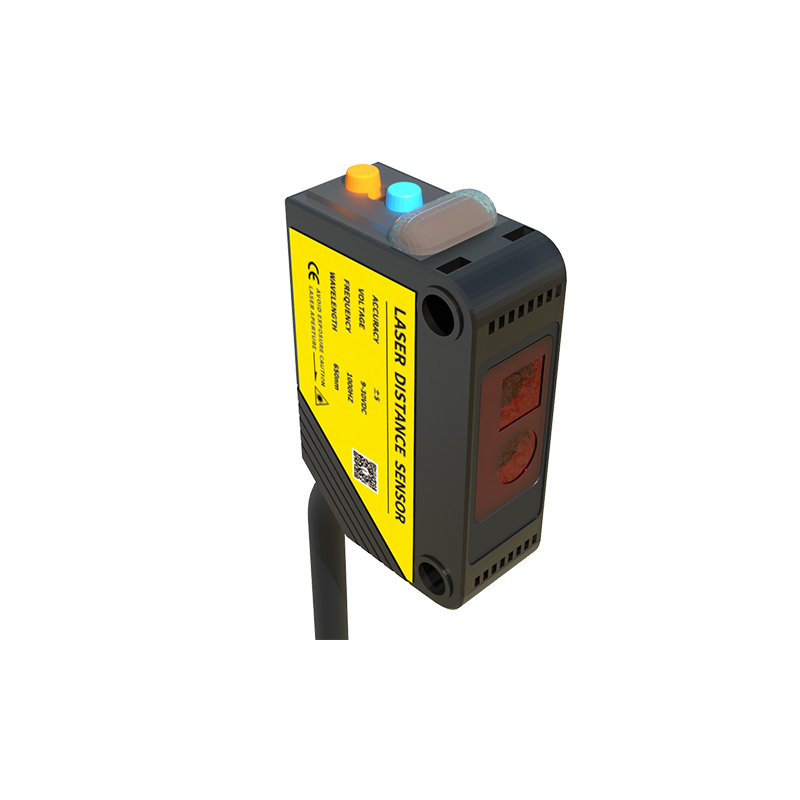
Typical Connection Diagram for PNP Sensors
For a PNP photoelectric sensor, the wiring diagram includes the brown wire to +24V, blue to 0V, and black to the input of a PLC or relay. When the sensor detects an object, the internal transistor connects the black wire to +24V, sending a high signal to the controller. This configuration is common in systems requiring a positive logic signal. A simple diagram: [Power Supply +24V] → [Brown Wire] → [Sensor]; [Black Wire] → [PLC Input]; [Blue Wire] → [Power Supply 0V]. Ensure the load (e.g., PLC input) is connected between the black wire and ground.
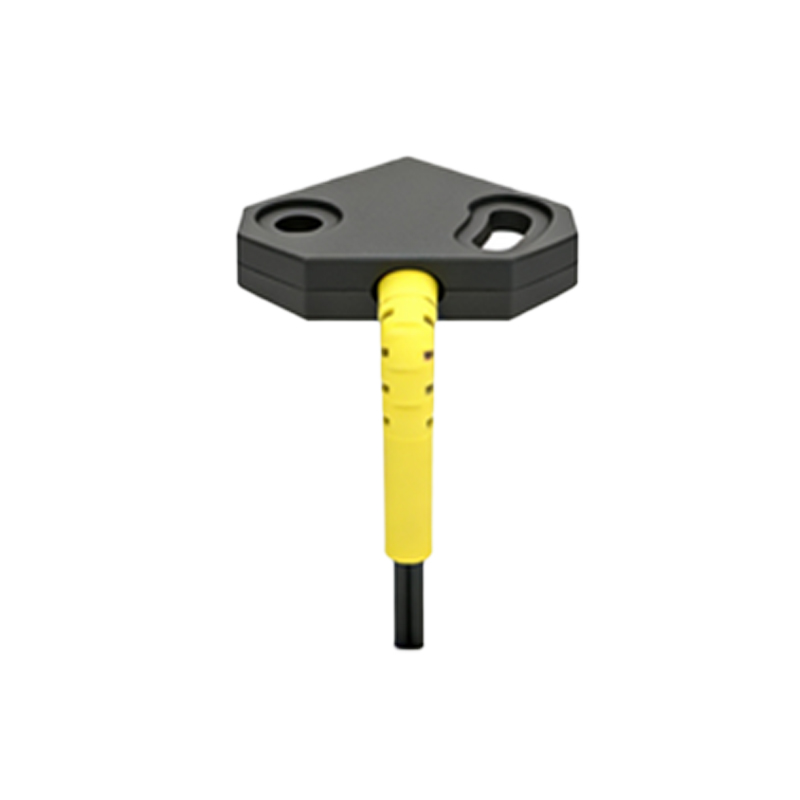
Typical Connection Diagram for NPN Sensors
In NPN sensors, the brown and blue wires remain the same, but the black wire connects to the load with the other side of the load tied to +24V. When activated, the black wire switches to 0V, pulling the load to ground. The diagram is: [Power Supply +24V] → [Load] → [Black Wire]; [Blue Wire] → [0V]; [Brown Wire] → [+24V]. This sinking output is preferred in systems with common positive power buses. It is critical to match the sensor output type with the input module of the controller to avoid signal conflicts.
Common Wiring Mistakes and Troubleshooting Tips
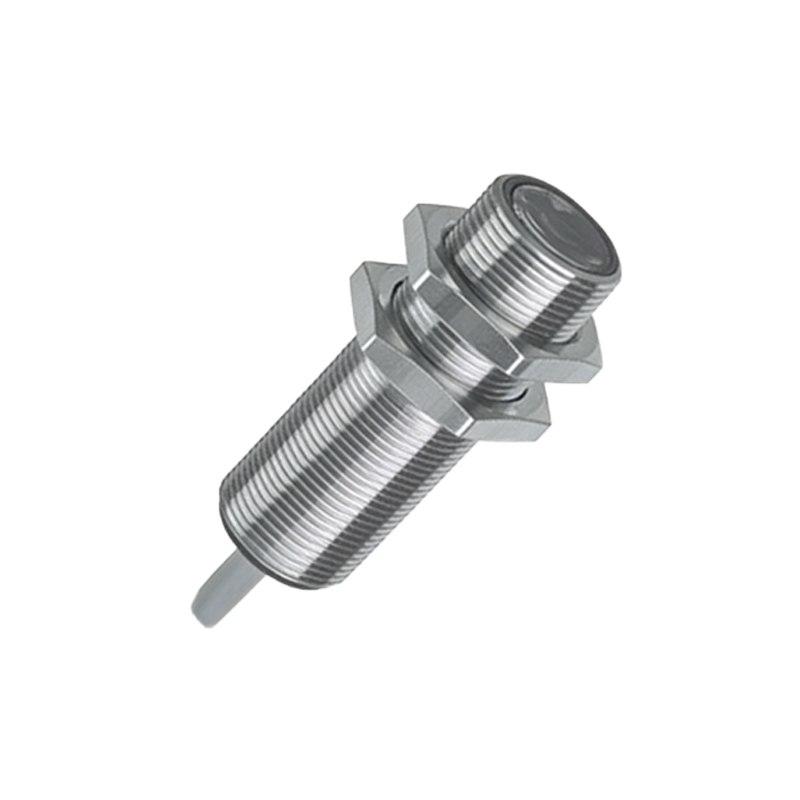
Mistakes in three-wire sensor wiring often lead to no output or false triggers. A frequent error is reversing the power wires, which can short-circuit the sensor. Another is mixing up NPN and PNP outputs with incompatible PLC inputs, causing the signal to stay high or low. To troubleshoot, use a multimeter to check voltage between brown and blue (should be the supply voltage, e.g., 24V). Then, test the black wire under detection and no-detection conditions. For PNP, black should be near 0V when off and 24V when on. For NPN, it should be 24V when off and near 0V when on. Always ensure the power supply is stable and the sensor is within its rated range.
Best Practices for Industrial Installation
When installing three-wire photoelectric sensors, follow these practices: use shielded cables for long runs to reduce electrical noise, connect the shield to ground only at the controller side. Avoid running sensor cables parallel to high-voltage power lines. Use proper strain relief and waterproof connectors in wet environments. Label all wires clearly for maintenance. Test the sensor with a known object before integrating into the system. Adhering to these guidelines ensures long-term reliability and reduces downtime in automated processes.