Understanding the Photoelectric Sensor Output
Photoelectric sensors are widely used in industrial automation for object detection, position sensing, and counting. The most common output types are NPN (sinking) and PNP (sourcing), which determine how the sensor interfaces with a Data Acquisition (DAQ) card. Before wiring, verify the sensor's datasheet for output type, voltage range (typically 10-30 VDC), and current rating. For reliable signal transmission, ensure the sensor's output voltage matches the DAQ card's input specifications.
Selecting the Right DAQ Card Input Channel
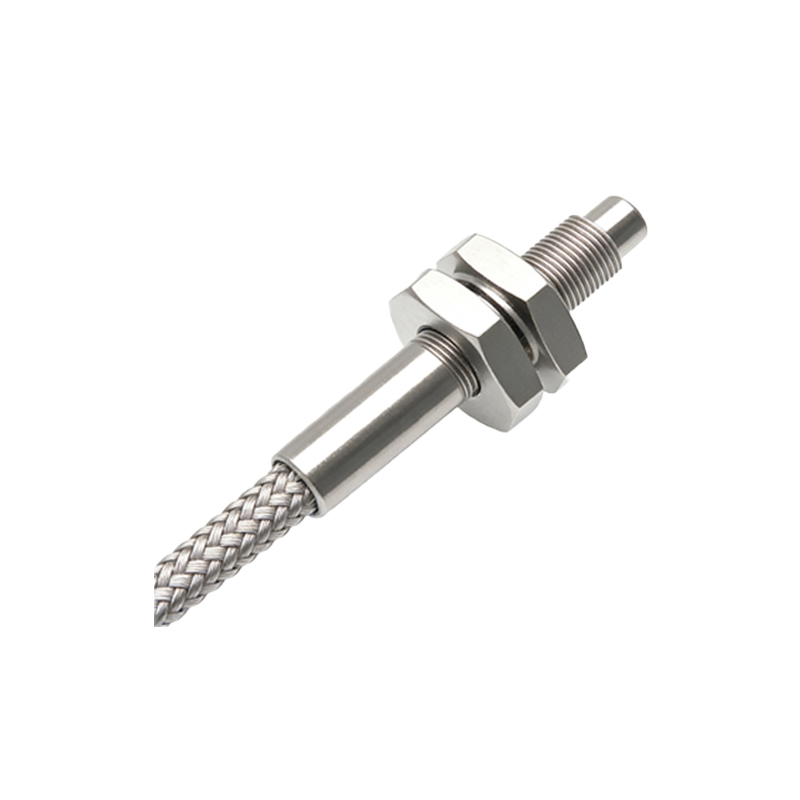
DAQ cards typically feature digital input channels that accept discrete signals (0 or 1) and analog input channels for continuous voltage or current. For photoelectric sensors with binary output (e.g., object present or absent), use digital input channels. If the sensor provides analog output (e.g., distance measurement), select an analog channel with appropriate resolution (12-bit or higher) and sampling rate (at least 10x the sensor's response speed). Always check the DAQ card's maximum input voltage to avoid damage.
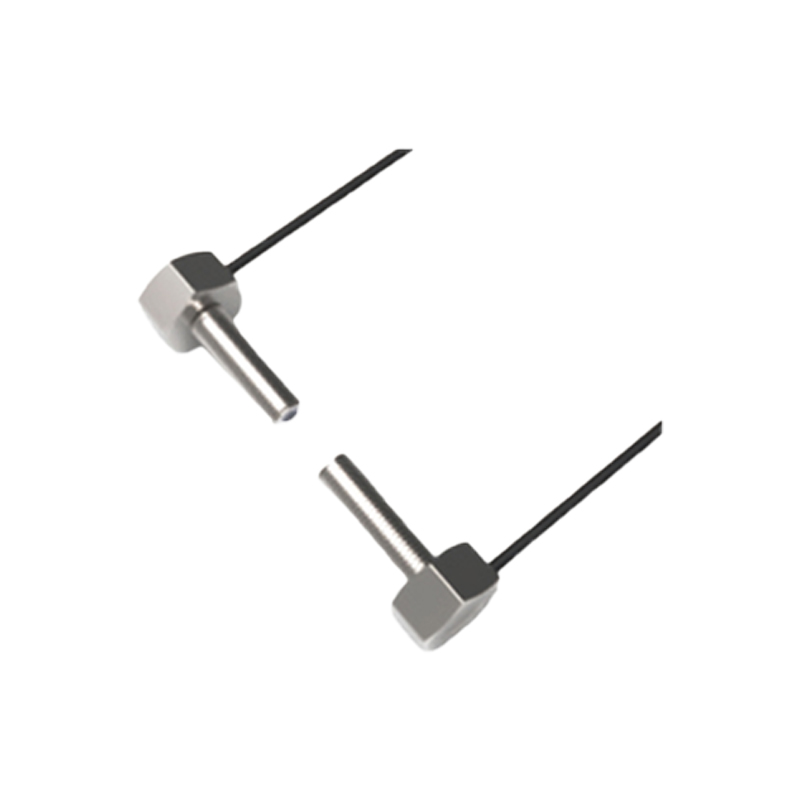
Wiring Configuration for NPN and PNP Sensors
For NPN sensors, the output connects to the DAQ card's digital input pin, while the sensor's common line connects to ground (GND). For PNP sensors, the output connects to the input pin, and the common line connects to the positive supply voltage (V+). Use shielded twisted-pair cables to minimize electromagnetic interference (EMI) in noisy factory environments. A typical wiring example: brown wire = V+ (24 VDC), blue wire = GND, black wire = output signal.
Adding Pull-Up or Pull-Down Resistors
Some DAQ cards require external resistors to ensure a stable logic state when the sensor is inactive. For NPN sensors, connect a pull-up resistor (typically 1 kΩ to 10 kΩ) between the input pin and V+. For PNP sensors, use a pull-down resistor between the input pin and GND. The resistor value depends on the sensor's current sinking/sourcing capability and the DAQ card's input impedance. Calculate using Ohm's law: R = (Vcc - Vlogic) / I.
Signal Conditioning for Analog Sensors
If using an analog photoelectric sensor (e.g., laser displacement sensor), implement signal conditioning to improve accuracy. Apply a low-pass filter (RC circuit) to remove high-frequency noise from the sensor output. For current-loop sensors (4-20 mA), connect a precision resistor (e.g., 250 Ω) across the DAQ card's analog input to convert current to voltage. Use a differential input configuration to reject common-mode noise from long cable runs.
Software Configuration and Testing
After wiring, configure the DAQ card in your software (e.g., LabVIEW, MATLAB, or PLC environment). Set the digital input channel to "high" or "low" logic level, and assign a trigger threshold for analog inputs. Write a simple test script to read the sensor state every 100 ms. Verify the signal by placing an object in front of the sensor; the DAQ card should register a logic change or voltage shift. If noise appears, increase the debounce time (e.g., 50 ms) in software.
Troubleshooting Common Issues
If the DAQ card fails to read the sensor, check the following: (1) Is the sensor powered correctly? Measure voltage at the sensor terminals. (2) Is the wiring polarity reversed? Swap the output and common lines. (3) Is the DAQ card input overloaded? Ensure the sensor's output current does not exceed the card's maximum rating. Use an oscilloscope to inspect the signal waveform for glitches or slow rise times, which may indicate cable capacitance issues.
Optimizing for Industrial Environment
In harsh industrial settings, protect the sensor-DAQ connection with surge suppressors and ferrite beads on cables. Use industrial-grade connectors (e.g., M12) for easy replacement. For long distances (over 10 meters), consider using a signal repeater or converting to RS-485 protocol to maintain signal integrity. Document the wiring diagram and software settings for future maintenance.