Understanding the 4-Core Photoelectric Sensor Cable
A 4-core photoelectric sensor cable typically consists of four color-coded wires: brown, blue, black, and white. In industrial automation, these wires serve specific functions based on the sensor type (e.g., through-beam, retro-reflective, or diffuse). The brown wire is generally the positive power supply (+V, typically 10-30V DC), the blue wire is the negative ground (0V), the black wire is the normally open (NO) output, and the white wire is the normally closed (NC) output or a second output for complementary switching. Always refer to the sensor datasheet, as wiring configurations may vary by manufacturer, especially for PNP vs. NPN output types.
Step 1: Identify Power Supply and Ground Connections
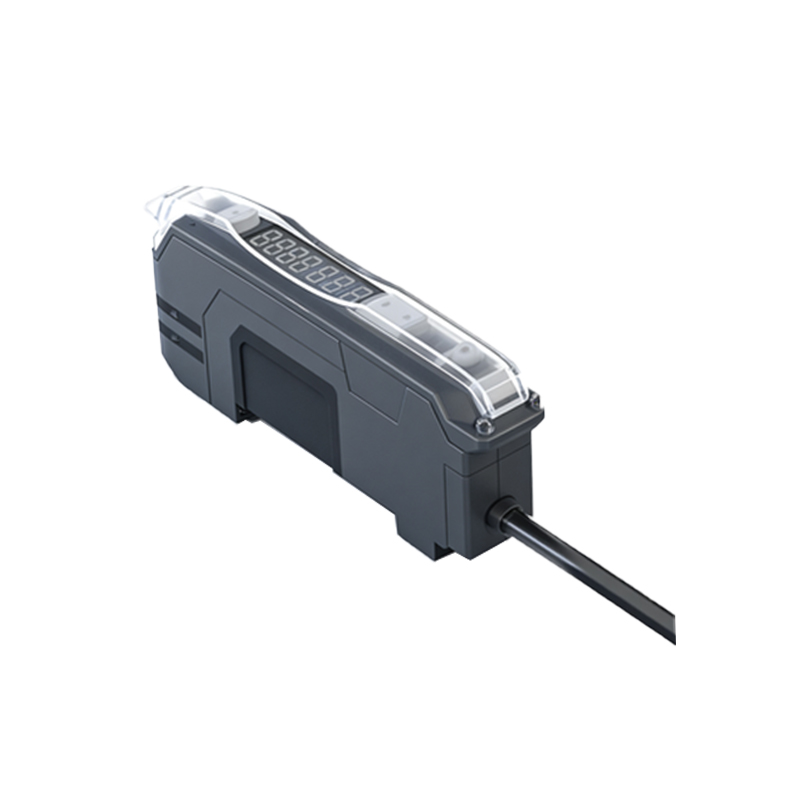
Begin by connecting the brown wire to the positive terminal of your DC power supply (e.g., +24V DC). Ensure the power supply voltage matches the sensor’s rated voltage, typically between 10-30V DC. Next, connect the blue wire to the negative terminal (0V or common ground). Use a multimeter to verify continuity and avoid reverse polarity, which can damage the sensor. For reliable operation, use shielded cables in noisy industrial environments to minimize electromagnetic interference (EMI).
Step 2: Connect the Output Wires for PNP or NPN Sensors
For PNP (sourcing) sensors, the black wire (NO) outputs a positive voltage when the sensor is activated. Connect this black wire to the input of a PLC, relay, or controller. The white wire (NC) outputs a positive voltage when the sensor is not activated. For NPN (sinking) sensors, the black wire outputs a ground signal (0V) when activated, and the white wire outputs a ground signal when not activated. Use a pull-up or pull-down resistor if needed, depending on the controller input requirements. Double-check the sensor’s label: PNP sensors often have a “+” symbol, while NPN sensors have a “-” symbol near the output terminals.
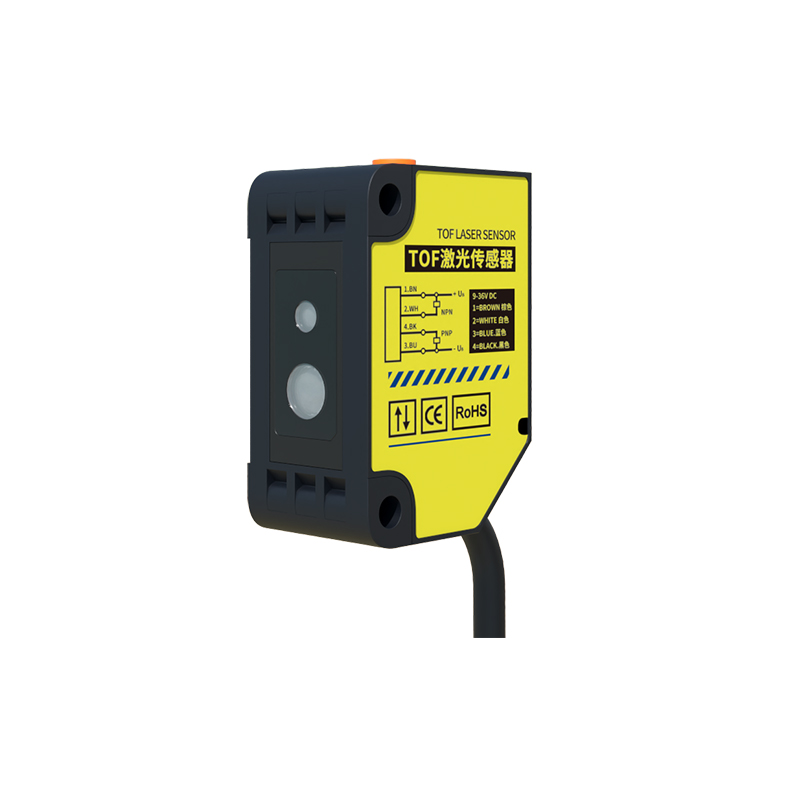
Step 3: Test and Secure the Wiring
After connecting all wires, power on the system and test the sensor by placing an object in its detection zone. Use a multimeter to measure voltage between the black wire and ground: it should switch from 0V to +V (for PNP) or from +V to 0V (for NPN) upon activation. If using the white wire, verify it operates in opposite logic. Secure all connections with screw terminals, wire ferrules, or solder joints, and use cable glands to prevent strain. Label the wires for future maintenance. Finally, check for short circuits or stray voltage using an insulation tester.
Common Wiring Mistakes and Troubleshooting Tips
One frequent error is mixing up the brown and blue wires, causing reverse polarity and sensor failure. Another is using the wrong output type (e.g., connecting an NPN output to a PNP-only input). If the sensor does not respond, verify the power supply voltage and check for loose connections. For long cable runs (over 100 meters), use twisted-pair wires to reduce voltage drop and signal loss. Always follow local electrical codes and use appropriate fuses or circuit breakers to protect the sensor.