Understanding the Three-Wire Photoelectric Sensor
A three-wire photoelectric sensor is a common type of industrial proximity sensor used for non-contact object detection. It typically operates on a DC power supply and includes three distinct wires: a brown wire for positive power (+V or Vcc, often 10-30V DC), a blue wire for negative power (0V or ground), and a black wire for the output signal. The output can be either NPN (sinking) or PNP (sourcing), which determines how the sensor interfaces with a controller, such as a PLC or relay. Selecting the correct wiring configuration is critical for reliable system operation, as incorrect connections can lead to sensor damage or false triggering.
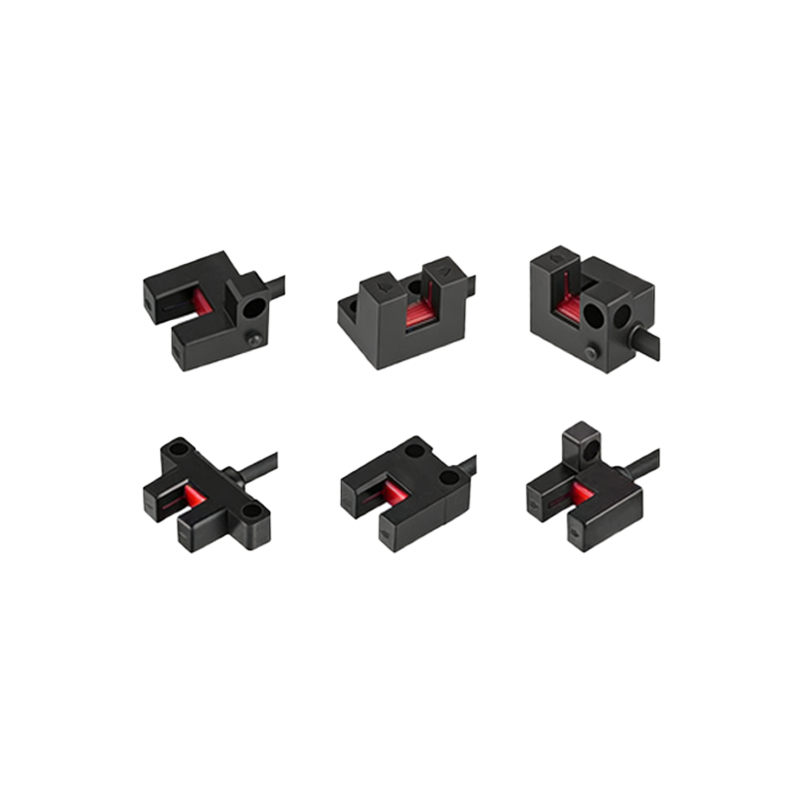
Identifying the Wire Functions and Color Codes
Before starting the wiring process, verify the sensor's datasheet to confirm the wire color codes, as they may vary by manufacturer. In standard industrial practice, the brown wire is always the positive DC supply line, typically connected to a regulated 24V DC power source. The blue wire is the common ground or negative line, connected to the 0V terminal of the power supply. The black wire carries the sensor's output signal, which changes state (high or low) based on detection. For NPN sensors, the output switches to ground when activated, while for PNP sensors, the output switches to the positive supply voltage. Use a multimeter to test continuity if wires are not color-coded.
Connecting the Power Supply Wires
Begin by turning off power to the system to prevent short circuits or electric shock. Connect the brown wire to the positive terminal of the DC power supply, typically labeled +24V or V+. For industrial environments, use a fuse or circuit breaker rated for the sensor's current draw (usually less than 200 mA) to protect against overcurrent. Connect the blue wire to the negative terminal (0V or ground) of the same power supply. Ensure the power supply provides clean, stable DC voltage within the sensor's specified range, typically 10-30V DC. Avoid connecting to AC power, as this can destroy the sensor's internal electronics.
Wiring the Output Signal Wire
The black output wire must be connected to the input terminal of the control device, such as a PLC digital input module, a relay coil, or a counter. For a PNP sensor (common in European and North American systems), the output wire provides a positive voltage signal when the sensor detects an object. Thus, connect the black wire to the input terminal of the PLC, and ensure the PLC's common terminal is connected to the 0V ground. For an NPN sensor (common in Asian systems), the output wire sinks current to ground when activated. Connect the black wire to the input terminal, and ensure the PLC's common terminal is connected to the positive supply voltage. If using a relay, include a flyback diode across the relay coil to suppress voltage spikes.
Testing and Troubleshooting the Wiring
After all connections are made, power on the system and observe the sensor's indicator light (if present) to confirm it is powered. Use a multimeter to measure voltage between the brown and blue wires; it should read the supply voltage (e.g., 24V DC). Next, test the output: cover or block the sensor's sensing face, and measure voltage between the black and blue wires. For a PNP sensor, the voltage should rise to the supply level (e.g., 24V) when activated. For an NPN sensor, the voltage should drop to near 0V when activated. If the output is incorrect, check for loose connections, wrong power polarity, or mismatched sensor type (NPN vs. PNP) with the controller. Also, verify that the load impedance matches the sensor's output specifications to avoid signal dropout.
Best Practices for Installation
To ensure long-term reliability, use shielded cables for the sensor wiring, especially in environments with high electromagnetic interference (EMI) from motors or variable frequency drives. Ground the shield at one end only to prevent ground loops. Keep the sensor cable away from high-voltage power lines to reduce noise. Use ferrite beads or filters on the power supply line if necessary. Additionally, mount the sensor on a stable bracket with proper alignment to the target object, and consider using a quick-disconnect connector for easy maintenance. Always follow the manufacturer's installation guidelines and local electrical codes.