Understanding the Core Value of Photoelectric Sensors
In the competitive field of industrial automation, selecting the right photoelectric sensor is crucial for both performance and budget management. As an electrical engineer, I have evaluated numerous sensor models across different price tiers. The term "cost-effective" does not simply mean the cheapest option; it refers to sensors that offer reliable detection, long service life, and minimal maintenance for a reasonable price. When browsing sensor images, pay attention to the housing material—typically stainless steel or reinforced plastic—and the lens quality. A well-sealed sensor with an IP67 rating or higher can withstand harsh factory environments, reducing replacement costs over time.
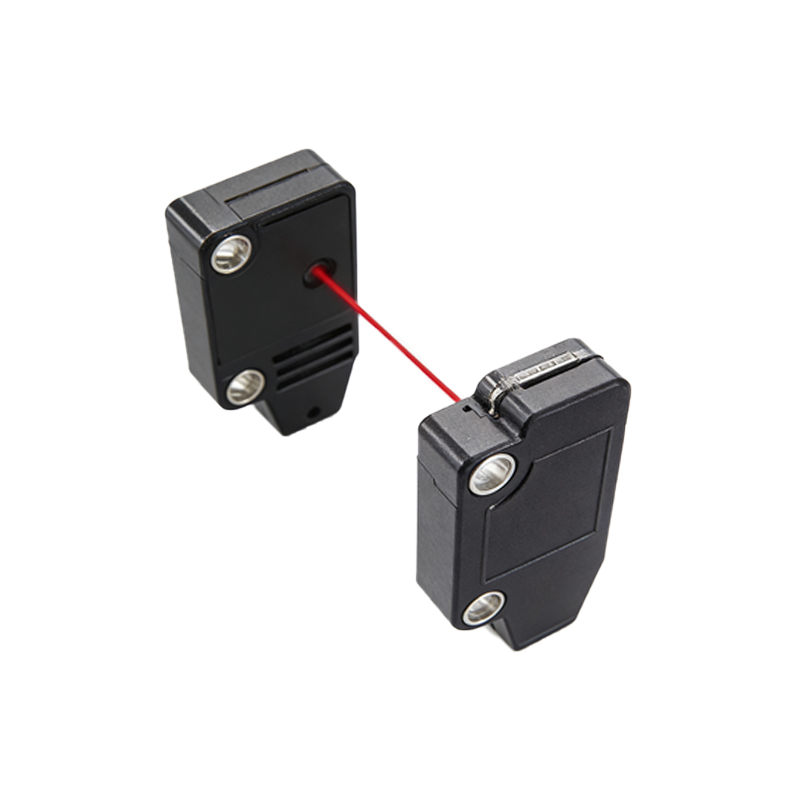
Key Technical Specifications to Verify in Photos
Before purchasing, examine product images for critical details: the sensing distance, response time, and output type. For example, a thrubeam sensor with a 10-meter range may be overkill for a short conveyor line, while a diffuse sensor with background suppression can be more economical for close-range object detection. Look for clear labeling on the sensor body, which often indicates the operating voltage (e.g., 10-30V DC) and connection type (M12 connector or cable). High-quality images will show these markings distinctly, allowing you to confirm compatibility with your existing control system without ordering a sample first.
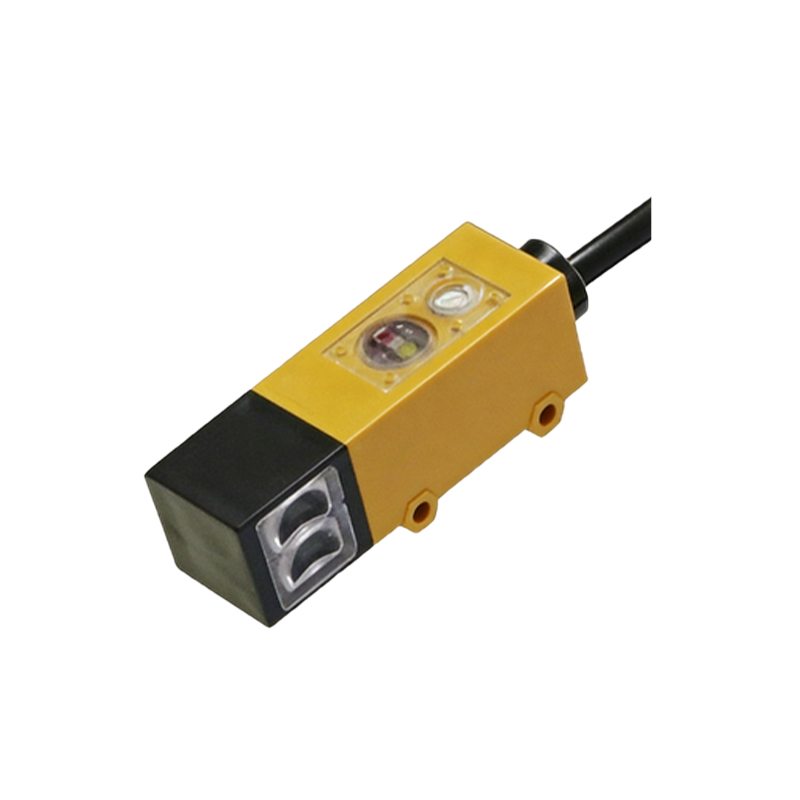
Comparing Materials and Build Quality Through Visual Inspection
A cost-effective sensor should feature a robust design that resists vibration, moisture, and temperature fluctuations. In product photos, check for metal threaded inserts, which provide better mounting stability than plastic threads. Also, observe the cable entry—a strain relief boot or sealed gland prolongs cable life. Engineers often overlook the indicator LED visibility; a bright, multi-color LED on the sensor housing helps during installation and troubleshooting. If the image shows a recessed or poorly visible LED, it may indicate lower manufacturing standards.
Evaluating Price vs. Performance in Industrial Applications
I recommend creating a shortlist of sensors with similar specifications, then comparing their thermal and electrical characteristics. For instance, a sensor with a fast switching frequency (e.g., 1 kHz) is essential for high-speed packaging lines, but a slower 100 Hz sensor may suffice for pallet detection. The most cost-effective solution often comes from established brands like Omron, Banner, or Sick, but well-documented generic alternatives can offer similar performance at 30-50% lower cost. Always request datasheets and cross-reference the specifications with the images—especially the sensing pattern and beam type.
Practical Tips for Procurement and Testing
When you receive the sensor, test it under actual operating conditions: simulate target objects at the maximum specified range and check for false triggers. Use a multimeter to verify the output signal matches the datasheet. A truly cost-effective sensor will pass these tests consistently. Additionally, review the warranty terms; many budget sensors offer only a 1-year warranty, while higher-end options provide 3-5 years. Balancing initial cost with long-term reliability is the hallmark of smart procurement.