Importance of Regular Sensor Cleaning
Photoelectric sensors are critical components in automated manufacturing, packaging, and material handling systems. Dust, oil, coolant mist, and other contaminants can accumulate on the sensor lens, reducing light transmission and causing false triggers or missed detections. In harsh industrial settings, even a thin film of residue can degrade performance, leading to production delays and equipment downtime. Regular cleaning ensures reliable operation, extends sensor lifespan, and maintains process accuracy. Engineers should establish a preventive maintenance schedule based on the specific environment—such as weekly cleaning in dusty areas or daily checks in high-contamination zones like welding or machining stations.
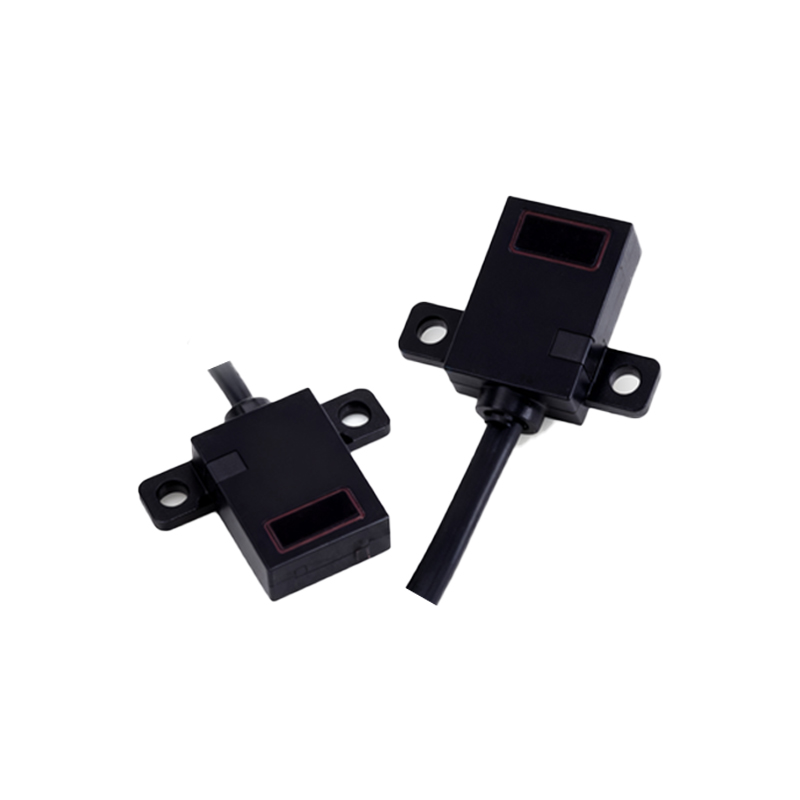
Identifying Common Contaminants
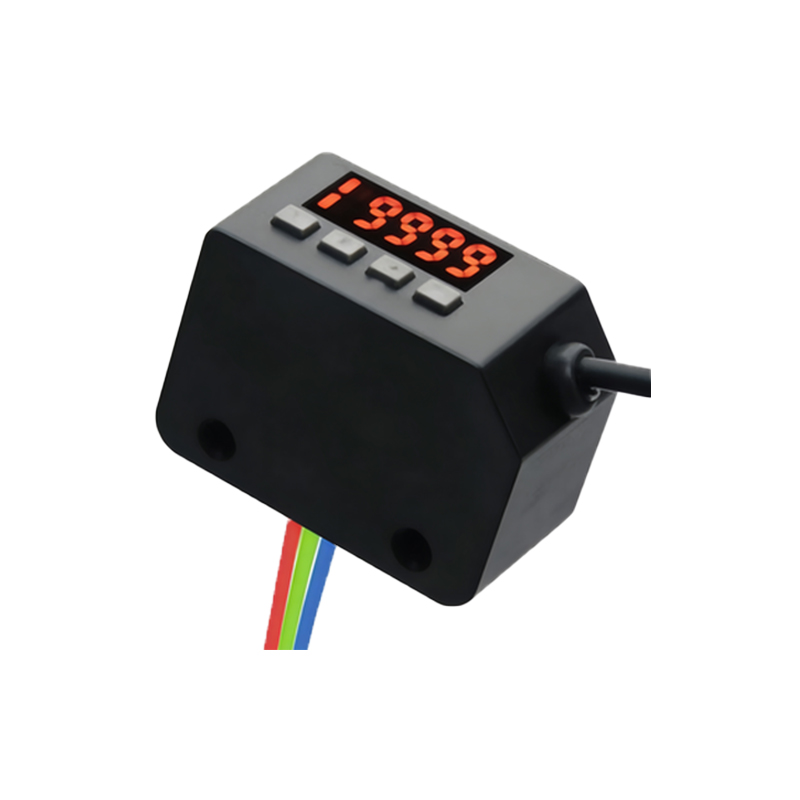
Different contaminants require different cleaning approaches. Common pollutants include dry dust and particulate matter from grinding or packaging processes, oily residues from hydraulic fluids or lubricants, water-based coolants, and sticky substances like adhesives or paint overspray. Before cleaning, inspect the sensor housing and lens for visible deposits. Use a magnifying glass or borescope for hard-to-reach areas. Note that some sensors have protective covers or windows that may be replaceable, but cleaning is often more cost-effective. Always refer to the manufacturer’s datasheet for material compatibility, as aggressive solvents can damage polycarbonate or acrylic lenses.
Selecting Proper Cleaning Tools and Solvents
Use lint-free microfiber cloths or optical-grade wipes to avoid scratching the lens surface. Compressed air with a moisture filter can blow away loose dust, but avoid using workshop air lines that may contain oil or water. For stubborn residues, isopropyl alcohol (70% to 99%) is a safe, fast-evaporating solvent for most glass and plastic lenses. In food-grade or pharmaceutical environments, use deionized water or mild soap solutions, then dry thoroughly. Never use acetone, benzene, or abrasive cleaners, as these can etch or cloud the lens. For sensors with reflective tape or target materials, clean those surfaces similarly, as tape degradation also affects detection.
Step-by-Step Cleaning Procedure
1. Power down the system to prevent accidental activation or electrical shock. Lock out/tag out if necessary.
2. Remove any protective covers or guards that obstruct access.
3. Use compressed air to dislodge loose particles from the sensor housing and lens. Hold the nozzle at least 6 inches away to avoid moisture condensation.
4. Dampen a clean microfiber cloth with isopropyl alcohol—do not spray directly onto the sensor, which could force liquid into the electronics.
5. Wipe the lens gently in a circular motion, starting from the center and moving outward. Replace the cloth for each sensor to avoid cross-contamination.
6. For recessed lenses, use a foam-tipped swab moistened with solvent.
7. Allow the sensor to air dry completely (typically 1–2 minutes). Verify that no streaks or lint remain.
8. Reinstall covers and restore power. Perform a functional test using a standard target to confirm proper switching operation.
Post-Cleaning Verification and Calibration
After cleaning, check the sensor’s alignment and sensitivity. Many photoelectric sensors have a teach-in button or potentiometer to adjust the threshold. For through-beam sensors, ensure the emitter and receiver are aligned; for diffuse sensors, test detection at the specified range. Use a calibration target or a known product sample to simulate real-world conditions. If the sensor still triggers erratically, the lens may be scratched or the internal optics damaged, requiring replacement. Record the cleaning date, findings, and any adjustments in the maintenance log for trend analysis.
Preventive Maintenance Best Practices
To reduce cleaning frequency, consider installing sensor enclosures with air purge systems or wiper blades for continuous self-cleaning. In extremely dusty environments, use sensors with flush-mount designs or ones with IP69K ratings for high-pressure washdown. Train maintenance staff on proper cleaning techniques to avoid common mistakes like using paper towels or touching the lens with bare fingers. Implement a color-coded tag system to indicate last cleaning date. Integrating sensor health monitoring into the PLC or SCADA system can alert operators when signal strength drops, enabling proactive cleaning before failure occurs.