Introduction to Photoelectric Sensors in Digital Duplicators
Photoelectric sensors are critical components in modern digital duplicators, often referred to as high-speed printers or copiers. These sensors use light beams to detect the presence, position, or absence of paper, ink, or other materials during the printing process. As an electrical engineer specializing in industrial automation, I have observed that the reliability of these sensors directly impacts print quality, machine uptime, and operational efficiency. In this article, we will explore the types, working principles, common issues, and maintenance strategies for photoelectric sensors in digital duplicators, focusing on practical insights for technicians and engineers.
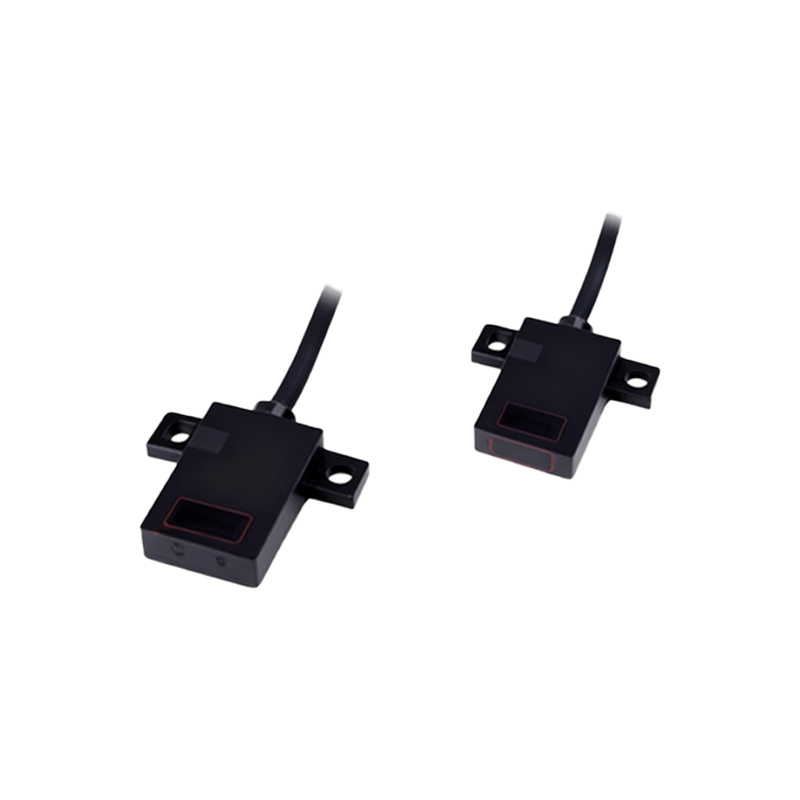
Types of Photoelectric Sensors Used in Digital Duplicators
Digital duplicators typically employ three main types of photoelectric sensors: through-beam, retro-reflective, and diffuse reflective sensors. Through-beam sensors consist of a separate emitter and receiver, offering high detection accuracy for edge alignment and paper jams. Retro-reflective sensors use a reflector to bounce the beam back to the receiver, suitable for medium-range detection of paper trays. Diffuse reflective sensors detect objects like ink cartridges by measuring reflected light, but they are less reliable in dusty environments. For example, in a Riso duplicator, through-beam sensors are often used for master positioning, while retro-reflective sensors monitor paper feed.
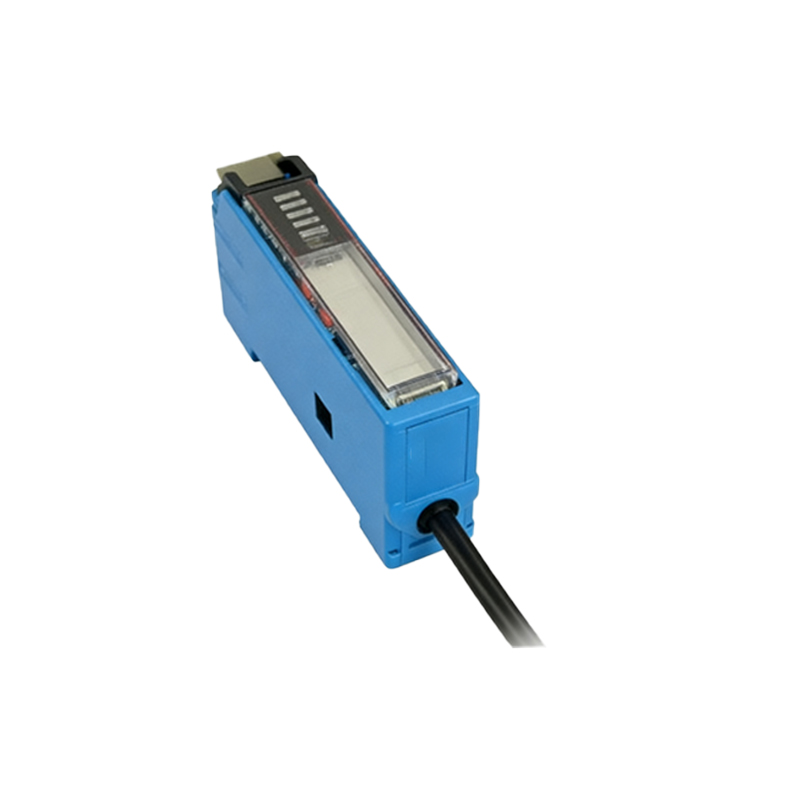
Working Principles and Key Parameters
Photoelectric sensors operate by emitting a light beam (often infrared or visible red) and detecting changes in light intensity when an object interrupts or reflects the beam. Key electrical parameters include response time (typically 1-5 ms), sensing distance (ranging from 10 mm to 2 meters), and output type (NPN or PNP). In digital duplicators, sensors must handle high-speed paper movement at up to 180 pages per minute. Engineers must consider factors like ambient light interference, dust accumulation, and vibration resistance. For instance, using a sensor with a modulated light source can reduce false triggers from external light sources.
Common Failures and Troubleshooting
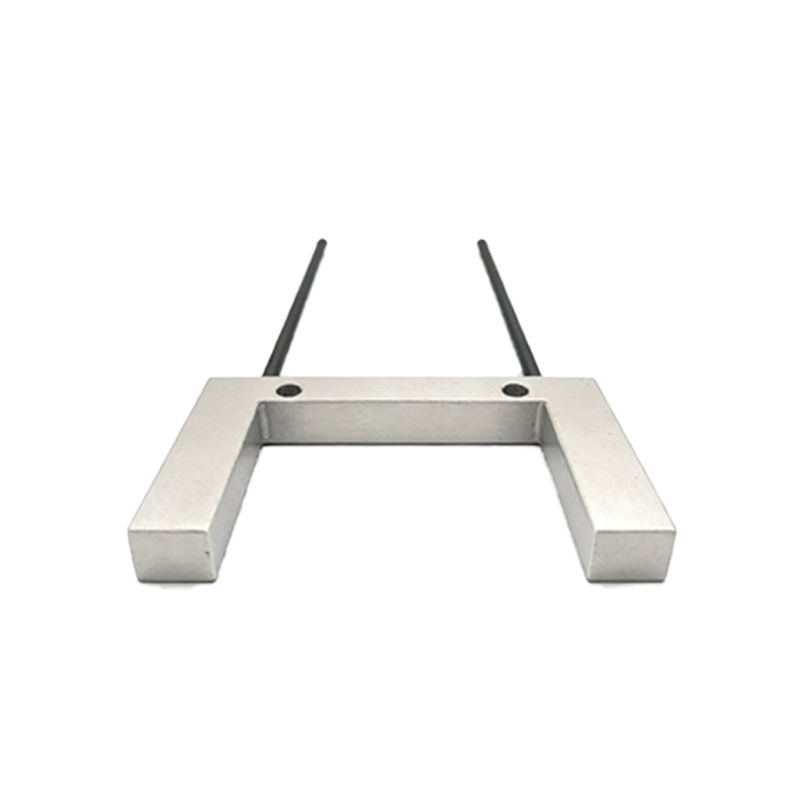
The most frequent issues with photoelectric sensors in digital duplicators include misalignment, dirt buildup, and electrical noise. Misalignment often occurs after maintenance or paper jams, leading to false paper-not-detected signals. Dust from paper particles can block the lens, reducing sensitivity. Electrical noise from motor drives or power supplies may cause intermittent triggering. A practical troubleshooting approach is to first clean the sensor lens with isopropyl alcohol and a lint-free cloth, then check the alignment using a test card. If the problem persists, measure the sensor's output voltage (e.g., 24V DC) with a multimeter to confirm proper operation. In one field case, replacing a damaged retro-reflective sensor restored the duplicator's paper feed accuracy.
Maintenance Best Practices for Long-Term Reliability
To ensure optimal performance, implement a preventive maintenance schedule. Weekly cleaning of sensor lenses and reflectors with compressed air or gentle solvents is essential, especially in high-volume printing environments. Calibrate sensors every month using the machine's built-in diagnostic mode, which often provides a sensor test function. Additionally, check cable connectors for corrosion or looseness, as these are common failure points in duplicators with moving heads. For critical sensors, such as those detecting master wrap, consider using industrial-grade sensors with IP65 protection to resist dust and moisture. Documenting sensor replacement cycles (e.g., every 2 years) helps predict failures before they cause downtime.
Future Trends: Smart Sensors and IoT Integration
The evolution of photoelectric sensors includes smart sensors with self-diagnostics and IoT connectivity. In modern digital duplicators, sensors can now communicate data on detection accuracy, ambient light levels, and maintenance alerts to a central control system. For example, some sensors use IO-Link technology to provide real-time status updates. As an engineer, I recommend adopting these smart sensors for high-end duplicators to reduce manual troubleshooting. However, for older machines, retrofitting with basic sensors remains cost-effective. Understanding these trends helps in selecting the right sensor for specific duplicator models and operational demands.
Conclusion: Optimizing Sensor Performance for Efficiency
Photoelectric sensors are the unsung heroes of digital duplicators, ensuring precise material handling and consistent print output. By mastering their types, working principles, and maintenance techniques, engineers can significantly reduce machine downtime and improve productivity. Always refer to the manufacturer's specifications for sensor replacement and calibration, and stay updated on emerging technologies. With proper care, these sensors will deliver reliable performance in even the most demanding printing environments.