Common Causes and Initial Checks
When the photoelectric sensor on an EV5 robot fails to illuminate, the first step is to rule out basic power supply issues. Check the 24V DC input to the sensor module using a multimeter; a voltage drop below 18V can cause no light emission. Also inspect the wiring harness for loose connections, corrosion, or breaks at the terminal block. Ensure the sensor's protective cover is clean and not obstructed by debris, as physical blockages can mimic electrical faults. Many EV5 sensors have a status LED—if it is completely off, the problem likely lies in power delivery rather than the sensor element itself.
Diagnosing Sensor Alignment and Environmental Factors
Misalignment is a frequent culprit for non-illumination. The EV5 sensor's emitter and receiver must be optically aligned within a narrow tolerance. Check for vibration-induced shifts in mounting brackets or reflectors. Environmental conditions such as excessive dust, fog, or ambient light interference (e.g., from welding arcs) can suppress the sensor's output. Use a calibrated light source to test if the sensor responds to direct exposure. If the sensor lights up under controlled conditions but not in the field, adjust its sensitivity threshold via the potentiometer or software settings.
Electrical and Hardware Faults in the Sensor Circuit
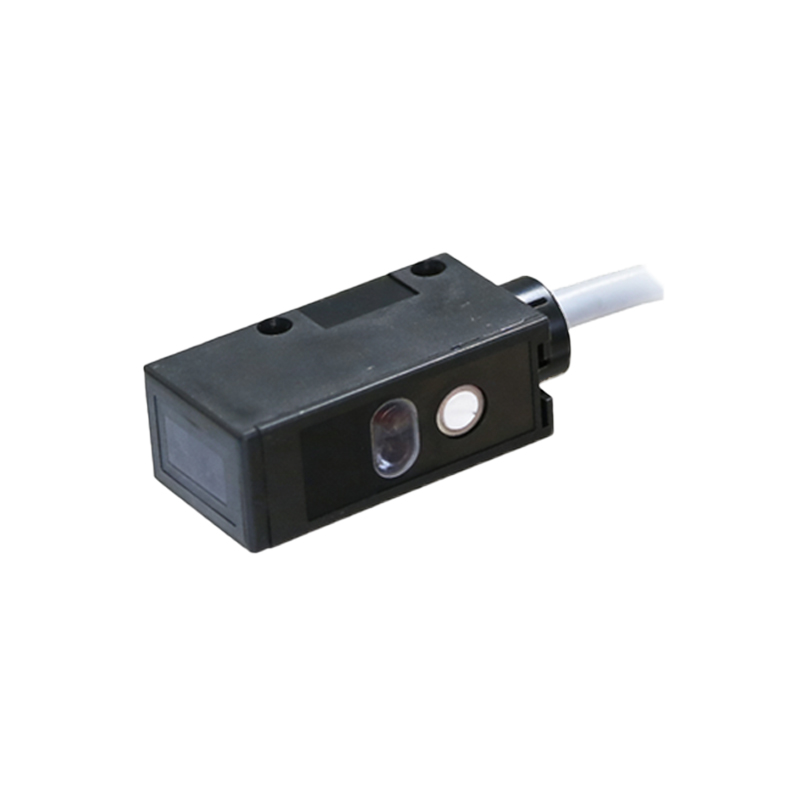
Persistent darkness may indicate a failed internal component. Measure the forward voltage across the LED emitter—typical values are 1.2V to 2.0V for infrared types. A reading of zero suggests an open circuit, while a very high reading implies a short. Check the driver transistor in the sensor circuit for thermal damage or solder joint cracks. For the EV5 platform, common failure points include the optocoupler and the pulse modulation IC. Replace the sensor module if these components are non-functional, but first confirm that the robot's control board is sending the correct 24V pulsed signal.
Software and Configuration Issues
Sometimes the sensor is physically working but not lighting due to software lockout. Access the EV5 robot's teach pendant or PLC interface and verify that the sensor's digital input channel is enabled. Check for conflicting I/O assignments or a disabled output driver. In some firmware versions, a safety interlock may suppress sensor outputs when the robot is in a specific mode (e.g., teach mode). Reset the sensor's parameters to factory defaults and re-configure the trigger logic. Update the robot's firmware if a known bug affects sensor communication.
Advanced Diagnostics and Replacement Protocol
If all above steps fail, perform a substitution test. Swap the suspected sensor with a known-good unit from a non-critical station. If the replacement lights up, the original sensor is defective and should be replaced with an exact EV5-compatible part (e.g., SICK or Banner equivalents with matching response time and wavelength). When replacing, ensure correct polarity and torque mounting screws to manufacturer specifications. After installation, run a calibration routine using the robot's built-in diagnostics to confirm beam strength and alignment. Log all findings in the maintenance system for trend analysis.