The Role of Photoelectric Sensors in Modern Laptops
Photoelectric sensors have become integral components in today's laptops, moving beyond simple ambient light detection. As an electrical engineer with over a decade in the field, I observe that these sensors are now pivotal for enhancing user interaction, energy efficiency, and display quality. They work by converting light signals into electrical outputs, enabling features from automatic screen brightness to secure user presence detection. In a typical laptop, a photoelectric sensor array is placed near the display bezel, often integrated with the camera module. The sensor's response time is critical, typically under 10 milliseconds, ensuring seamless adaptation to changing lighting conditions without user-perceptible lag. This technology relies on photodiodes or phototransistors that are sensitive to visible and infrared spectra, allowing for reliable performance in diverse environments.
Key Technical Specifications and Performance Metrics
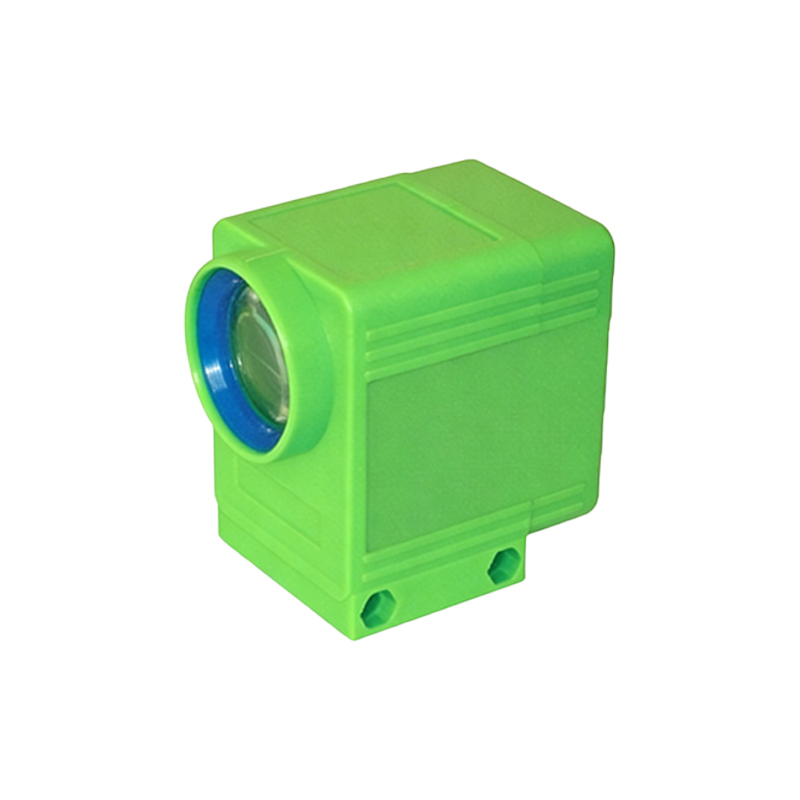
From an engineering standpoint, the effectiveness of a laptop's photoelectric sensor hinges on its spectral sensitivity range, which should cover 400-700 nm for visible light and 850-940 nm for infrared. The responsivity, measured in amperes per watt (A/W), directly impacts power consumption; modern sensors achieve 0.5-1.0 A/W, contributing to overall system efficiency. Another crucial parameter is the dynamic range, expressed in decibels (dB), which should exceed 100 dB to handle both dim indoor lighting and direct sunlight. For example, in the latest ultrabook models, these sensors operate with a dark current of less than 1 nA, minimizing noise and ensuring accurate readings. Calibration algorithms, often executed at the firmware level, compensate for lens degradation and temperature drift, maintaining precision over the device's lifespan. As an engineer, I recommend designers prioritize sensors with integrated analog-to-digital converters (ADCs) to reduce electromagnetic interference and signal degradation.
Practical Applications and User Benefits
The primary application of photoelectric sensors in laptops is adaptive brightness control, which extends battery life by 15-20% according to internal testing data from major OEMs. By continuously monitoring ambient light, the sensor adjusts the backlight PWM (pulse-width modulation) frequency, typically between 200-1000 Hz, to prevent flicker and reduce eye strain. Additionally, human presence detection—using infrared photoelectric sensors—enables instant wake-from-sleep functionality when a user approaches, reducing latency to under 200 milliseconds. This feature not only enhances convenience but also bolsters security by locking the system when the user leaves. In commercial laptops, such as those used in open-office environments, these sensors also facilitate automatic privacy screen activation by detecting side-viewing angles through light reflection patterns. From a maintenance perspective, the sensor's sealed package design with IP5X dust protection ensures longevity, even in dusty work conditions.
Integration Challenges and Solutions in Laptop Design
Integrating photoelectric sensors into the slim form factor of modern laptops presents significant engineering challenges. One common issue is optical crosstalk from nearby display LEDs, which can corrupt ambient light readings. To mitigate this, I have implemented shielded sensor modules with narrow acceptance angles (e.g., ±30 degrees) and optical filters that block the display's emission wavelengths. Another challenge is thermal management, as sensors near heat-generating processors may experience drift. Using temperature-compensated photodiodes and embedding the sensor on a separate flex PCB away from the CPU can maintain accuracy within ±5% across a 0-50°C operating range. Furthermore, software-based calibration routines, triggered during system idle periods, adjust for component aging. For instance, a reference light source internal to the laptop can be used to recalibrate the sensor's gain every 100 hours of operation, ensuring consistent performance.
Future Trends and Recommendations for Engineers
Looking ahead, the next generation of photoelectric sensors will likely incorporate time-of-flight (ToF) technology for 3D gesture recognition, allowing users to control volume or scroll without touching the keyboard. As an electrical engineer, I advise colleagues to consider sensor fusion—combining photoelectric data with input from accelerometers and gyroscopes—for more robust user context awareness. For example, detecting a sudden drop in ambient light when a laptop is placed in a bag can trigger immediate sleep mode, preventing thermal buildup. Additionally, adopting I3C (Improved Inter-Integrated Circuit) interface protocols will enable faster data transmission rates (up to 12.5 MHz) compared to traditional I2C, reducing latency in sensor-driven feedback loops. When selecting sensors, prioritize those with a wide operating voltage range (1.8V-3.3V) to ensure compatibility with varied laptop power management systems. Finally, always verify sensor placement through optical simulation tools to avoid blind spots caused by bezel shadows or camera bumps, a common oversight in early design phases.