Introduction to Photoelectric Sensor Maintenance
Photoelectric sensors are critical components in industrial automation, used for object detection, positioning, and counting. Proper maintenance ensures long-term reliability, reduces downtime, and extends sensor lifespan. This guide provides practical, industry-specific advice for maintaining these sensors in demanding environments.
Regular Cleaning of Optical Surfaces
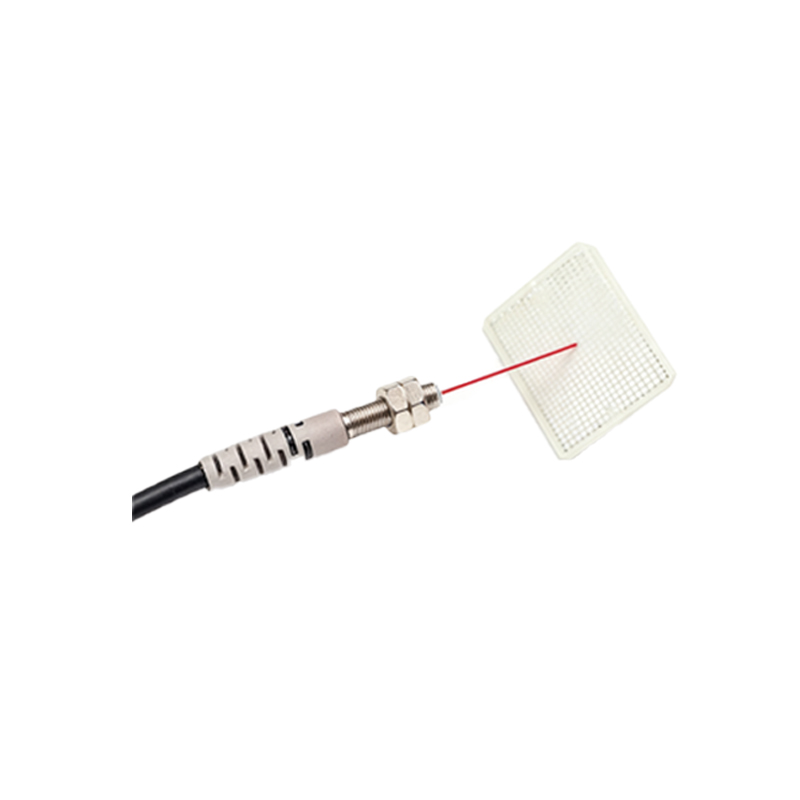
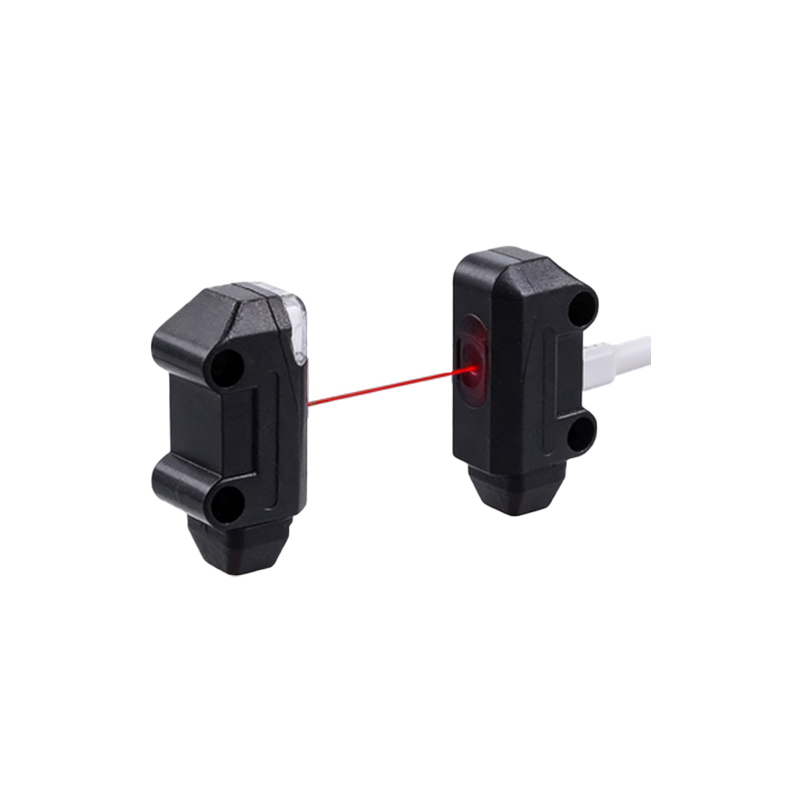
Dust, oil, and residue on the emitter and receiver lenses can degrade performance. Clean the optical surfaces weekly using a lint-free cloth and isopropyl alcohol. Avoid abrasive materials or solvents that may scratch or damage the lens coating. In harsh environments like welding or woodworking, increase cleaning frequency to daily. Always inspect the lens for cracks or discoloration after cleaning.
Checking Alignment and Mounting Stability
Vibration from machinery can misalign sensors, leading to false triggers or detection failures. Monthly, verify that the sensor and reflector or target are properly aligned using a laser alignment tool or the sensor’s built-in alignment indicator. Tighten mounting brackets and ensure the sensor is securely fastened. For dynamic applications, use vibration-dampening mounts to reduce wear.
Inspecting Cables and Connectors
Cable damage is a common cause of sensor failure. Examine cables for cuts, abrasions, or kinks, especially near connection points. Ensure connectors are clean, dry, and secured with proper strain relief. Replace any damaged cables immediately to prevent short circuits or signal loss. For sensors in wet or corrosive environments, use IP67-rated connectors and apply dielectric grease to contacts.
Monitoring Environmental Conditions
Extreme temperatures, humidity, or chemical exposure can accelerate sensor degradation. Verify that the sensor’s operating temperature range matches your facility’s conditions. Install protective housings or air purge systems in dusty or oily areas. For outdoor use, ensure sensors are rated for UV exposure and waterproofing. Regularly check for condensation inside the sensor housing, as moisture can cause internal corrosion.
Testing Response Time and Sensitivity
Over time, sensor components may drift, affecting detection distance and response speed. Perform quarterly functional tests using a known target (e.g., a standard metal or reflective object). Compare actual detection range with the manufacturer’s specifications. Adjust sensitivity potentiometers or teach functions if needed. If the sensor fails to detect consistently even after adjustment, consider recalibration or replacement.
Documenting Maintenance Activities
Maintain a log of all maintenance actions, including cleaning dates, alignment checks, and replacement parts. This data helps identify repetitive issues, plan predictive maintenance, and justify sensor upgrades. Use a digital maintenance management system to track trends across multiple sensors in your facility. Documentation also supports compliance with ISO 9001 or other quality standards.
Replacing Worn or Obsolete Sensors
Even with proper care, sensors have a finite lifecycle. Replace sensors showing signs of aging, such as intermittent operation, yellowed lenses, or cracked housings. When upgrading, consider newer models with improved features like background suppression or IO-Link communication. Always verify compatibility with your existing control system before installation.