In the realm of modern computing, subtle technologies often work behind the scenes to enhance user experience, improve efficiency, and conserve energy. One such unsung hero is the computer screen proximity sensor. This small, often overlooked component plays a surprisingly significant role in how we interact with our devices daily, from laptops and tablets to all-in-one PCs and specialized monitors.
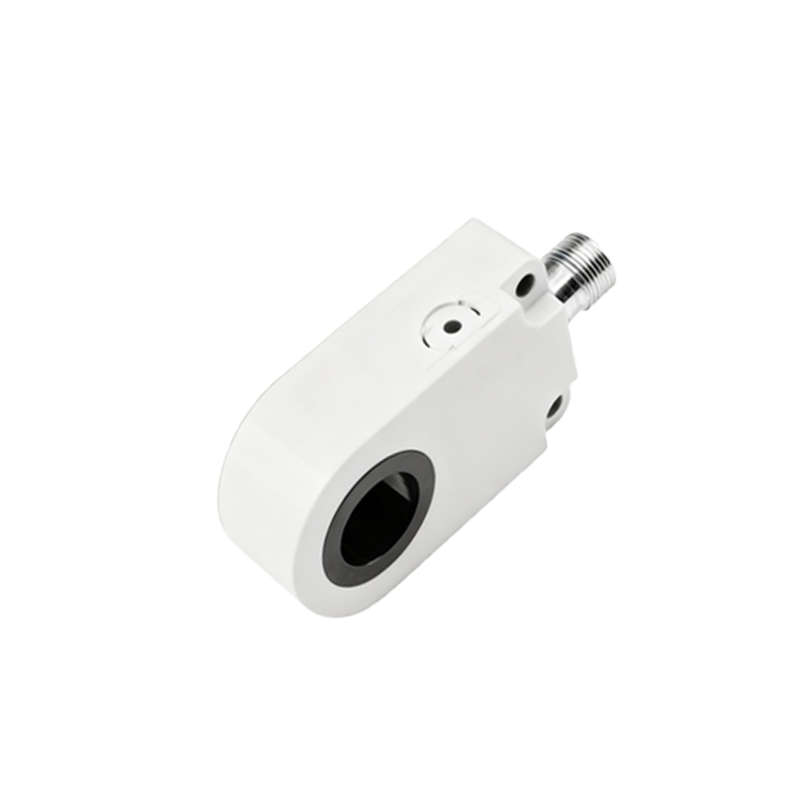
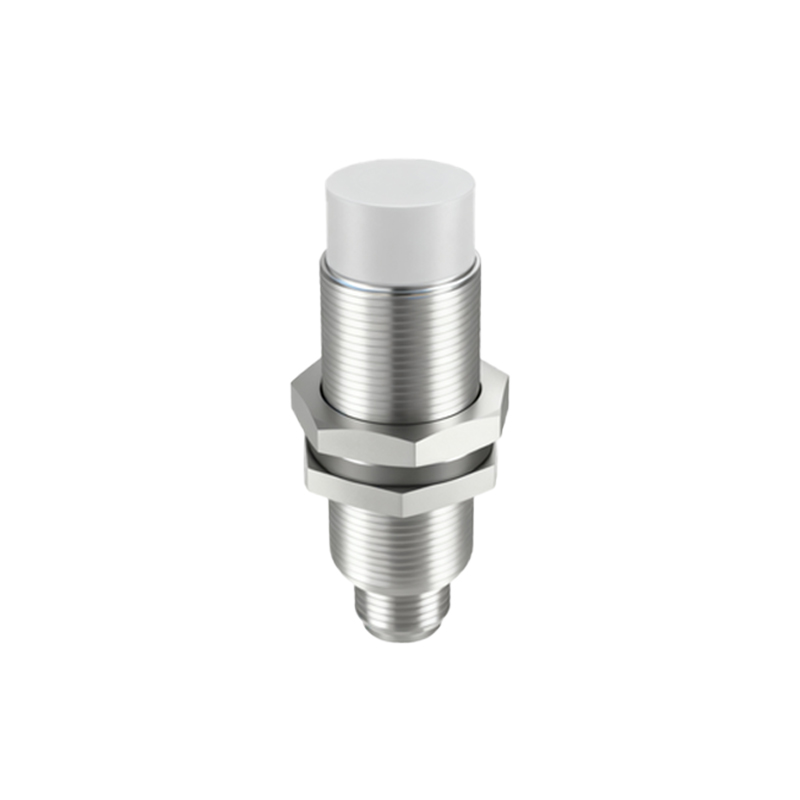
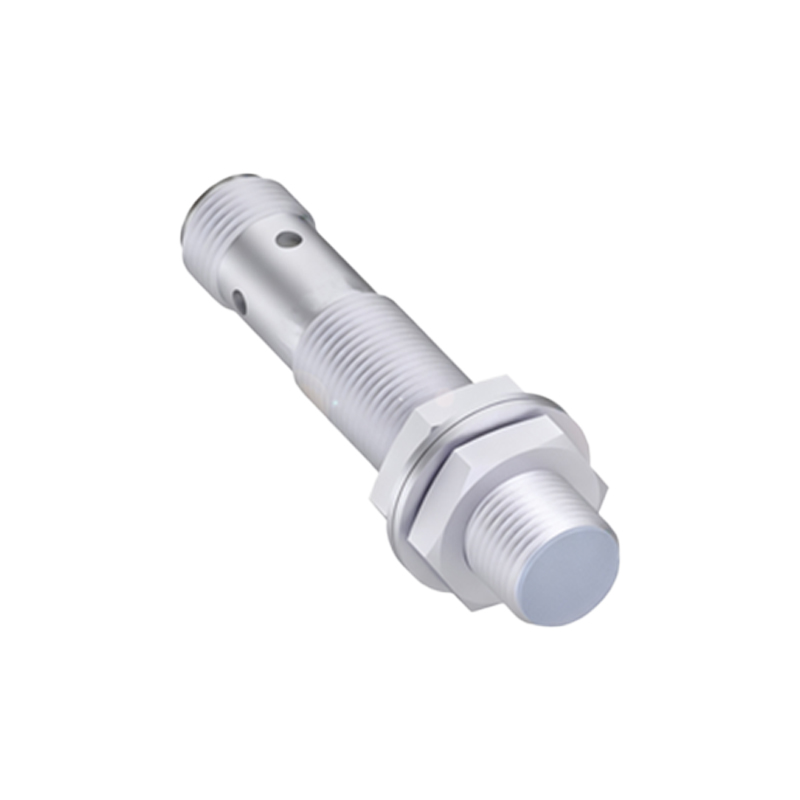
At its core, a proximity sensor is a device that detects the presence or absence of a nearby object without any physical contact. In the context of computer screens, this object is typically the user. The most common technology employed is the infrared (IR) sensor. The sensor emits an invisible beam of infrared light. When a user—or any object—comes within a certain range, this beam is reflected back to a receiver within the sensor. By measuring the time it takes for the light to return or the intensity of the reflected signal, the sensor can determine the object's proximity.
The primary and most recognizable application of this technology is in enabling automatic screen dimming or turning off the display. When a laptop's built-in sensor detects that the user has moved away from the screen, it can signal the operating system to dim or blank the display after a short delay. This serves two critical purposes: enhancing privacy by obscuring the screen from prying eyes when the user steps away, and conserving battery life by reducing power consumption from the backlight, which is one of the most energy-intensive components in a portable device. Upon detecting the user's return, the screen instantly and seamlessly powers back on, resuming the workflow without the need to press a key or move the mouse.
Beyond this basic function, proximity sensors are integral to more sophisticated features. In video conferencing applications, some systems use proximity data to help with focus tracking or to initiate welcome sequences when a user approaches. In kiosks or public information displays, sensors can wake the terminal from a low-power sleep mode as a person approaches, providing an immediate and interactive experience while saving energy during idle periods. Furthermore, in the automotive industry, similar sensors are used in in-car infotainment systems to detect a hand approaching the screen and activate context-sensitive menus or haptic feedback before a touch even occurs, reducing driver distraction.
The implementation and intelligence of these sensors have evolved. Early versions were simple binary switches: user present or absent. Modern sensors, however, can be more nuanced. Some can gauge approximate distance, allowing for multi-stage actions—for instance, dimming the screen slightly when a user leans back and turning it off completely when they move several feet away. Integration with the operating system and application software is also deeper. System settings often allow users to toggle this feature on or off and sometimes adjust sensitivity, providing a layer of customization to the automated behavior.
From a design and manufacturing perspective, embedding a proximity sensor requires careful consideration. It must be placed where it has a clear "view" of the typical user position, usually at the top bezel of the screen, often nestled next to the webcam. The housing must be transparent to infrared light, which is why the sensor area might look like a small dark spot or be hidden behind tinted glass. Designers strive to make these sensors as unobtrusive as possible to maintain the clean aesthetics of modern devices.
While the benefits are clear, the technology is not without occasional quirks. Environmental factors like strong ambient infrared light (from sunlight or certain heaters) can sometimes interfere with sensor operation. Users might also experience frustration if the sensor is too sensitive, turning off the screen during precise, close-up work, or not sensitive enough, leaving the display on when they have walked away. Most systems allow the feature to be disabled in the power settings or control panel for such scenarios.
Looking ahead, the role of the proximity sensor may expand with new form factors and use cases. As foldable screens and dual-screen devices become more prevalent, sensors could help manage which screen is active based on user gaze and position. In conjunction with ambient light sensors (which adjust screen brightness based on room lighting) and facial recognition cameras, proximity sensors form part of a suite of contextual awareness tools that make our devices more intuitive and responsive.
In conclusion, the computer screen proximity sensor is a perfect example of pragmatic, user-centric engineering. It operates silently and automatically, addressing fundamental needs for privacy and power efficiency. By understanding this small component's function, users can better appreciate the intricate design of their devices and optimize their system settings for a smoother, more personalized computing experience that aligns with their habits and workspace environment.