Have you ever wondered how your smartphone screen magically turns off when you hold it to your ear during a call, only to light up again the moment you pull it away? This seamless, almost invisible interaction is powered by a tiny but crucial component: the proximity sensor. It's a piece of technology most users take for granted, yet it plays a vital role in both enhancing user experience and conserving precious battery life.
At its core, a proximity sensor is a simple device designed to detect the presence of nearby objects without any physical contact. In smartphones, it typically uses an infrared (IR) LED and an IR light detector. Here's the basic principle: the IR LED emits an invisible beam of infrared light. If an object is close to the phone—like your ear or cheek—this light reflects back and is picked up by the IR detector. The sensor's circuitry measures the intensity of the reflected light. A strong reflection indicates a very close object, triggering a pre-programmed action, most commonly, turning off the touchscreen display.
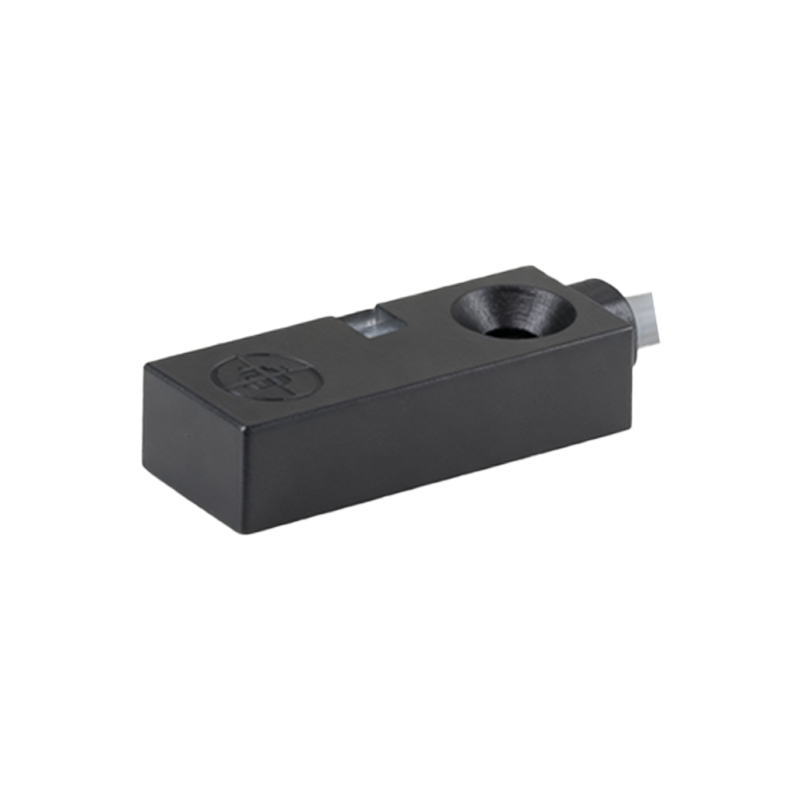
The primary function is intuitive: screen management during calls. By blanking the screen when it's against your face, the sensor prevents accidental cheek-presses from muting the call, launching apps, or even hanging up. This is the "why" behind the feature's existence—to ensure call reliability. But the benefits extend further. Turning off the display saves significant battery power for the duration of your call. Furthermore, it prevents the device from generating unnecessary heat against your skin from the active screen.
Modern implementations have evolved. Some sensors are "virtual," using a combination of existing hardware like the front-facing camera and sophisticated software algorithms to gauge proximity. Others are more advanced, integrating ambient light sensing into the same module. This combo sensor can not only detect an object but also measure the environmental light to automatically adjust screen brightness, improving visibility and further optimizing battery usage.
The utility of the proximity sensor isn't confined to phone calls. It has found creative applications in various scenarios. For instance, many phones use it to turn off the display when placed face down on a table, saving power. Some wallet-style flip cases have a magnet that interacts with the sensor, putting the phone to sleep when closed. It can also prevent false triggers in a dark pocket or purse. In speakerphone mode, the sensor often remains active; if you cover it with your hand, the phone might automatically switch back to the earpiece, assuming you've brought it to your ear.
However, this small sensor is not without its occasional issues. Users might encounter problems where the screen stays off after a call or fails to turn off during one. Common culprits include a dirty screen protector or case obstructing the sensor area (usually located near the earpiece), software glitches, or, rarely, hardware failure. A simple cleaning of the phone's top bezel often resolves the issue. Persistent problems might require a software reset or a service check.
From an engineering perspective, integrating the sensor presents challenges. It requires a carefully calibrated IR beam and a sensitive detector, all packed into an incredibly slim bezel. Designers must also consider the sensor's placement to avoid interference from other components and ensure it works reliably for a wide range of users, skin tones, and hair types. The industry's push for edge-to-edge displays has further complicated this, leading to innovations like under-display sensor placement, though this technology is still being refined.
Looking ahead, the fundamental role of the proximity sensor remains secure, but its form may change. As phones move towards more seamless, all-screen designs, the traditional dedicated sensor might be absorbed by more complex camera systems or time-of-flight (ToF) sensors that use laser pulses for even more accurate depth and proximity mapping. These systems could enable new features in augmented reality and improved photography, while still handling the basic task of detecting your ear.
In conclusion, the proximity sensor is a masterpiece of practical, user-centric engineering. It operates silently in the background, solving a very specific problem so effectively that we forget it's there. It exemplifies how thoughtful hardware integration, working in concert with software, creates a smoother, more efficient, and more intuitive interaction with our most personal devices. The next time your screen dims as you answer a call, you'll know there's a tiny, intelligent guardian at work, making sure your conversation goes uninterrupted.