As an industrial engineer, I often encounter field reports where photoelectric sensors emit a persistent, annoying beep. This is not a normal operational state; it almost always indicates a fault or misconfiguration. The beeping is typically an alarm signal from the sensor’s internal logic, designed to alert you to issues such as power supply instability, environmental interference, or a critical alignment failure. In most modern sensors, a constant beep means the sensor is "unstable" – it cannot reliably detect its target or background. Ignoring this can lead to machine downtime, false triggers, or even permanent sensor damage.
Power Supply and Electrical Noise: The Silent Culprits
The first thing I check is the power source. A photoelectric sensor requires a clean, regulated DC voltage (typically 10-30V DC). If the voltage drops below the minimum threshold due to a long cable run or a failing power supply, the sensor may enter a "brown-out" state and beep continuously. Check the voltage at the sensor terminals with a multimeter during operation. Also, look for electrical noise from nearby motors, VFDs (Variable Frequency Drives), or contactors. High-frequency noise can corrupt the sensor’s internal signals, triggering the beep alarm. Use a shielded cable and ensure proper grounding to mitigate this.
Optical Alignment and Background Interference
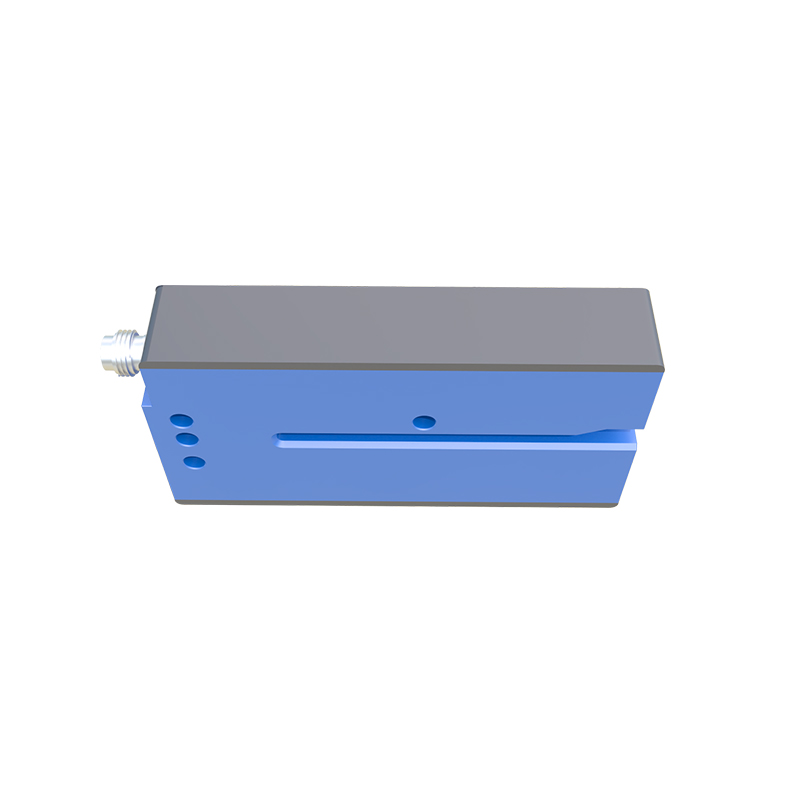
For through-beam and retro-reflective sensors, misalignment is a common cause. If the emitter and receiver are not perfectly aligned, the sensor will see a weak signal and continuously attempt to "lock on," resulting in a beep. For diffuse sensors, a shiny or highly reflective background can cause false reflections, making the sensor think an object is always present. Adjust the sensor’s sensitivity (potentiometer or teach-in) and reposition the sensing head. Ensure the target is within the specified sensing range and that the background is non-reflective. In some cases, dirt or condensation on the lens can also mimic a continuous detection state.
Environmental Factors: Vibration, Temperature, and Moisture
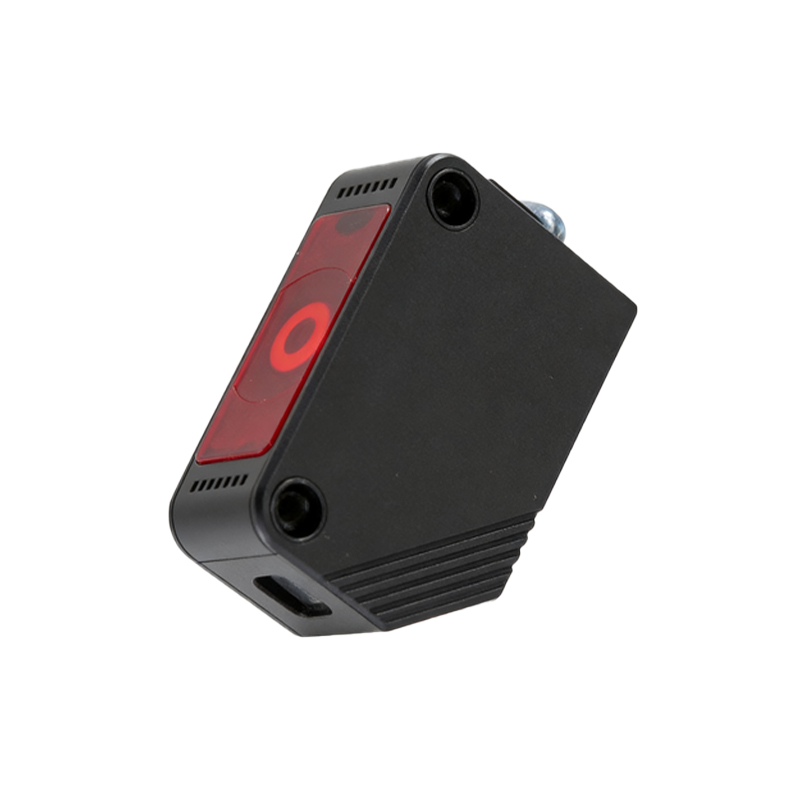
Industrial environments are harsh. Excessive vibration can loosen the sensor mounting or misalign optical components, causing intermittent signals that the sensor interprets as a fault. High temperatures (above 60°C) can degrade internal electronics, while moisture ingress (even slight condensation) can short-circuit the alarm logic. I recommend using sensors with IP67 or higher ratings for wet or dusty areas. If the sensor is near a heat source, install a heat shield or relocate it. Check the sensor housing for cracks or seal failures.
Internal Hardware Failure and End-of-Life Indicators
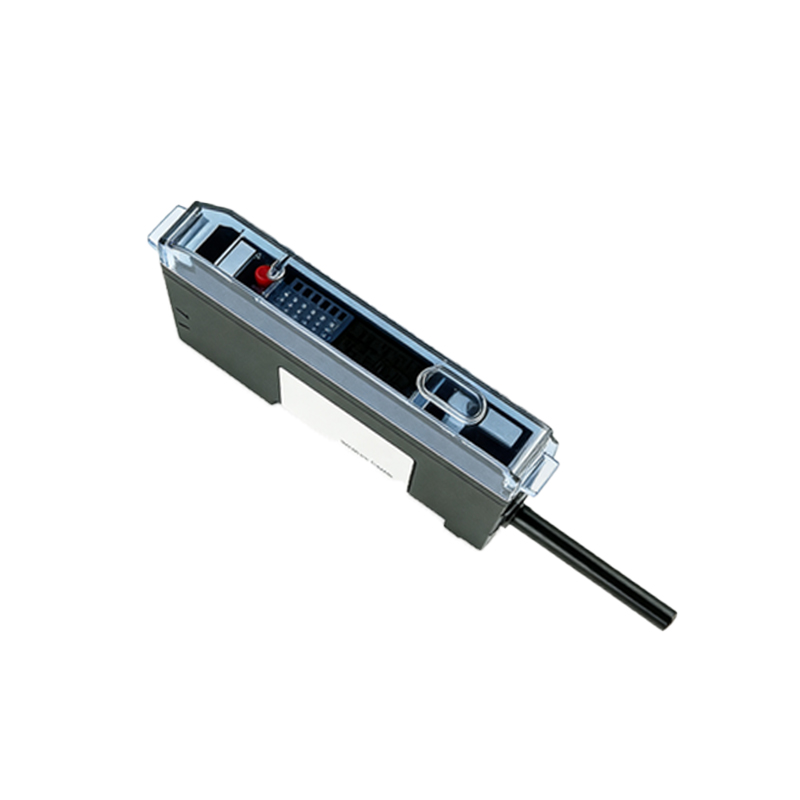
Sometimes, the beep is a sign of impending failure. Sensor components like LEDs (light-emitting diodes) or phototransistors degrade over time, especially in high-usage applications. If you’ve ruled out all external factors (power, alignment, environment), the sensor itself may be faulty. Many modern sensors have a self-diagnostic function: a continuous beep can indicate a short circuit in the output or a failed internal oscillator. In such cases, replacement is the only reliable solution. Always keep spare sensors on hand for critical production lines.
Step-by-Step Troubleshooting Guide
1. Isolate the sensor: Disconnect it from the machine and power it separately with a clean DC supply. If beeping stops, the issue is with the machine’s wiring or power source.
2. Clean the lens: Use a soft, lint-free cloth and isopropyl alcohol to remove dirt or oil.
3. Reset the sensor: Power cycle it (turn off for 30 seconds, then on). Some sensors require a manual "teach" reset.
4. Check the load: A shorted or overloaded output circuit can trigger the alarm. Measure the output current with a multimeter.
5. Consult the datasheet: Different manufacturers have different beep patterns. A constant beep may mean "no object detected" in one brand, but "output short circuit" in another. Always verify the specific alarm code.
Preventive Maintenance to Avoid Future Beeping
To minimize sensor alarms, implement a regular maintenance schedule. Inspect sensor mounts for tightness every month. Use cable strain reliefs to prevent wire damage. Install transient voltage suppressors on power lines near heavy machinery. For critical applications, consider sensors with built-in status LEDs that indicate signal strength (green = good, red = weak, flashing = alarm). This proactive approach saves troubleshooting time and reduces unplanned downtime.