This is the end of the article.
Understanding Photoelectric Sensor Flickering
Photoelectric sensors are critical components in industrial automation, but when they start flickering, it can disrupt operations and lead to false triggers. Flickering often indicates an underlying issue that needs immediate attention. As an electrical engineer, I have encountered this problem frequently in manufacturing environments. The key is to systematically diagnose the root cause, whether it is environmental interference, wiring problems, or sensor misalignment.
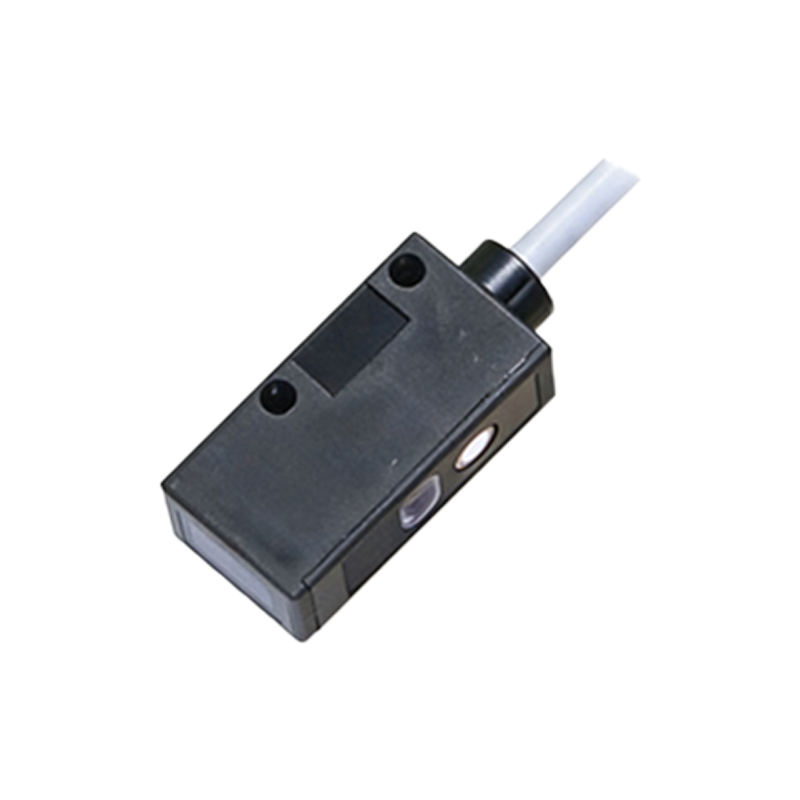
Environmental Factors Causing Flicker
One of the most common culprits is ambient light interference. High-intensity discharge lamps, strobe lights, or even direct sunlight can overwhelm the sensor’s receiver, causing it to flicker. In dusty or humid conditions, lens contamination can also scatter the emitted light beam. I recommend using sensors with modulated light or a narrow spectral filter to reject ambient noise. Additionally, ensure the sensor housing is sealed against moisture and debris, as per IP ratings suitable for your environment.
Electrical Noise and Wiring Issues
Electrical noise from nearby motors, inverters, or welding equipment can induce false signals in the sensor’s output. This is especially problematic for unshielded cables. Check if the sensor cable is routed away from high-voltage lines and use twisted-pair shielded cables with proper grounding. Loose connections or damaged wires at the terminal block can also cause intermittent flickering. Always verify the power supply voltage is stable and within the sensor’s rated range (e.g., 10-30 VDC for most industrial sensors).
Sensor Misalignment and Target Reflection
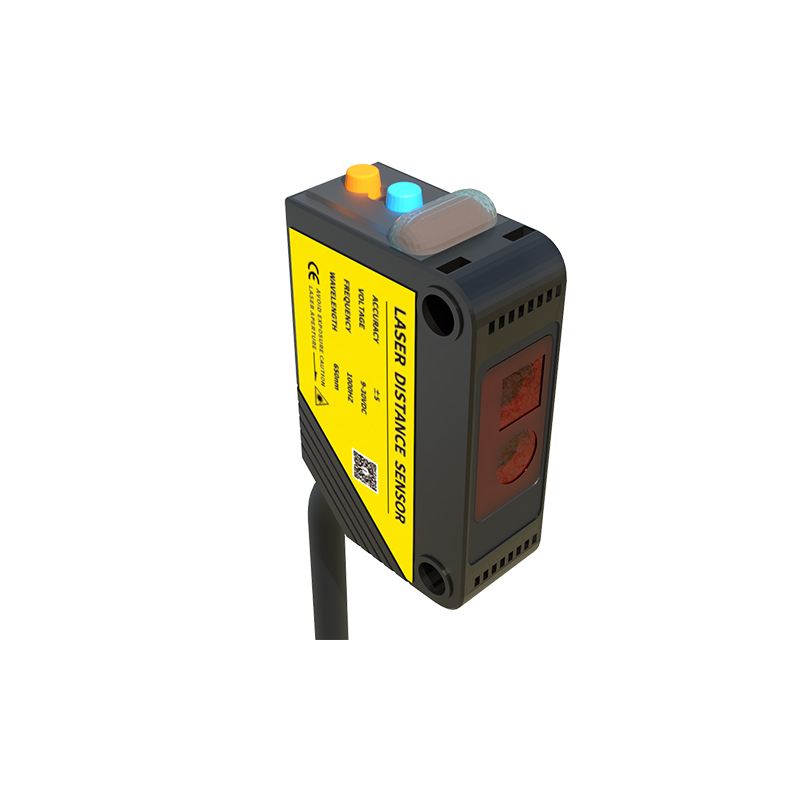
A flickering signal often results from a misaligned sensor and reflector or a target with inconsistent reflectivity. For through-beam sensors, ensure the emitter and receiver are perfectly aligned. For retro-reflective types, the reflector must be clean and free from scratches. If the target surface is shiny or transparent, consider using a polarizing filter to prevent false reflections. Adjust the sensitivity trimmer slowly while monitoring the output with a multimeter to find the stable threshold.
Internal Component Degradation
Over time, internal components like the LED emitter or phototransistor can degrade due to thermal stress or age. This reduces the effective sensing distance and causes flickering as the signal strength fluctuates. In such cases, replacing the sensor is often more cost-effective than troubleshooting. I advise checking the sensor’s duty cycle and operating temperature; if it exceeds 50°C for prolonged periods, consider a higher-grade model with better thermal management.
Systematic Troubleshooting Steps
To isolate the issue, start by disconnecting the load and monitoring the sensor output directly with an oscilloscope. A stable square wave indicates a healthy sensor, while random pulses point to external noise. Next, substitute the sensor with a known good unit to rule out defects. Verify the target speed: if it moves too fast for the sensor’s response time, flickering can occur. Finally, review your PLC program for debounce filters or timing conflicts that might misinterpret transient signals.