Introduction to Photocoupler Sensors in Copiers
Photocoupler sensors, also known as optocouplers or optical sensors, are critical components in modern copiers. These devices use light to transmit electrical signals between isolated circuits, ensuring safe and reliable operation. In copiers, they detect paper presence, monitor toner levels, and control motor functions. Understanding their role is essential for effective maintenance and troubleshooting. This guide provides a detailed overview of testing procedures to ensure optimal performance.
Common Types of Photocoupler Sensors
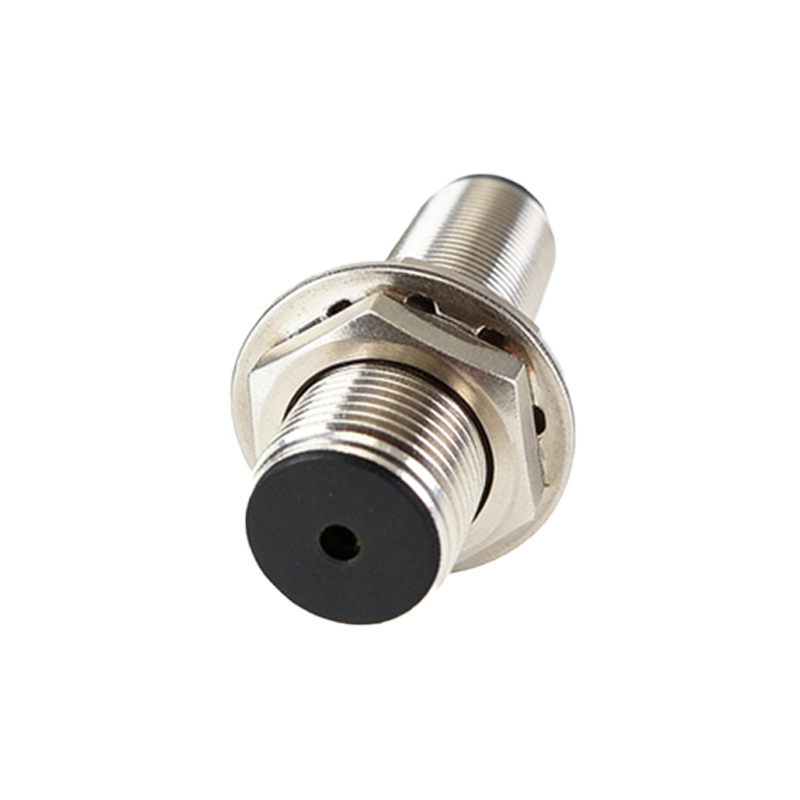
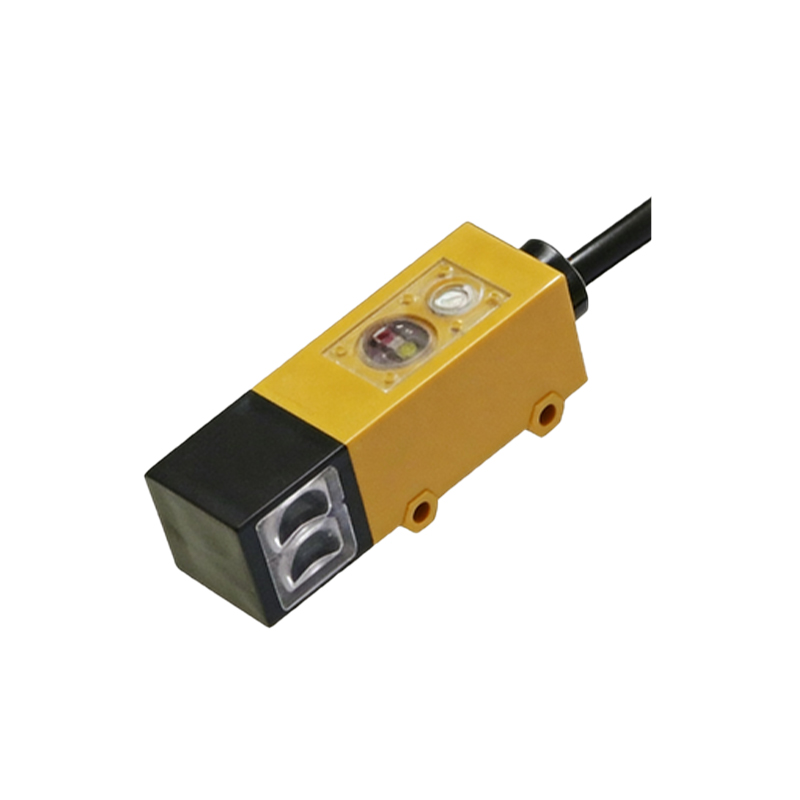
Several photocoupler sensor types are used in copiers, each serving specific functions. Transmissive sensors detect objects by measuring light interruption, often applied in paper path detection. Reflective sensors bounce light off surfaces to sense toner or paper edges. Integrated sensors combine multiple functions, such as monitoring drum rotation. Familiarity with these types helps technicians identify and test them accurately during diagnostics.
Essential Tools for Testing
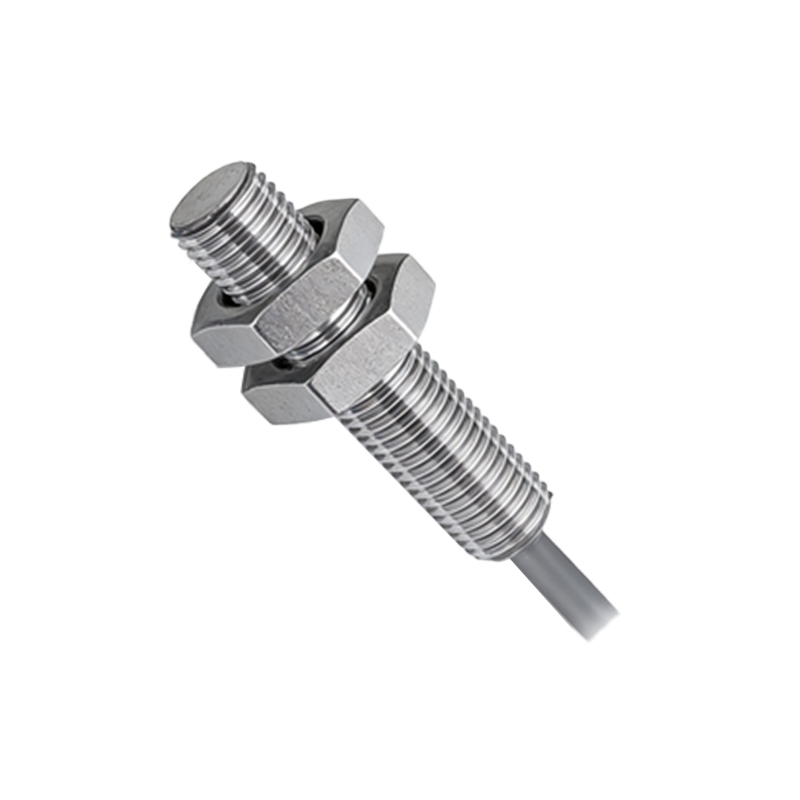
To test photocoupler sensors effectively, technicians require specific tools. A digital multimeter (DMM) is indispensable for measuring voltage, current, and resistance. An oscilloscope can analyze signal waveforms for deeper insights. Additionally, a light source meter verifies LED output, while a magnifying lens aids in inspecting physical damage. Always refer to the copier’s service manual for manufacturer-recommended tools and safety guidelines.
Step-by-Step Testing Procedure
Begin by powering off the copier and disconnecting it from the electrical outlet to ensure safety. Locate the target sensor using the schematic diagram. Visually inspect for contamination, cracks, or misalignment. Use the DMM to check the sensor’s power supply voltage, typically ranging from 5V to 24V DC. Next, measure the output signal by simulating sensor activation—for example, by inserting paper into a transmissive sensor. Compare readings with standard values from the manual. If deviations occur, proceed to waveform analysis with an oscilloscope to detect anomalies like noise or delay.
Interpreting Test Results
Accurate interpretation of test data is crucial for diagnosis. Normal voltage readings should align with specifications, while low readings may indicate power supply issues or sensor degradation. Output signals that fail to change during activation suggest sensor failure or circuit problems. Waveform distortions often point to interference or component aging. Document all findings and cross-reference with error codes in the copier’s log for comprehensive analysis.
Troubleshooting Common Issues
Common photocoupler sensor issues include false triggering, no response, or intermittent operation. False triggers often stem from dust accumulation on lenses, requiring careful cleaning with compressed air. No response may result from broken wires or faulty connectors, necessitating continuity checks. Intermittent issues could be due to temperature fluctuations or worn-out components. Replace sensors only after confirming failure through repeated testing to avoid unnecessary costs.
Preventive Maintenance Tips
Regular maintenance extends photocoupler sensor lifespan and prevents copier downtime. Schedule periodic cleaning of optical surfaces using lint-free cloths and approved solvents. Ensure proper alignment during reassembly after repairs. Monitor environmental factors like humidity and temperature, as extremes can affect sensor performance. Keep firmware updated to address software-related sensor glitches. Implementing these practices reduces failure rates and enhances copier reliability.
Conclusion and Best Practices
Testing photocoupler sensors is a systematic process that combines technical knowledge with practical skills. Always prioritize safety by following lockout-tagout procedures. Use calibrated tools for precise measurements and maintain detailed records for future reference. Stay updated with industry advancements, as newer copier models may incorporate advanced sensor technologies. By mastering these techniques, technicians can ensure efficient copier operation and minimize service interruptions.