Proximity sensors are critical components in modern automation, consumer electronics, and industrial systems. They detect the presence or absence of objects without physical contact, relying on electromagnetic fields, infrared light, or ultrasonic sound. When a proximity sensor malfunctions, it can lead to system failures, production downtime, or erratic device behavior. Understanding how to assess the health of a proximity sensor is essential for maintenance technicians, engineers, and even savvy device users. This guide outlines practical methods to evaluate sensor performance and diagnose common issues.
The first step in checking a proximity sensor is to understand its type. Inductive sensors detect metallic objects, capacitive sensors can detect both metallic and non-metallic materials, and photoelectric sensors use light beams. Ultrasonic sensors employ sound waves. Knowing the sensor type is crucial because testing methods vary. Always refer to the manufacturer's datasheet for specifications like sensing range, output type (NPN/PNP, NO/NC), and supply voltage before testing.
A fundamental check involves power and wiring. Ensure the sensor is receiving the correct voltage as per its specifications. Use a multimeter to measure voltage at the power terminals. Loose connections, corroded wires, or incorrect polarity are common culprits for sensor failure. Next, observe the sensor's indicator LED if present. Most proximity sensors have an LED that illuminates when powered and often changes state when an object is detected. A missing power LED suggests a power supply issue.
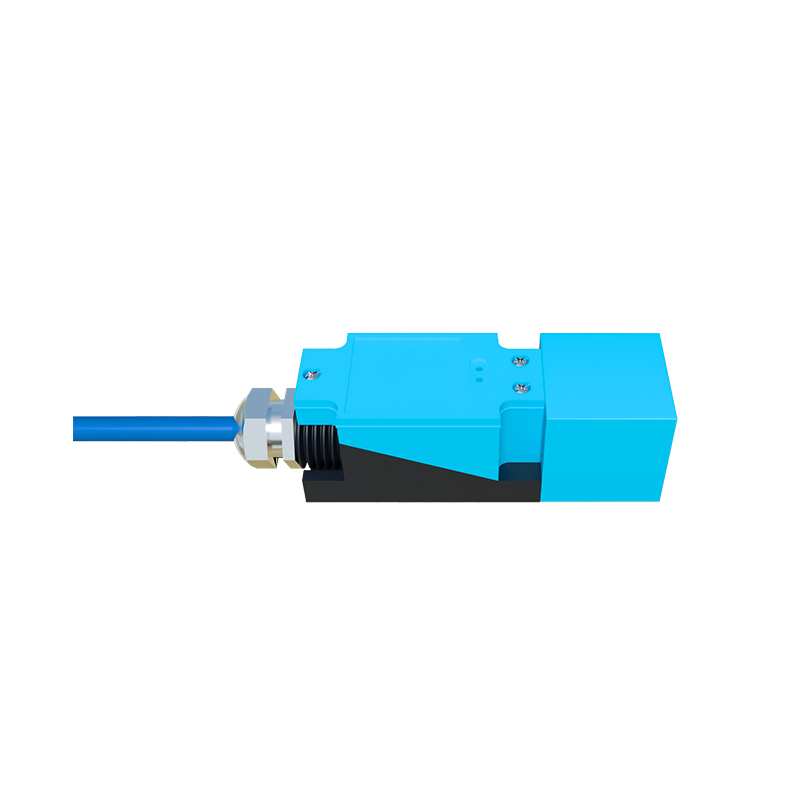
Functional testing is the core of diagnosis. For a basic test, bring a valid target object into the sensor's detection field within its specified range. For an inductive sensor, use a piece of metal of the recommended size and material. Listen for an audible click in some mechanical-style outputs or observe the output LED. To verify electrically, monitor the output signal with a multimeter or a simple PLC input. For a normally open (NO) sensor, the output voltage should switch states (e.g., from 0V to the supply voltage) when the target is present. A sensor that fails to change its output state likely has an internal fault.
Environmental factors significantly impact sensor health. Accumulation of dust, dirt, oil, or metal shavings on the sensing face can attenuate or block signals. Regularly clean the sensor face with appropriate materials. Strong electromagnetic interference from nearby motors, welders, or power lines can cause erratic operation. Consider relocating the sensor or using shielded cables. Temperature extremes can also affect performance; ensure the operating environment is within the sensor's rated temperature range.
For more advanced diagnostics, oscilloscopes can analyze the sensor's output waveform for irregularities. Checking response time against the datasheet specification can reveal degradation. Sometimes, a sensor may appear functional but have a reduced sensing range. Test this by gradually moving a target toward the sensor and marking the exact point of detection, comparing it to the nominal range. A significant reduction indicates aging or component wear.
Common failure modes include output transistor failure, oscillator circuit failure in inductive/capacitive sensors, or LED/phototransistor degradation in photoelectric sensors. Physical damage from impacts or chemical corrosion also leads to failure. In many cases, especially with inexpensive sensors, replacement is more cost-effective than repair. However, systematic troubleshooting can prevent unnecessary replacements and pinpoint related issues in the control circuit.
Implementing a preventive maintenance schedule, including regular cleaning, electrical checks, and functional tests, extends sensor life. Logging performance data helps identify sensors that are drifting out of specification before they cause a breakdown. By combining a methodical approach with an understanding of sensor technology, one can reliably determine if a proximity sensor is operating correctly or requires replacement, ensuring system reliability and efficiency.