Introduction to Auto-Leveling in 3D Printing
Auto-leveling has become a cornerstone of reliable 3D printing, eliminating the tedious manual process of bed leveling. At the heart of this automation lies the proximity sensor, a critical component that measures the distance between the printer's nozzle or probe and the build plate. This technology ensures the first layer adheres perfectly, which is fundamental for print success. By automatically compensating for minor imperfections in the bed's surface, these sensors enhance consistency, reduce failed prints, and allow users to focus on design rather than calibration. The evolution from manual adjustment to sensor-based auto-leveling represents a significant leap in making 3D printing more accessible and dependable for both hobbyists and industrial applications.
Working Principles of Proximity Sensors
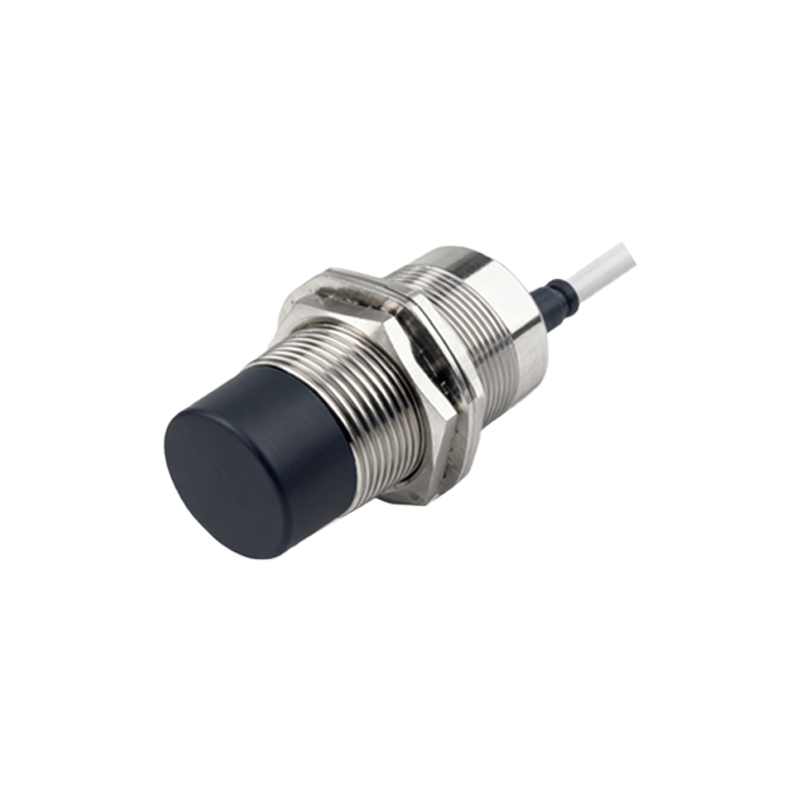
Proximity sensors in 3D printers operate primarily on two principles: inductive and capacitive sensing. Inductive sensors generate an electromagnetic field and detect changes caused by conductive materials, such as a metal build plate. They are highly reliable for metal surfaces but ineffective with glass or other non-conductive materials. Capacitive sensors, on the other hand, measure changes in capacitance between the sensor and the bed material, making them versatile for various surfaces including glass, plastic, and metal. Both types output a signal when the bed reaches a specific distance, triggering the printer's firmware to map the bed's topography. This data is then used to adjust the Z-axis dynamically during printing, ensuring uniform layer height across the entire build area.
Key Sensor Types and Their Applications
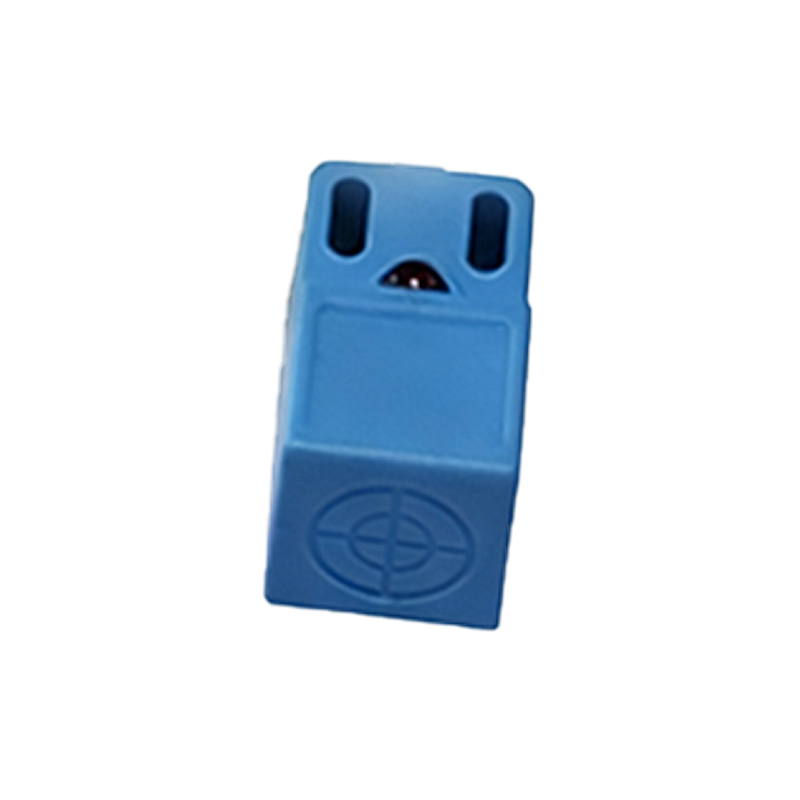
Several sensor types dominate the market, each with distinct advantages. BLTouch and similar mechanical probes use a physical pin that deploys to touch the bed, offering high accuracy independent of bed material. Inductive sensors, like the PL-08N, are prized for their speed and durability in industrial environments with metal beds. Capacitive sensors, such as the CR-Touch, provide flexibility for mixed-material setups. Additionally, newer technologies like laser triangulation sensors offer micron-level precision but at a higher cost. The choice depends on factors like bed material, required precision, environmental conditions, and budget. For instance, a printer with a heated glass bed might benefit from a capacitive sensor, while an all-metal machine could opt for an inductive one for robustness.
Integration with Printer Firmware
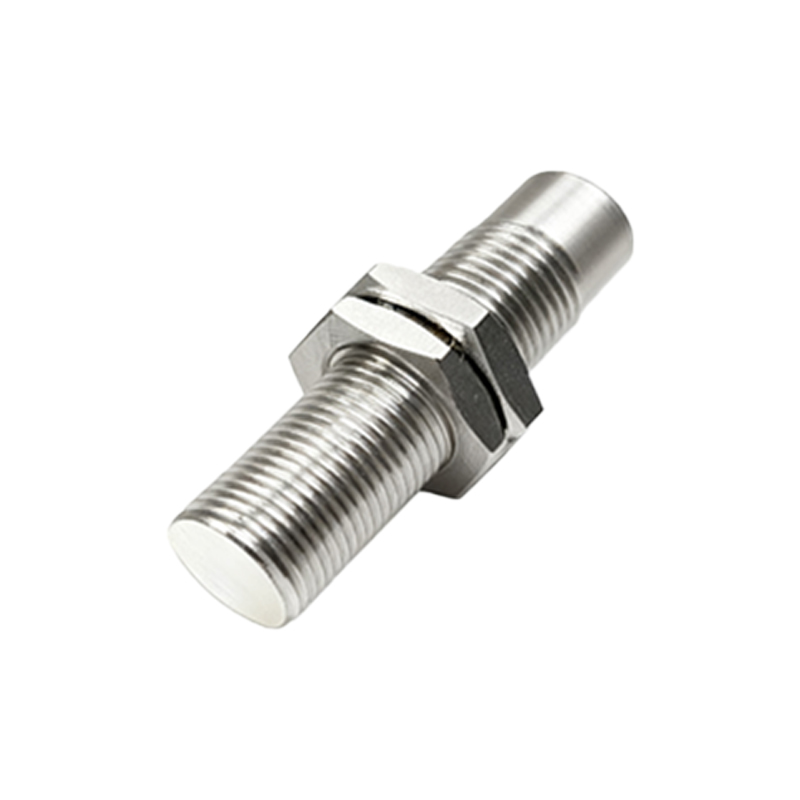
The true power of a proximity sensor is realized through seamless integration with the printer's firmware, such as Marlin, Klipper, or Repetier. The sensor is connected to a dedicated pin on the controller board, and the firmware is configured to recognize its signals. During the auto-leveling sequence, the firmware commands the printer to probe multiple points on the bed, recording the Z-height at each location. This creates a mesh map of the bed's deviations. Advanced firmware features, like Unified Bed Leveling (UBL) in Marlin, store this mesh and use it to tilt the printing plane in real-time. Proper configuration involves setting parameters like probe offset, triggering height, and grid density, which require careful calibration to avoid measurement errors.
Calibration and Accuracy Considerations
Achieving optimal performance from an auto-leveling system demands precise calibration. Key steps include setting the correct sensor offset—the distance between the probe trigger point and the actual nozzle tip. This value must be measured accurately and entered into the firmware. Temperature effects are also critical; since thermal expansion can alter the bed's shape and sensor readings, it's advisable to perform leveling at the target printing temperature. Engineers should also account for sensor repeatability, which defines how consistently the sensor triggers at the same distance. Regular checks for contamination, mechanical wear, or electrical interference are essential to maintain long-term accuracy, especially in high-throughput or industrial settings.
Common Challenges and Troubleshooting
Despite their reliability, proximity sensors can encounter issues. Inductive sensors may fail to detect non-conductive surfaces, leading to crashes, while capacitive sensors can be affected by environmental humidity or dust. Incorrect offset calibration is a frequent cause of poor first-layer adhesion. Signal noise or faulty wiring can result in erratic probe readings. Troubleshooting typically involves verifying electrical connections, re-calibrating offsets, and testing sensor response with a multimeter. Firmware logs and bed visualizer tools can help diagnose mesh anomalies. In some cases, switching sensor types or adding shielding to reduce electromagnetic interference resolves persistent problems, ensuring consistent operation.
Future Trends and Innovations
The future of auto-leveling sensors points toward greater intelligence and integration. Sensors with built-in temperature compensation and self-diagnostic capabilities are emerging, reducing manual intervention. Machine learning algorithms are being explored to predict