Understanding Proximity Sensor Types
Proximity sensors are essential components in industrial automation, designed to detect the presence or absence of objects without physical contact. Common types include inductive, capacitive, ultrasonic, and photoelectric sensors. Each type operates on different principles, making selection critical based on the application. Inductive sensors detect metallic objects, while capacitive sensors can sense both metallic and non-metallic materials. Ultrasonic sensors use sound waves for detection, and photoelectric sensors rely on light beams. Before installation, verify the sensor type matches the target material and environmental conditions to ensure reliable performance.

Selecting the Correct Mounting Location
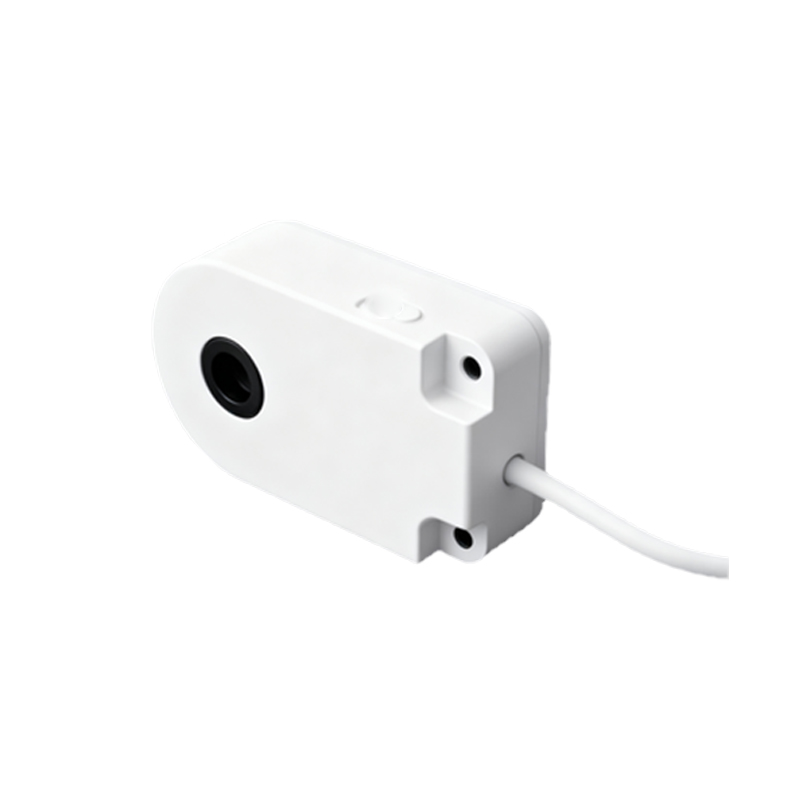
The mounting location significantly impacts sensor functionality. Avoid areas with excessive vibration, heat, or electromagnetic interference, as these factors can cause false readings or damage. Ensure the sensor is positioned within its specified sensing range, typically detailed in the manufacturer's datasheet. For example, inductive sensors require precise alignment with metallic targets, while photoelectric sensors need a clear line of sight. Consider the object's size, shape, and movement speed when determining placement. Additionally, install sensors away from other machinery that may generate noise or interference, maintaining a stable operating environment.
Ensuring Proper Alignment and Orientation
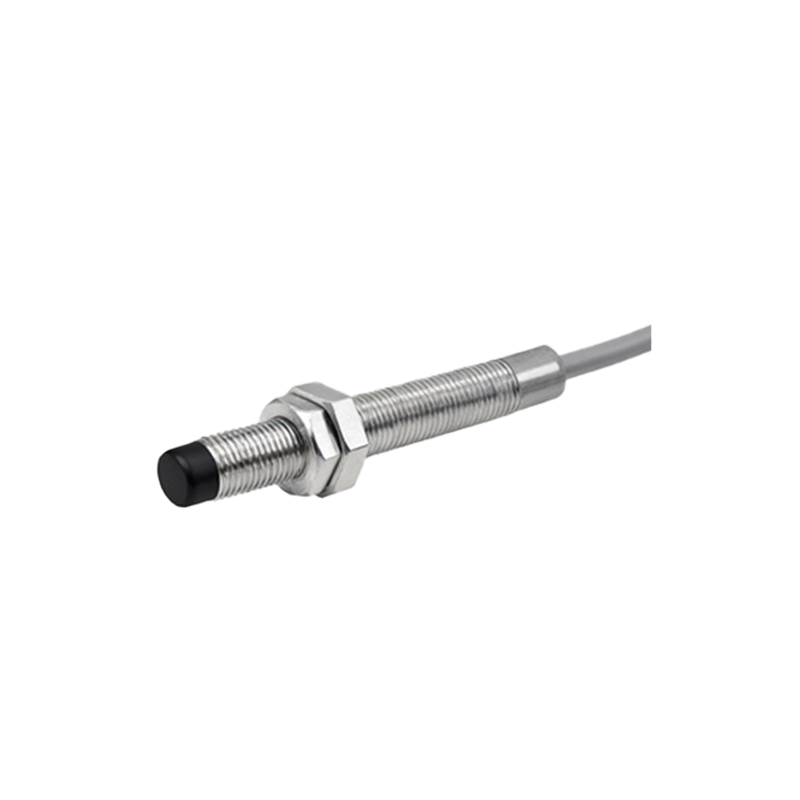
Correct alignment is crucial for accurate detection. Misalignment can lead to reduced sensing distance or complete failure. Follow the manufacturer's guidelines for orientation relative to the target. For instance, inductive sensors should face the target directly, with the sensing surface parallel to the object. Use mounting brackets or adjustable fixtures to fine-tune position during installation. Regularly check alignment during maintenance, as mechanical shifts over time can affect performance. In applications involving fast-moving objects, ensure the sensor's response time is adequate to detect targets without delay.
Wiring and Electrical Connections
Proper wiring ensures safe and efficient sensor operation. Always disconnect power before making connections to prevent electrical hazards. Use shielded cables to minimize electromagnetic interference, especially in environments with high-frequency equipment. Match wire gauges to the sensor's current ratings, and secure connections with appropriate terminals to avoid loose contacts. For DC sensors, observe polarity (positive and negative terminals) to prevent damage. Implement surge protection devices if the sensor is exposed to voltage spikes. Test electrical continuity and insulation resistance after wiring to confirm integrity before powering the system.
Environmental Considerations and Protection
Industrial environments often contain dust, moisture, chemicals, or extreme temperatures. Select sensors with suitable ingress protection (IP) ratings for the conditions. For example, IP67-rated sensors resist dust and temporary immersion, ideal for washdown areas. In corrosive settings, choose sensors with stainless steel housings or chemical-resistant coatings. Avoid exposing sensors to direct sunlight or high temperatures beyond their specified range, as this can degrade components. Regularly clean sensing surfaces to prevent buildup that might impair detection, using non-abrasive methods recommended by the manufacturer.
Calibration and Testing Procedures
After installation, calibrate sensors according to the application requirements. Adjust sensitivity settings to avoid false triggers from background objects or environmental noise. Use test objects identical to the actual targets to verify detection consistency. Document calibration values for future reference. Perform functional tests under normal operating conditions, checking response times and output signals (e.g., NPN/PNP for DC sensors). If issues arise, consult troubleshooting guides or manufacturer support. Periodic re-calibration is advised, especially in dynamic environments where conditions change frequently, ensuring long-term reliability.
Maintenance and Troubleshooting Tips
Routine maintenance extends sensor lifespan and prevents downtime. Inspect sensors visually for physical damage, corrosion, or loose fittings. Monitor performance logs for anomalies like increased error rates. Common issues include reduced sensing range due to worn components or electrical faults from moisture ingress. Replace sensors showing signs of failure promptly. Keep spare parts on hand for critical applications. When troubleshooting, isolate the sensor from the system to check individual functionality, and use diagnostic tools like multimeters to measure voltage and output signals. Training personnel on basic maintenance can reduce reliance on external support.