Understanding the Core Function of Photoelectric Sensors
Photoelectric sensors are fundamental components in industrial automation, relying on a light emitter and a receiver to detect the presence, absence, or distance of an object. The emitter projects a beam of light—often infrared, visible red, or laser—which is then either reflected back to the receiver (in reflective or diffuse models) or interrupted by an object (in through-beam models). The intensity and clarity of this emitted light are critical for reliable operation. When the light appears dim or the sensor's performance becomes unstable, it indicates a problem that can lead to false triggers, missed detections, and costly production downtime. A systematic approach to diagnosing and resolving dim light issues is essential for maintaining optimal system performance.
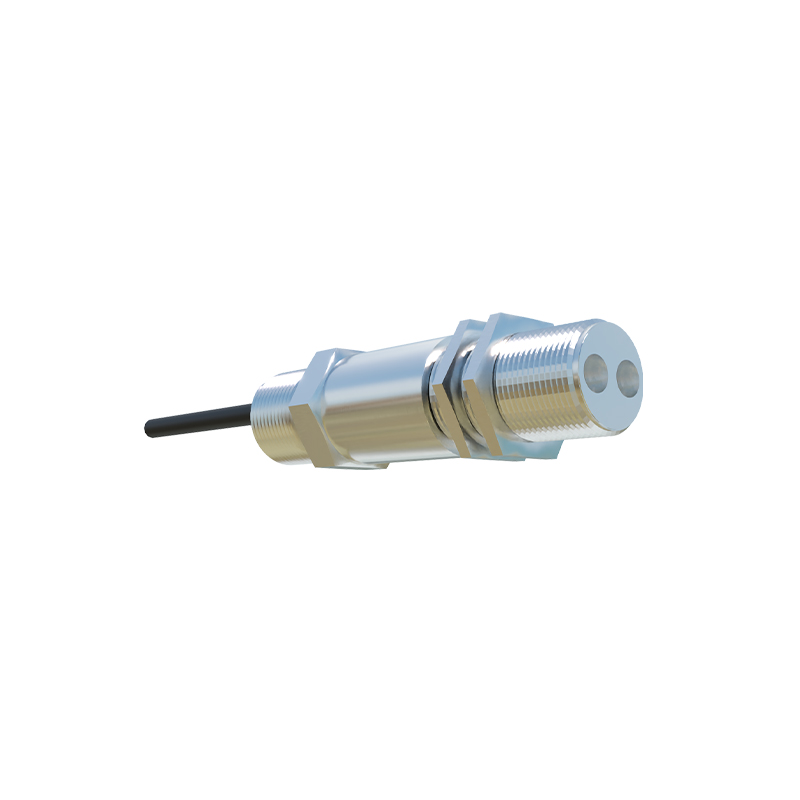
Primary Causes of Diminished Light Output
Several factors can contribute to a photoelectric sensor's light appearing dim or its signal weakening. The most common culprit is contamination. Dust, oil, grease, or moisture accumulating on the sensor's lens can significantly scatter or absorb the light beam. In harsh industrial environments, this buildup happens rapidly. Physical damage to the lens, such as scratches or cracks, will also distort the light path. Another frequent issue is misalignment. Even a slight deviation in the angle or position between the emitter and receiver (or reflector) can drastically reduce the amount of light received. For sensors with adjustable sensing ranges, an incorrect range setting or a dirty background can cause similar symptoms of a weak signal.
Step-by-Step Diagnostic and Cleaning Procedure
Begin troubleshooting by performing a thorough visual inspection. Power down the equipment following lockout-tagout (LOTO) procedures for safety. Examine the sensor's lens for any visible dirt, condensation, or damage. Carefully clean the lens using a soft, lint-free cloth slightly moistened with isopropyl alcohol. Avoid using abrasive materials or harsh chemicals. Next, check for proper alignment. For through-beam sensors, ensure the emitter and receiver are directly facing each other. Use the sensor's alignment indicator, often an LED signal strength meter, to fine-tune the positioning for maximum signal reception. For reflective sensors, ensure the target or reflector is clean and correctly oriented. Verify that the sensing distance is within the sensor's specified range for the target object's size and reflectivity.
Evaluating Electrical and Environmental Factors
If cleaning and realignment do not resolve the dim light issue, investigate the electrical supply. Measure the voltage at the sensor's terminals to ensure it is within the specified range (e.g., 10-30 VDC). Voltage spikes, drops, or electrical noise from nearby motors or drives can interfere with sensor operation. Check all wiring connections for corrosion, looseness, or damage. Environmental conditions are equally critical. Extreme temperatures can affect the sensor's internal components and light output. Ensure the ambient temperature and the sensor's housing rating (IP67, etc.) are suitable for the application. Strong ambient light, such as direct sunlight or high-intensity workshop lighting, can overwhelm the sensor's receiver. Installing a shade or hood can mitigate this interference.
Component Degradation and Advanced Troubleshooting
Photoelectric sensors have a finite operational lifespan. The light-emitting diode (LED) inside the emitter can degrade over time, resulting in a progressively dimmer output. This degradation accelerates in high-temperature environments. Similarly, the phototransistor or receiver component can lose sensitivity. Many modern sensors feature a "teach" or "set" function to calibrate to current conditions, which can sometimes compensate for minor aging. If available, consult the sensor's data sheet for its expected lifetime under your operating conditions. Utilize an oscilloscope to monitor the sensor's output signal waveform; a weak or noisy signal can confirm internal failure. When all other factors are ruled out, the sensor itself may require replacement.
Implementing Proactive Maintenance Strategies
Preventing dim light issues is more efficient than reactive troubleshooting. Establish a regular preventive maintenance schedule that includes visual inspection and lens cleaning. Consider installing sensors with higher ingress protection (IP) ratings or stainless-steel housings in dirty or wet areas. Using sensors with a powerful, focused beam (like laser models) or background suppression technology can improve performance in challenging applications. Always ensure the selected sensor type (diffuse, retro-reflective, through-beam) is the most appropriate for the specific task. Keeping a log of sensor performance, replacements, and environmental conditions can help predict failures and optimize your maintenance planning, ensuring continuous and reliable operation of your automated systems.