Introduction to Photoelectric Sensor Buttons
In the realm of industrial automation, photoelectric sensors are indispensable components for detecting the presence, absence, or distance of objects without physical contact. A critical, yet often overlooked, feature on many modern photoelectric sensors is the integrated push-button. This button is not merely for aesthetic purposes; it serves as a vital interface for configuration, calibration, and diagnostics. Understanding its functionality is paramount for engineers and technicians to ensure optimal sensor performance and streamline setup processes in complex control systems.
Primary Functions of the Configuration Button
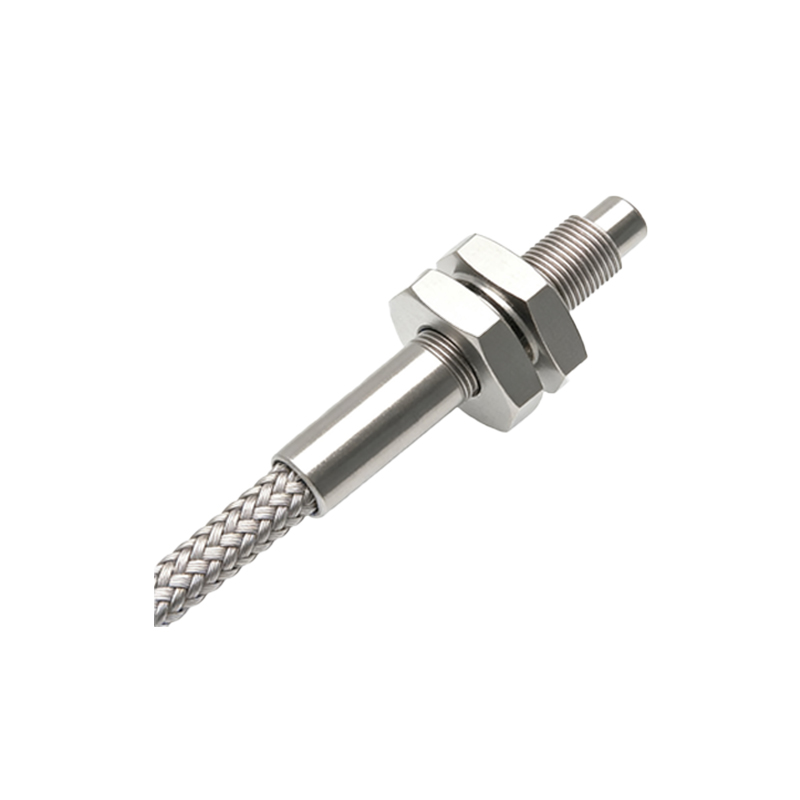
The button on a photoelectric sensor typically provides several core functions. The most common is the "Teach-In" or "Set" function. By pressing the button, often in specific sequences or for defined durations, the user can program the sensor's parameters. For instance, in a background suppression sensor, pressing the button allows the sensor to "learn" the background distance, effectively setting its sensing range. Another key function is mode selection. Many sensors offer different operating modes such as light-on/dark-on, or switching between short-range and long-range detection. The button facilitates toggling between these modes without the need for external programming devices.
Simplified Calibration and Alignment
Alignment and calibration are critical steps in sensor installation. The integrated button significantly simplifies this process. For through-beam sensors, pressing the button on the receiver after rough alignment can confirm signal strength, often indicated by an LED. In diffuse reflective sensors, a single button press can set the sensing threshold based on the target object present at the desired detection point. This hands-on calibration eliminates guesswork, reduces installation time, and minimizes errors, leading to faster machine commissioning and reduced downtime.
Diagnostic and Status Indication
Beyond setup, the button is integral for diagnostic procedures. A common practice is to use the button to manually trigger the sensor's output. By pressing it, a technician can force the output switch (NO/NC) to verify wiring connections to the PLC or controller. Furthermore, many sensors use LED indicators in conjunction with button presses to display status codes. For example, a specific blink pattern accessed by holding the button can indicate signal strength, supply voltage status, or even error conditions like lens contamination, enabling proactive maintenance.
Enhancing Operational Safety and Flexibility
The presence of a manual button enhances operational safety and system flexibility. It allows for local control and testing without accessing the main control cabinet, which is crucial during troubleshooting or safety inspections. Additionally, some advanced sensors feature a button-lock function to prevent unauthorized or accidental parameter changes once the system is commissioned. This flexibility empowers technicians to make quick adjustments on the fly in response to process changes, such as switching to a different product line, without extensive reprogramming.
Considerations for Selection and Implementation
When selecting a photoelectric sensor, the type and capability of the configuration button should be a consideration. Factors include the button's accessibility (especially in tight spaces), its environmental rating (IP67 or higher for washdown areas), and the intuitiveness of its programming sequence. Engineers must also consult the manufacturer's datasheet to understand the specific button functions, as these can vary between models and brands. Proper training for maintenance personnel on using these features is essential to leverage the full potential of the sensor.
Conclusion: A Small Button with Significant Impact
In conclusion, the humble button on a photoelectric sensor is a powerful tool that extends far beyond simple operation. It encapsulates key functionalities for teaching, calibrating, diagnosing, and securing the sensor's operation. By mastering its use, automation professionals can ensure faster installation, more reliable operation, and easier maintenance of sensing systems. As photoelectric sensors continue to evolve with smarter features, the role of this manual interface remains fundamentally important for practical, efficient, and safe industrial automation.