Introduction to Proximity Sensors
Proximity sensors are integral components in modern smartphones, designed to detect the presence of nearby objects without physical contact. These sensors primarily serve to conserve battery life and enhance user experience by automatically turning off the display during phone calls when the device is held close to the ear. Typically located near the earpiece on the front panel, they utilize infrared (IR) technology to sense proximity. The basic principle involves emitting an infrared beam and measuring the reflection to determine distance. This functionality prevents accidental screen touches and reduces power consumption, making it a crucial feature in today's devices.
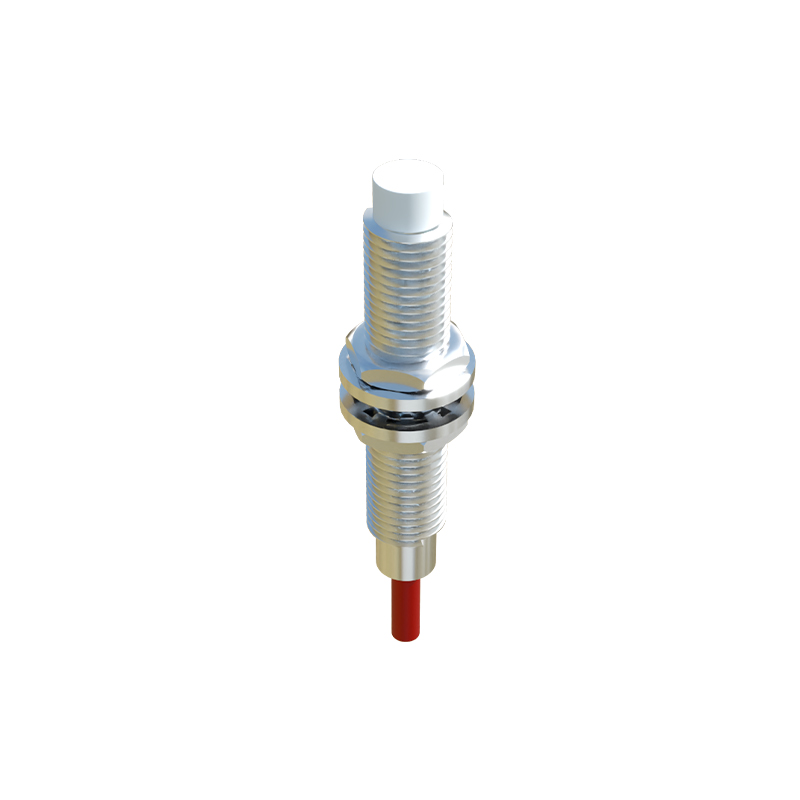
Working Principle of Infrared Proximity Sensors
The core operation of a smartphone proximity sensor relies on an IR LED and an IR photodetector. The IR LED emits a beam of infrared light, which is invisible to the human eye. When an object, such as a user's face, approaches the phone, this light reflects off the surface and is captured by the IR photodetector. The sensor's circuitry then analyzes the intensity of the reflected light; a stronger signal indicates a closer object. Based on predefined thresholds, the sensor triggers the system to deactivate the display. This process occurs in milliseconds, ensuring seamless interaction. Most sensors are calibrated to detect objects within a range of 1 to 5 centimeters, optimizing accuracy for typical usage scenarios like phone calls.
Diagram and Components Breakdown
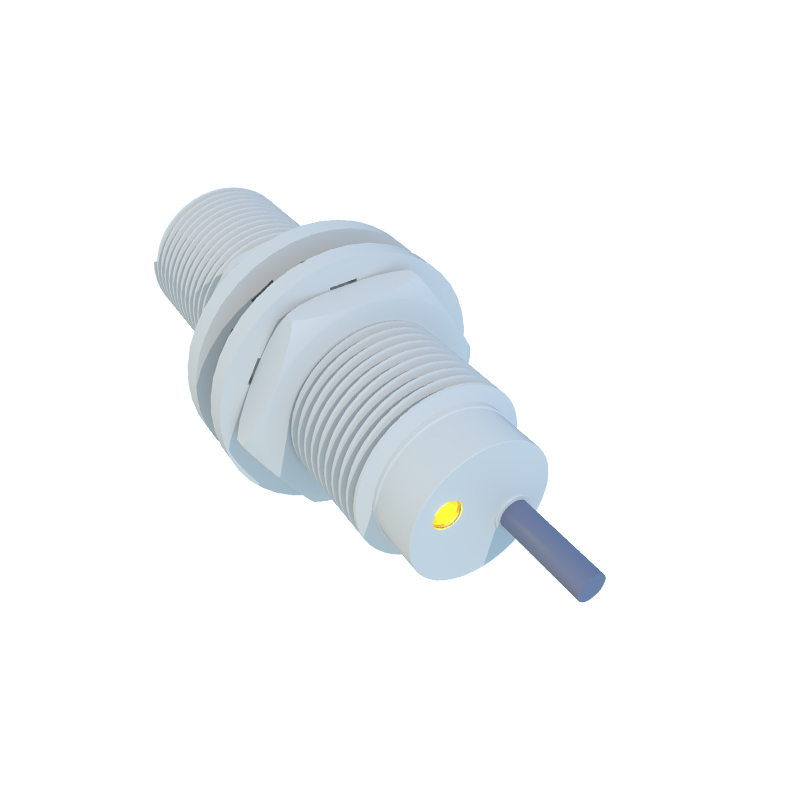
A typical proximity sensor diagram includes several key elements: the IR emitter (LED), IR receiver (photodiode), control circuit, and microcontroller. The IR emitter generates the infrared signal, while the receiver detects the reflected waves. The control circuit amplifies and processes the signal, converting it into a digital output for the microcontroller. In smartphones, this microcontroller is often integrated into the main processor or a dedicated sensor hub. The diagram illustrates how the emitted IR light travels outward, reflects off an object, and returns to the receiver, creating a feedback loop. Environmental factors, such as ambient light, are filtered out to prevent false triggers, ensuring reliable performance in various conditions.
Calibration and Environmental Adaptations
To maintain accuracy, proximity sensors undergo rigorous calibration during manufacturing. This involves setting sensitivity levels to distinguish between intentional proximity (e.g., a face during a call) and accidental interference (e.g., objects in a pocket). Smartphones often incorporate algorithms that adjust sensor behavior based on ambient light and temperature changes. For instance, in bright sunlight, the sensor might increase IR emission power to overcome external IR noise. Additionally, some advanced sensors use dual or multi-point calibration to account for different skin tones or materials, enhancing inclusivity and reliability. Regular software updates can further refine these parameters, improving longevity and user satisfaction.
Common Applications Beyond Phone Calls
While initially designed for call management, proximity sensors now support diverse smartphone features. They enable gesture controls in some devices, allowing users to wave a hand to silence alarms or scroll through content. In power-saving modes, sensors can dim the screen when the phone is placed face down or in a bag. They also play a role in augmented reality (AR) applications by helping to gauge distances to real-world objects. Moreover, in accessibility settings, these sensors assist users with disabilities by providing touch-free interactions. As technology evolves, integration with other sensors, like ambient light sensors, expands their utility in creating intuitive, energy-efficient interfaces.
Troubleshooting and Maintenance Tips
Proximity sensor issues, such as unresponsive screens during calls, can arise from hardware damage, software glitches, or dirt accumulation. Users can often resolve minor problems by cleaning the sensor area with a soft cloth to remove debris. Restarting the phone or updating the operating system may fix software-related bugs. In cases of persistent failure, professional repair might be necessary to replace the sensor module. To prolong sensor life, avoid exposing the phone to extreme temperatures or moisture, which can degrade IR components. Regular diagnostics through built-in phone settings or third-party apps can help monitor sensor health, ensuring optimal functionality over time.
Future Trends in Proximity Sensing Technology
The future of proximity sensors in smartphones points toward miniaturization and enhanced integration. Emerging technologies, such as time-of-flight (ToF) sensors, offer higher precision by measuring the time taken for light to reflect, enabling 3D mapping for facial recognition and photography. Innovations in materials science may lead to transparent or flexible sensors, allowing for bezel-less designs. Additionally, AI-driven algorithms could enable predictive behaviors, such as anticipating user actions based on proximity patterns. As part of the Internet of Things (IoT), these sensors might facilitate smarter device interactions, contributing