Understanding Photoelectric Sensor Fundamentals
Photoelectric sensors operate by emitting a beam of light, typically from an LED, and detecting changes in the received light intensity. The core principle involves the transmitter projecting light and the receiver measuring the amount of light that returns or is interrupted. The "strength" or sensitivity adjustment is crucial for reliable object detection and is influenced by factors like target reflectivity, distance, environmental conditions, and ambient light. Proper adjustment ensures the sensor triggers accurately for the intended target while ignoring background interference or non-target objects. This process is often referred to as setting the sensitivity threshold or gain.
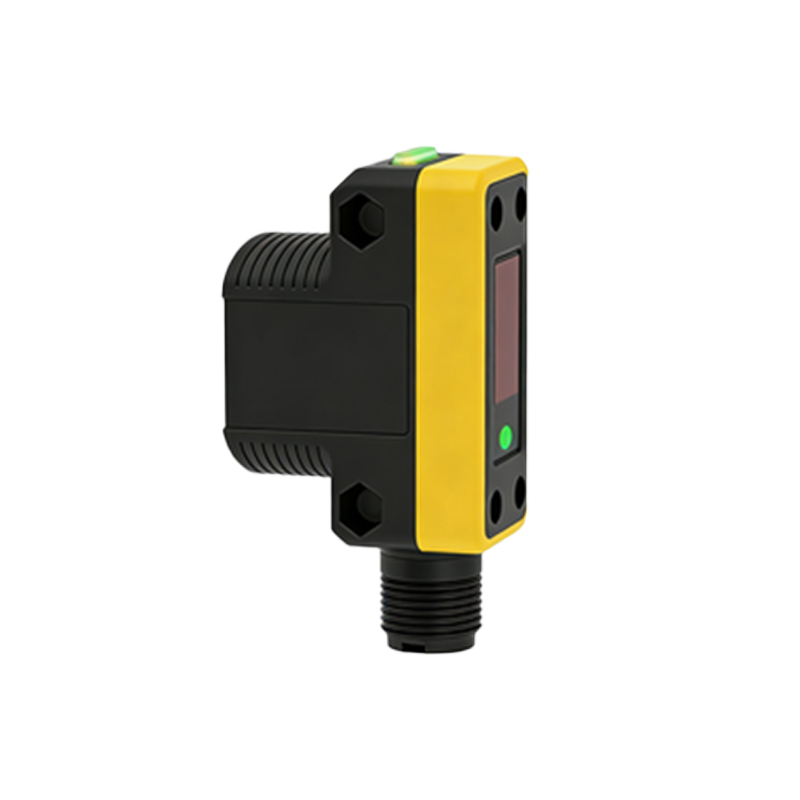
Primary Adjustment Methods: Sensitivity Potentiometer
The most common adjustment tool is a built-in sensitivity potentiometer, often a small screw or dial located on the sensor housing. Rotating this potentiometer changes the sensor's amplification gain. Turning it clockwise (or as indicated by a "+" sign) increases sensitivity, allowing the sensor to detect smaller, less reflective, or more distant objects. Turning it counterclockwise (or "-") decreases sensitivity, making the sensor less likely to be triggered by dust, background objects, or minor fluctuations. For precise adjustment, use a small screwdriver and make incremental changes while testing with the actual target under normal operating conditions.
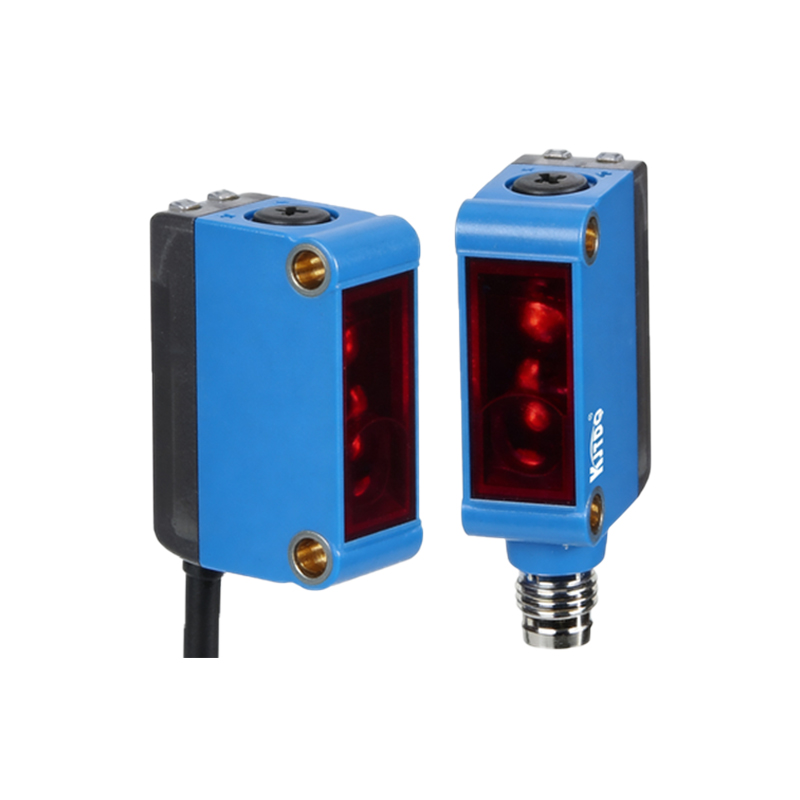
Utilizing Teach-In or Programming Functions
Many modern photoelectric sensors feature a "Teach-In" or programmable button for simplified setup. This method typically involves two steps. First, present the sensor with the "background" or non-detection state (e.g., an empty conveyor) and press the button. Second, present the "target" or detection state (e.g., the object to be sensed) and press the button again. The sensor's internal microprocessor automatically calculates and sets the optimal sensitivity threshold between these two states. This method is highly effective for complex backgrounds or varying target conditions and often includes a stability margin to account for minor variations.
Adjusting for Sensing Range and Beam Alignment
For diffuse reflective sensors, the sensing range is directly tied to sensitivity. Increasing sensitivity extends the maximum detection distance, but may also cause unintended triggering. For retro-reflective and through-beam sensors, range is primarily fixed by design, but sensitivity adjustment helps compensate for lens contamination or minor misalignment. Always ensure the light beam is properly aligned on the target. Use the sensor's stability indicator (often an LED) as a guide: adjust the sensitivity until the indicator reliably switches states only when the target is present. For long-range or precise applications, optical alignment tools may be necessary.
Dealing with Environmental Interference
Environmental factors like ambient light, dust, fog, or vibration can cause false triggers. To counteract this, first, decrease the sensor's sensitivity to the minimum level required for reliable target detection. Second, consider sensors with modulated LED light (often a specific frequency) and a receiver tuned to that same frequency; these ignore constant ambient light. Third, physical solutions like mounting shades, using polarizing filters (for retro-reflective types), or selecting sensors with a visible red beam for easier alignment can significantly improve performance in challenging conditions.
Fine-Tuning and Verification Procedures
After initial adjustment, a thorough verification process is essential. Test the sensor across the entire expected range of operating conditions, including temperature extremes, voltage variations, and with multiple target samples if reflectivity varies. Check for both positive detection (sensor triggers when target is present) and negative reliability (sensor does not trigger for non-targets or background). Document the final sensitivity setting. For critical applications, implement periodic maintenance checks to re-verify settings, as lens fouling or LED aging can degrade performance over time, potentially requiring a slight sensitivity increase.
Advanced Features: Background Suppression and Auto-Adaptation
For applications requiring detection at a precise distance regardless of color or reflectivity, consider Background Suppression (BGS) sensors. These use triangulation principles and have a fixed, mechanically or electronically set sensing window. Their "strength" is pre-set for that window and typically requires alignment rather than sensitivity adjustment. Furthermore, some high-end sensors offer auto-adaptive sensitivity, where the device continuously monitors environmental conditions and automatically adjusts its threshold to maintain stable operation, minimizing the need for manual intervention.