Introduction to Proximity Sensor Switches
Proximity sensor switches are essential components in modern industrial automation, designed to detect the presence or absence of objects without physical contact. These devices operate based on electromagnetic fields, capacitive sensing, or ultrasonic principles, making them ideal for harsh environments where durability and reliability are critical. Common types include inductive sensors for metallic objects, capacitive sensors for non-metallic materials, and magnetic sensors for specific applications. Understanding their fundamental working mechanisms is the first step toward effective implementation in various systems, from manufacturing lines to safety installations.
Selection Criteria for Proximity Sensors
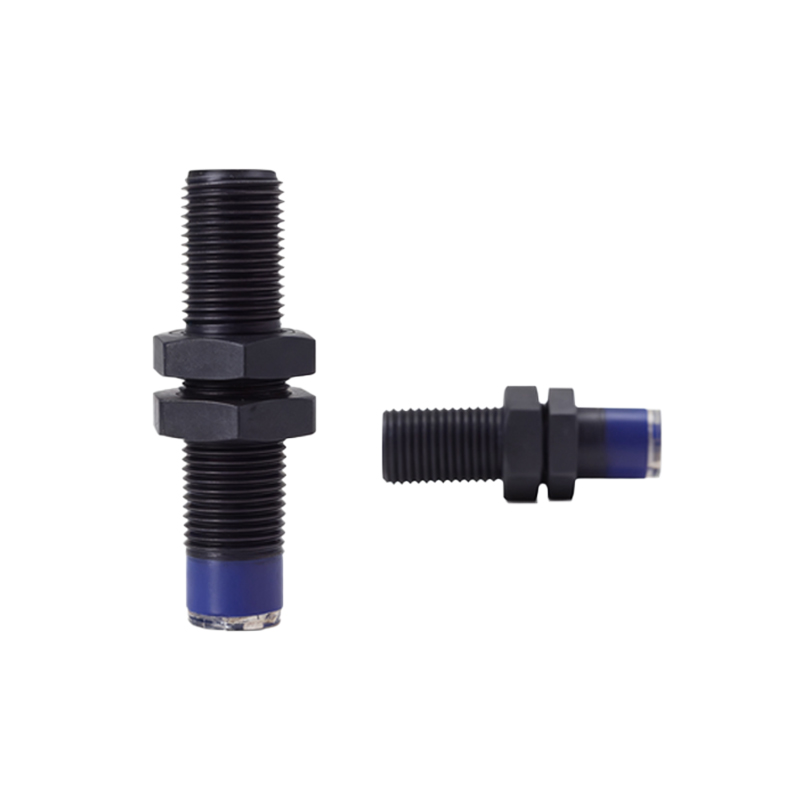
Choosing the right proximity sensor switch depends on several factors to ensure optimal performance. Key considerations include the sensing range, which varies from a few millimeters to several centimeters, and the material of the target object—inductive sensors work best with metals, while capacitive sensors handle plastics or liquids. Environmental conditions such as temperature extremes, humidity, and exposure to chemicals also influence selection. Additionally, output types like NPN or PNP configurations must match the control system's requirements. Always refer to manufacturer datasheets for specifications like response time and IP ratings to avoid operational failures.
Installation Best Practices
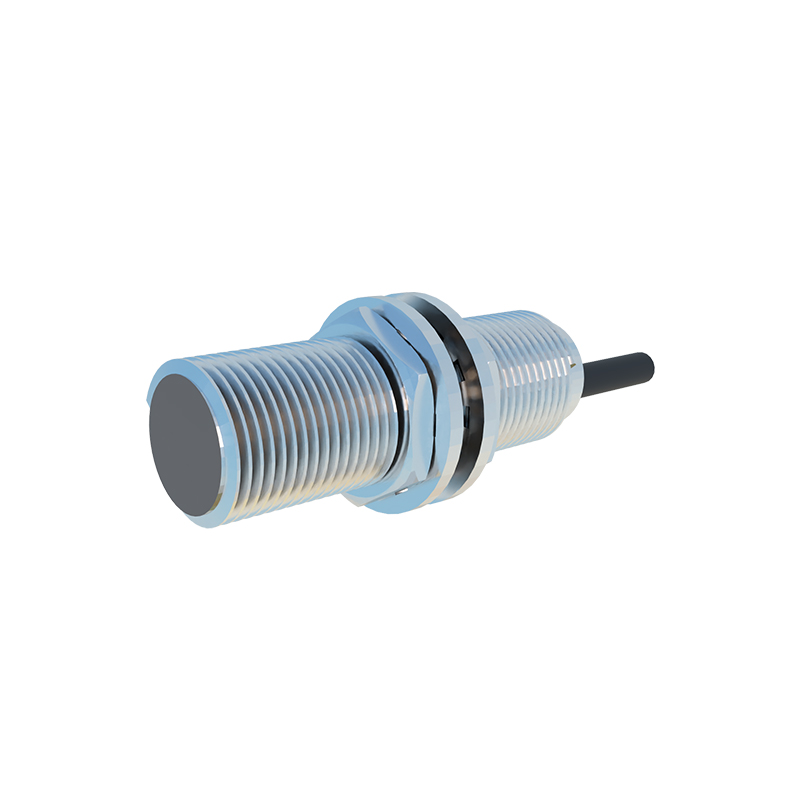
Proper installation is crucial for the reliable operation of proximity sensor switches. Mount the sensor securely using appropriate brackets, ensuring it is aligned correctly with the target object to avoid false triggers. Maintain the recommended sensing distance, typically specified as the nominal range, and account for any potential interference from nearby metal objects or electrical noise. For inductive sensors, avoid mounting them too close to each other to prevent mutual interference. Use shielded cables and proper grounding techniques to minimize electromagnetic interference, which can affect signal accuracy and longevity.

Wiring and Electrical Connections
Accurate wiring ensures the proximity sensor switch integrates seamlessly with control systems like PLCs or relays. Most sensors have three wires: power supply (brown), ground (blue), and output (black). For DC sensors, connect the power supply within the rated voltage range (commonly 10-30V DC) and verify polarity to prevent damage. In NPN configurations, the output sinks current to ground, while PNP sources current from the positive supply. Always use overcurrent protection devices such as fuses and follow local electrical codes. Test connections with a multimeter before powering up to confirm continuity and avoid short circuits.
Calibration and Adjustment Procedures
Calibration fine-tunes proximity sensor switches for precise detection. Start by powering the sensor and placing the target object within the sensing range. Adjust the sensitivity potentiometer, if available, to set the detection threshold—too high may cause false alarms, while too low might miss objects. For capacitive sensors, adjust the compensation to account for environmental changes like moisture. Use diagnostic tools or indicator LEDs to monitor the sensor's status during calibration. Regularly recalibrate in dynamic environments to maintain accuracy, as factors like temperature drift can affect performance over time.
Troubleshooting Common Issues
When proximity sensor switches malfunction, systematic troubleshooting can identify and resolve problems. Common issues include no output signal, intermittent detection, or false triggers. Check power supply levels and wiring connections first, as loose cables are a frequent cause. Inspect for physical damage or contamination on the sensor face. If interference is suspected, relocate the sensor away from sources like motors or high-frequency devices. Review environmental factors; for example, capacitive sensors may react to unintended materials. Consult the manufacturer's troubleshooting guide and use oscilloscopes to analyze signal integrity if problems persist.
Maintenance and Safety Guidelines
Regular maintenance extends the lifespan of proximity sensor switches and ensures safe operation. Clean the sensor surface periodically with a soft cloth to remove dust, oil, or debris that could impair sensitivity. Avoid using abrasive chemicals that might damage the housing. Inspect mounting hardware for loosening due to vibration, common in industrial settings. Implement safety protocols by disconnecting power before servicing and using lockout-tagout procedures. Keep records of maintenance schedules and replacements to predict failures. Always prioritize safety standards such as ISO 13849 for machinery applications to prevent accidents.
Applications in Industrial Automation
Proximity sensor switches are versatile tools in automation, enhancing efficiency and safety. In conveyor systems, they detect object positions to control sorting or packaging processes. Robotics rely on them for precise end-effector positioning and collision avoidance. Safety applications include presence detection in guarded machinery to prevent operator injuries. They also monitor liquid levels in tanks using capacitive sensors or count metallic parts in assembly lines. By integrating with IoT systems, these sensors enable predictive maintenance, reducing downtime and optimizing production workflows across industries like automotive, food processing, and pharmaceuticals.