Understanding Photoelectric Sensor Fundamentals
Photoelectric sensors are indispensable tools in modern industrial automation, offering non-contact detection of objects. The core principle involves an emitter that projects a light beam and a receiver that detects changes in this beam. DeFelsko's OptiSens series leverages this technology with high reliability. These sensors primarily operate in three modes: through-beam, retro-reflective, and diffuse. Through-beam sensors, with separate emitter and receiver units, provide the longest sensing ranges and highest reliability. Retro-reflective types use a reflector to bounce the light back to a combined unit, offering a good balance of range and ease of installation. Diffuse sensors detect light reflected directly from the target itself, making them ideal for applications where mounting a reflector or separate receiver is impractical. Understanding these fundamental operating modes is the first critical step in the selection process, as it directly dictates the sensor's capability to solve your specific detection challenge.
Key Application Parameters for Selection
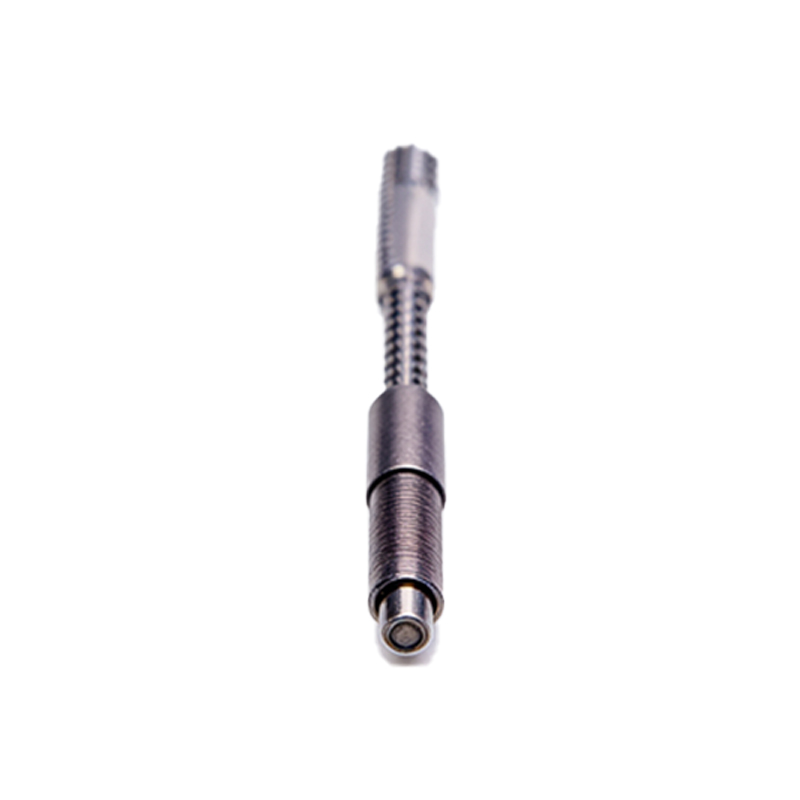
Selecting the correct OptiSens sensor requires a detailed analysis of your application's parameters. First, clearly define the object characteristics: size, material, color, and surface finish. A small, dark, or matte-finished object will reflect less light, potentially necessitating a more sensitive diffuse model or a through-beam system. Second, determine the required sensing distance or range. Always choose a sensor with a rated sensing distance greater than your actual need to account for environmental variances. Third, consider the output requirements. Do you need a simple digital on/off signal (PNP/NPN), or an analog output for distance or intensity measurement? DeFelsko offers various output configurations to interface seamlessly with PLCs, controllers, or data acquisition systems. Finally, assess the environmental conditions such as ambient light, temperature extremes, humidity, and the presence of dust, oil, or coolant. The sensor's housing material (e.g., stainless steel or engineered plastic) and Ingress Protection (IP) rating must be suited to withstand these conditions.
Evaluating OptiSens Series Features and Models
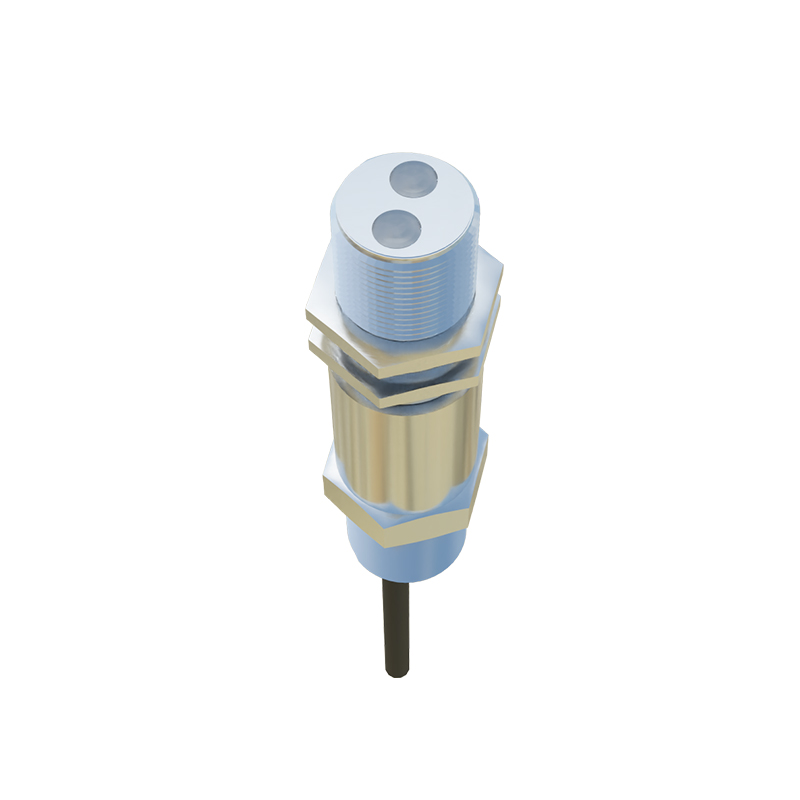
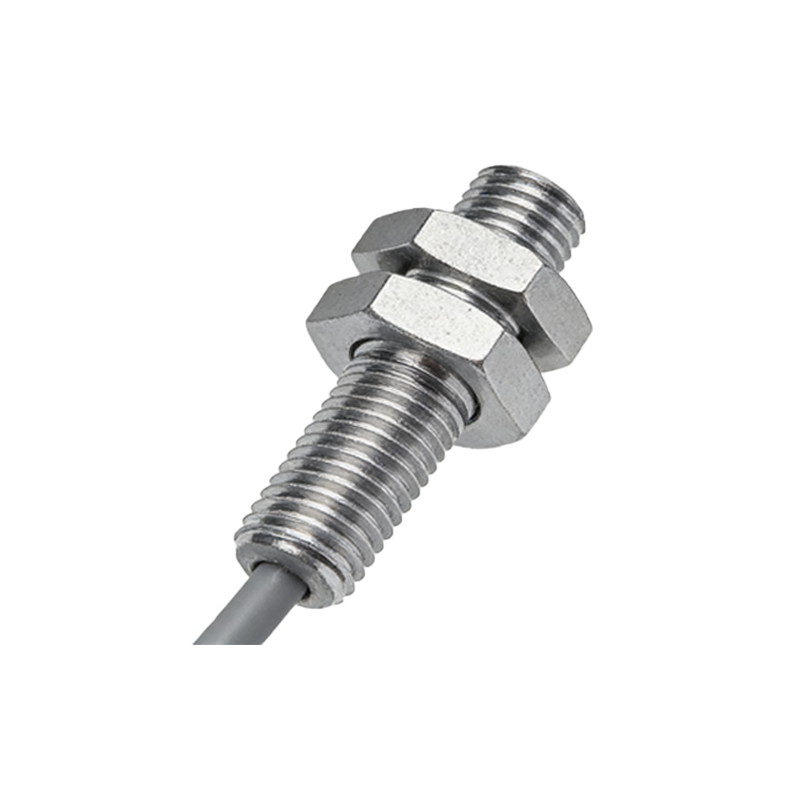
The DeFelsko OptiSens portfolio includes models tailored for diverse industrial needs. For demanding environments with washdown requirements, the sealed stainless-steel housing variants with high IP ratings (e.g., IP67/IP69K) are essential. For applications requiring precise detection or measurement, models with background suppression or focused beam optics provide superior performance by ignoring objects beyond a set distance. Some advanced OptiSens sensors feature teach-in functionality, allowing for easy setup and adjustment of sensitivity thresholds directly on the device. When evaluating models, cross-reference the technical specifications—such as light source (typically red LED or laser), response time, switching frequency, and voltage range—with your application's checklist. It is often prudent to consult the detailed datasheets and application guides provided by DeFelsko to match a specific model number to your operational criteria.
Installation and Alignment Best Practices
Proper installation is crucial for reliable sensor operation. Ensure the sensor is securely mounted to minimize vibration, which can cause false triggering. For through-beam and retro-reflective sensors, precise alignment between the emitter, receiver, or reflector is paramount. Many OptiSens sensors incorporate visual or audible alignment aids, such as a visible red beam or a buzzer that signals when the receiver is adequately illuminated. During installation, account for potential mechanical misalignment over time due to thermal expansion or machine vibration. Leave some allowance for adjustment. For diffuse sensors, be mindful of the background. Ensure that no highly reflective surfaces are within the sensor's field of view behind the target, as this can cause erroneous detection. Always follow the manufacturer's guidelines for mounting distances, cable routing, and electrical connections to ensure optimal performance and longevity.
Troubleshooting and Maintenance Guidelines
Even with correct selection and installation, periodic checks are necessary. Common issues include false triggers, failure to detect, or unstable signals. Start troubleshooting by verifying the power supply and electrical connections. Clean the sensor's lens and, if applicable, the reflector regularly, as accumulation of dust, grime, or oil can attenuate the light beam. Use the sensor's built-in diagnostic indicators, like a stable or blinking LED, to check its operational status. If the sensing range seems reduced, the target properties or environmental conditions may have changed, requiring a sensitivity adjustment. For persistent problems, systematically isolate variables: test with a known good target, check for new sources of ambient light interference, or temporarily bypass cabling to rule out wiring issues. Preventive maintenance, including routine cleaning and functional verification, will maximize uptime and ensure the OptiSens sensor continues to perform reliably throughout its service life.