Understanding Proximity Sensor Functionality in Modern Devices
Proximity sensors are integral components in smartphones, tablets, and other electronic devices, primarily designed to detect the presence of nearby objects without physical contact. These sensors typically use infrared (IR) technology to sense when a user's face is close to the screen during a call, automatically turning off the display to prevent accidental touches and save battery life. In recent years, their role has expanded to include facial recognition features in some devices, working alongside front-facing cameras and specialized software. However, it's crucial to note that proximity sensors themselves do not directly "read" facial features; instead, they provide contextual data that aids in authentication processes. When a device fails to recognize a face, the issue may stem from the sensor, but it often involves a complex interplay of hardware and software elements. Understanding this distinction is the first step in diagnosing and potentially repairing such problems.
Common Causes of Proximity Sensor Malfunctions Affecting Face Recognition
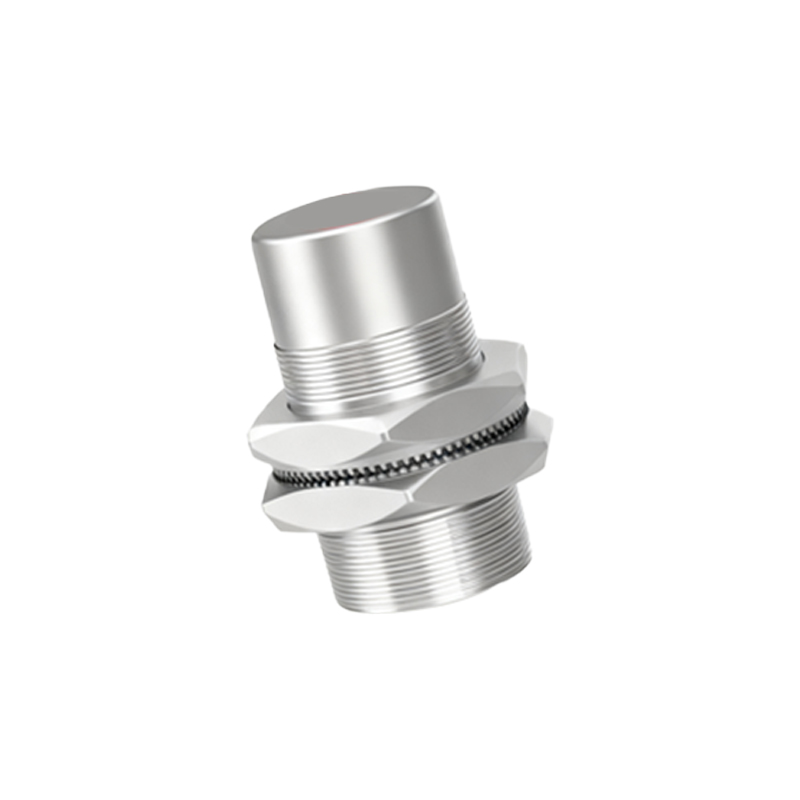
Several factors can lead to proximity sensor failures that impact facial recognition capabilities. Hardware issues include physical damage, such as cracks or scratches on the screen covering the sensor, which can obstruct IR signals. Dust, dirt, or moisture accumulation in the sensor area is another frequent culprit, as it interferes with accurate detection. Software-related problems are equally common; outdated operating systems, corrupted firmware, or bugs in the facial recognition algorithm can cause the sensor to malfunction. Additionally, improper calibration after device repairs or updates may result in the sensor not responding correctly. In some cases, the issue might not be with the sensor itself but with the accompanying components, like the IR emitter or receiver, which are essential for its operation. Identifying the root cause requires systematic troubleshooting, starting with basic cleaning and software checks before considering hardware repairs.
Step-by-Step Troubleshooting and Repair Approaches
Before attempting any repairs, users can try simple troubleshooting steps to resolve proximity sensor issues. First, ensure the sensor area is clean by gently wiping it with a soft, dry cloth. Restart the device to clear temporary software glitches, and check for system updates that might include bug fixes. If the problem persists, recalibrate the sensor using built-in diagnostic tools or manufacturer-provided apps, which are often available in device settings. For hardware-related faults, professional repair is recommended. Technicians typically begin by inspecting the sensor for physical damage and testing its electrical connections with a multimeter. If the sensor is faulty, it may need replacement—a process that involves carefully removing the screen and installing a new sensor module. In devices where facial recognition relies heavily on the proximity sensor, recalibration after replacement is critical to restore functionality. However, if the issue lies in the facial recognition software or other hardware components like the camera, additional repairs or software resets may be necessary.
Preventive Measures and Best Practices for Long-Term Performance
To minimize the risk of proximity sensor failures affecting face recognition, adopt preventive maintenance habits. Use a protective case and screen protector to shield the device from impacts and debris. Avoid exposing the sensor area to liquids or extreme temperatures, which can damage internal components. Regularly update the device's software to ensure compatibility and fix known issues. When performing DIY repairs, follow manufacturer guidelines to avoid misaligning the sensor. For complex problems, consult authorized service centers to maintain warranty coverage and ensure quality parts. By understanding the sensor's role and addressing issues promptly, users can enhance the reliability of facial recognition features and extend the device's lifespan.