Introduction to Proximity Sensing in Touchscreens
Modern touchscreen devices have evolved far beyond simple capacitive touch panels. A critical, yet often overlooked, component that significantly enhances user experience and device efficiency is the proximity sensor. Integrated seamlessly into smartphones, tablets, automotive infotainment systems, and industrial HMIs, proximity sensors detect the presence of nearby objects without physical contact. This capability allows devices to intelligently manage screen states, conserve power, and prevent accidental touches, creating a more intuitive and responsive interaction paradigm. The synergy between touch input and proximity detection represents a sophisticated layer of human-machine interface design.
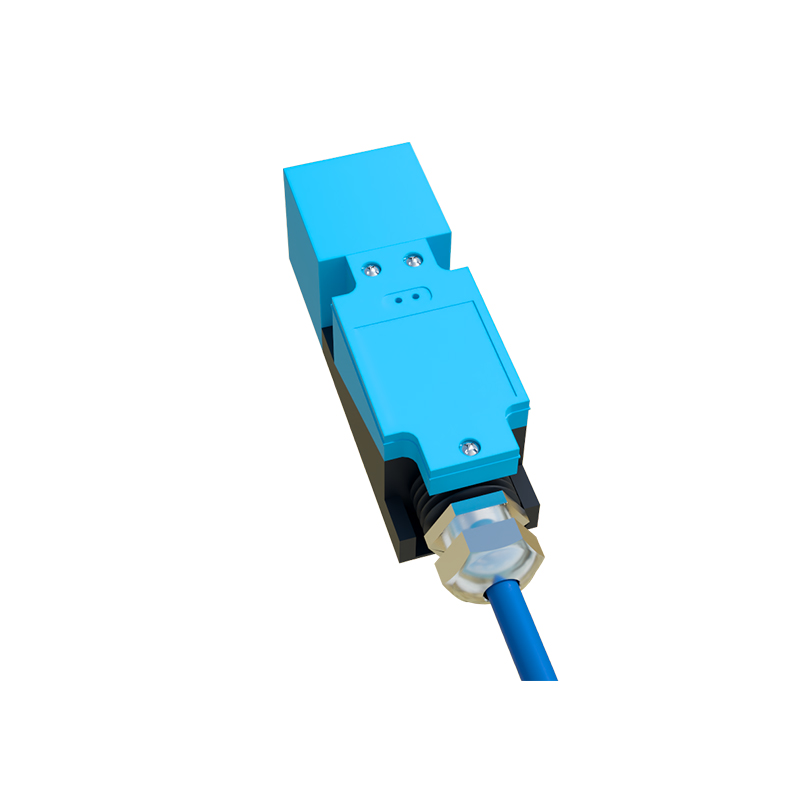
Core Operating Principles and Technologies
The most prevalent technology for proximity sensing in consumer electronics is the infrared (IR) sensor, typically employing an IR LED and a photodiode. The IR LED emits an invisible light beam. When an object, such as a user's face during a call, comes close to the screen, the light reflects back to the photodiode. The sensor's controller measures the intensity of the reflected light to determine the object's proximity. Other technologies include time-of-flight (ToF) sensors, which measure the round-trip time of a light signal for more precise distance measurement, and capacitive proximity sensors, which detect changes in an electrostatic field. The choice of technology depends on factors like required detection range, accuracy, power consumption, and cost.
Key Functions and User Experience Enhancements
The primary function is display management. During a phone call, the sensor detects the ear's proximity and turns off the touchscreen to prevent accidental cheek-initiated commands like muting or hanging up. Simultaneously, it deactivates the display backlight, yielding substantial power savings. This automatic on/off cycling extends battery life. In larger devices like tablets or kiosks, proximity sensors can wake the device from sleep mode as a user approaches, readying the interface instantly. Some advanced implementations enable gesture recognition—switching a hand near the sensor can scroll content or silence an alarm—adding a non-contact control layer.
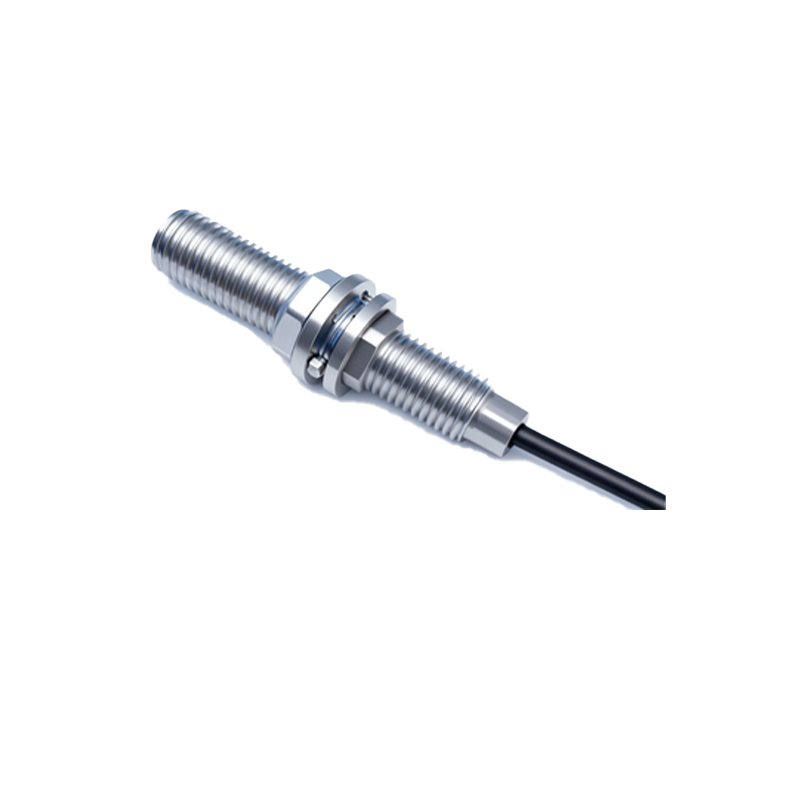
Design Integration and Engineering Challenges
Integrating a proximity sensor into a touchscreen assembly presents distinct engineering challenges. Optical sensors require a precise, unobstructed "window" on the front glass, often placed near the earpiece. This location must be free of coatings that could attenuate the IR signal. Designers must meticulously account for the sensor's field of view to avoid false triggers from device bezels or cases. Another major challenge is ambient light rejection. The sensor must reliably distinguish between the reflected IR signal and high levels of environmental IR light (e.g., sunlight). Advanced filtering algorithms and optical designs, such as modulated IR signals, are employed to ensure robust operation under all lighting conditions.
Applications Beyond Consumer Electronics
While ubiquitous in smartphones, the application of proximity-sensing touchscreens is vast. In automotive interiors, they enhance safety by allowing drivers to activate controls with a wave, reducing visual distraction. Proximity detection can also illuminate climate control panels only when a hand approaches. In industrial settings, HMIs with proximity sensors can activate different interface layers based on operator distance, showing basic status from afar and detailed controls up close. This is crucial in hygienic environments (e.g., medical or food processing) where touchless operation is preferred to minimize contamination. Public kiosks and ATMs use them to detect presence and initiate a session, improving engagement and efficiency.
Future Trends and Advanced Developments
The future points towards more integrated and intelligent sensing systems. The trend is moving from single-point proximity detection to multi-sensor arrays or 3D sensing modules (like structured light or ToF cameras). These can map the spatial relationship between the user and the device in greater detail, enabling sophisticated features like attention-aware displays that dim when the user looks away. Furthermore, the convergence of proximity sensing with other sensors—ambient light, ultrasonic, and under-display camera technology—promises truly seamless designs. The ultimate goal is an "always-aware" interface that anticipates user intent, manages power optimally, and provides a fluid, contextually adaptive interaction experience without explicit commands.
Conclusion: An Indispensable Component
Proximity sensors have transitioned from a niche feature to an indispensable component of modern touchscreen systems. They bridge the gap between passive touch input and anticipatory device behavior, directly contributing to improved usability, energy efficiency, and functional innovation. As touch interfaces continue to permeate every aspect of daily life and industry, the role of proximity sensing will only grow in importance. Engineers and designers must continue to refine these systems, overcoming integration and signal integrity challenges to deliver reliable, invisible, and intelligent interactions that feel natural to