Understanding the Constant On State
A proximity switch sensor is designed to detect the presence or absence of a target object without physical contact, typically outputting a discrete signal—either ON or OFF. When a sensor remains in a constantly ON state, regardless of target presence, it indicates a malfunction that disrupts automated processes. This persistent activation can lead to machinery jams, false cycle initiations, or complete system halts, posing significant risks to productivity and safety. Diagnosing this issue requires a systematic approach, examining both the sensor itself and its integration within the larger control system. The constant ON signal is often a symptom, not the root cause, making thorough investigation essential.
Primary Causes: Sensor Internal Failure
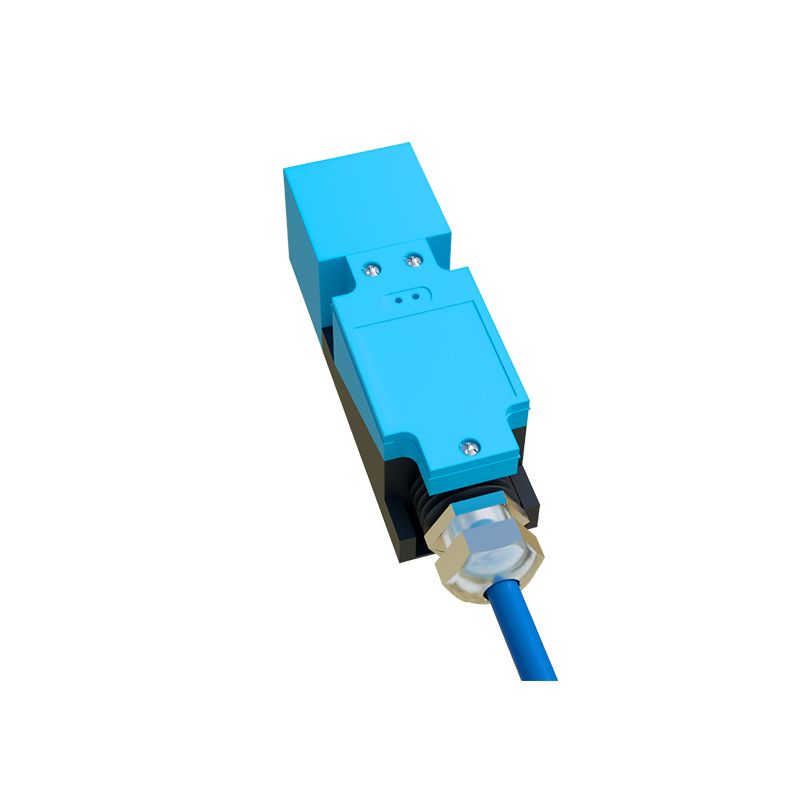
Internal component failure is a frequent culprit. The oscillator circuit, the core of inductive and capacitive proximity sensors, can malfunction. If it fails to oscillate properly or its detection field becomes unstable, the sensor may latch into a permanent ON state. Similarly, damage to the output switching element, such as a solid-state transistor, can cause it to short-circuit internally, continuously conducting current. Physical damage from excessive vibration, impact, or ingress of contaminants like metal chips, oil, or coolant can also compromise internal electronics. For instance, metallic dust accumulation inside the sensor housing can create a conductive bridge, effectively simulating the constant presence of a target.
Primary Causes: Electrical and Environmental Factors
Electrical issues external to the sensor are equally common. Voltage spikes or transients on the supply line can damage sensitive components. Incorrect wiring, such as a short circuit between the output wire and the positive supply voltage, will force the output to remain high. Excessive load current beyond the sensor's rating can weld the output contacts in a closed position or overheat the output stage. Environmental factors play a major role. Extreme temperatures can cause component drift or failure. For capacitive sensors, buildup of non-target material (dust, moisture, ice) on the sensing face can alter the dielectric constant, tricking the sensor into detecting a permanent target.
Primary Causes: Interference and Setup Errors
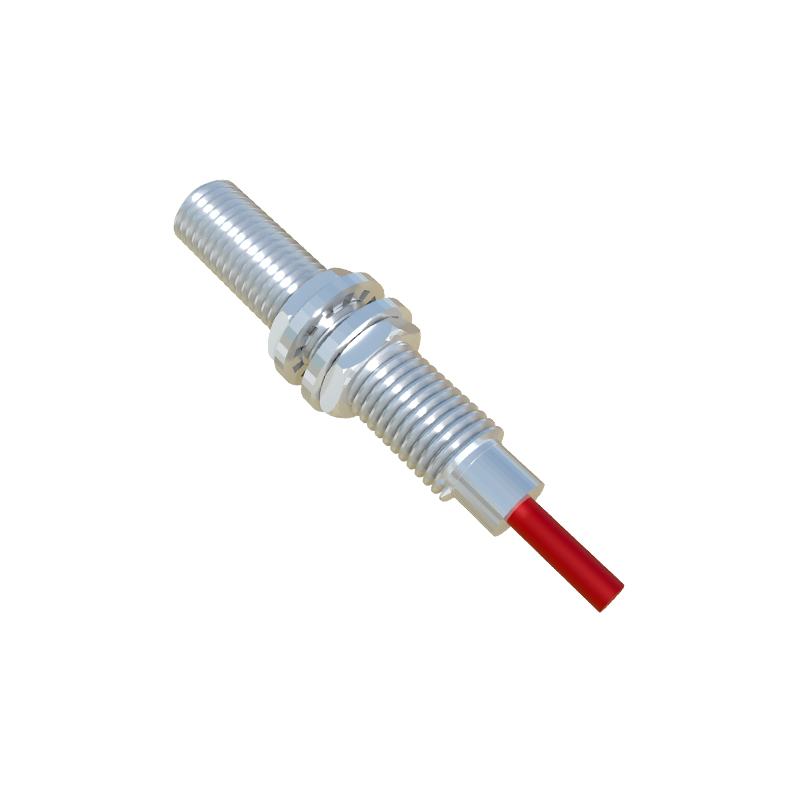
Electromagnetic interference (EMI) from nearby high-power equipment like variable frequency drives (VFDs), motors, or welding machines can induce false signals in the sensor or its cabling. Poor shielding or ungrounded cable conduits exacerbate this problem. Installation and setup errors are often overlooked. Mounting multiple sensors too close together can cause mutual interference, where one sensor's field activates another. An incorrectly set sensing distance or hysteresis, especially on adjustable sensors, might be too sensitive, causing it to detect background objects or its own mounting bracket as a target.
Systematic Diagnostic Procedure
Begin diagnostics by isolating the sensor from the process. Power down the equipment and lock out/tag out for safety. First, perform a visual inspection for obvious physical damage, corrosion, or contaminant buildup. Next, disconnect the sensor from the controller (PLC). Using a multimeter, measure the output signal directly at the sensor's terminals with no target present. A constant voltage output (e.g., 24V DC for a PNP sensor) confirms the fault lies with the sensor or its immediate wiring. If the output reads correctly when disconnected, the fault may be in the load or input card of the PLC. Check wiring for shorts, correct polarity, and proper grounding.
Corrective Actions and Solutions
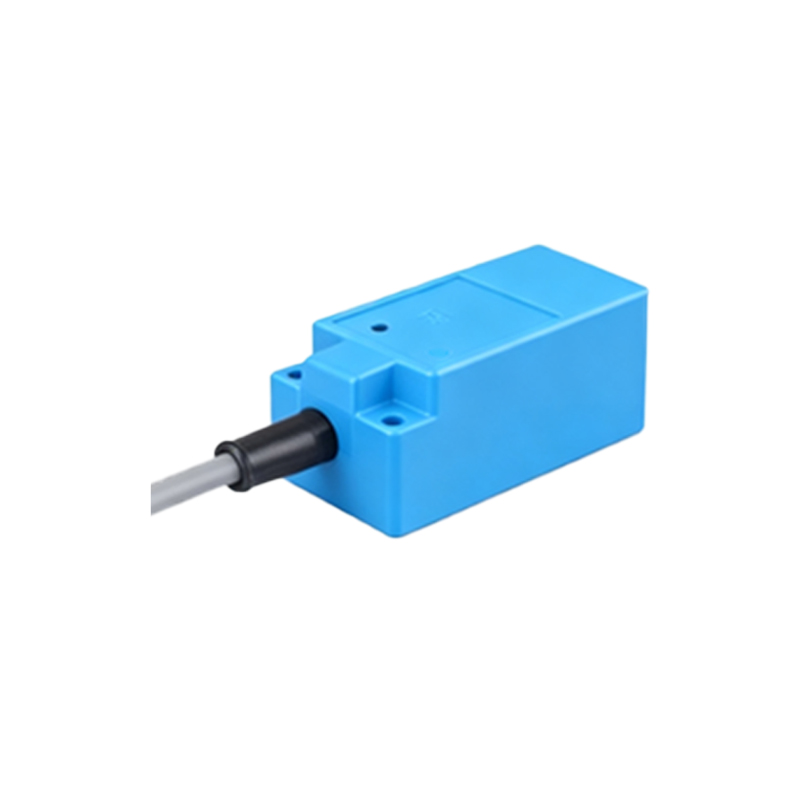
For internal sensor faults, replacement is often the most efficient solution. Before installing a new sensor, verify the operating voltage, output type (PNP/NPN, NO/NC), and housing material are correct. Address environmental causes by selecting a sensor with an appropriate IP rating (e.g., IP67 for washdown areas) and correct technology (e.g., ultrasonic for detecting non-metals in dusty conditions). Install surge protection devices on power lines and use shielded cables, properly grounded at one end, to mitigate EMI. Ensure proper mounting distances as specified in the datasheet to prevent mutual interference. For capacitive sensors, regularly clean the sensing face.
Preventive Maintenance Strategies
Preventing recurrence requires a proactive maintenance schedule. Implement regular inspections, cleaning sensor faces and checking for loose connections. Periodically verify sensor operation by introducing a target and monitoring the output with a diagnostic tool or the PLC program. Maintain stable power supplies and consider using isolated power sources for sensitive sensor clusters. Keep detailed records of sensor failures, including environmental conditions at the time, to identify patterns and systemic issues. Training maintenance personnel on proper installation and diagnostic techniques is a critical long-term investment.
When to Consult a Specialist
If the problem persists across multiple sensors or locations, the issue may be systemic, such as a poorly designed control panel