Understanding Photoelectric Sensor Operation
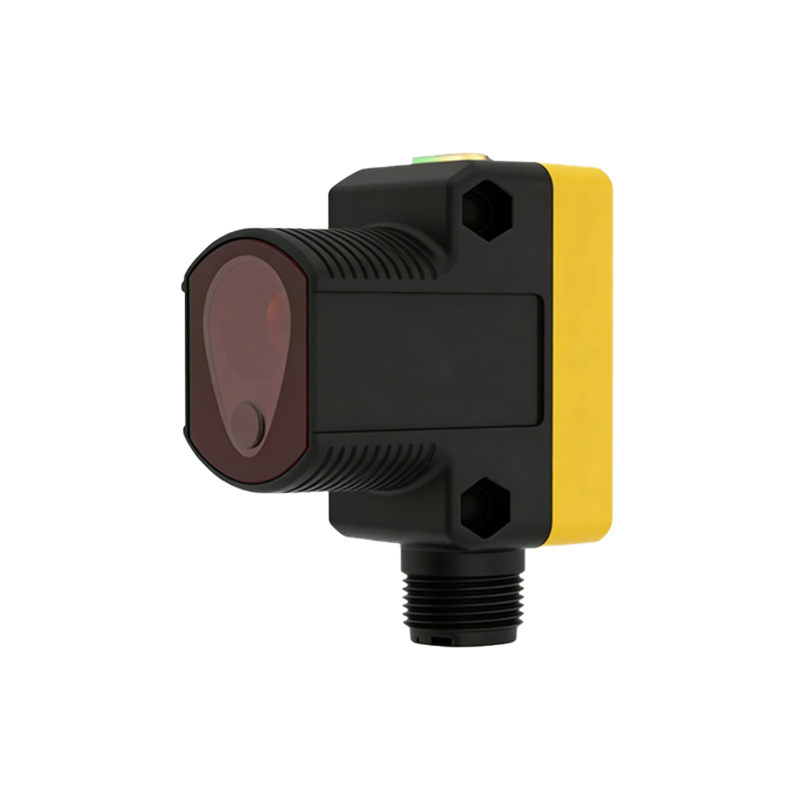
Photoelectric sensors are widely used in industrial automation for detecting objects, measuring distances, and controlling lighting systems. These devices operate by emitting a light beam—typically infrared, visible, or laser—and detecting changes in the received light. When an object interrupts or reflects this beam, the sensor triggers an output signal. In lighting applications, such as automatic outdoor lights or security systems, the sensor is designed to turn the light on upon detection and off after a set delay once the object is no longer present. However, when a photoelectric sensor light remains constantly illuminated, it indicates a malfunction that can stem from various technical issues, ranging from environmental interference to hardware failure.
Common Causes of Persistent Illumination
Several factors can cause a photoelectric sensor light to stay on continuously. First, environmental conditions like dust, fog, or direct sunlight may scatter or saturate the sensor's receiver, preventing it from accurately detecting the absence of objects. For instance, accumulated dirt on the lens can reflect light internally, creating a false trigger. Second, electrical issues such as power surges or incorrect voltage supply can damage the sensor's circuitry, leading to a stuck output state. Third, misalignment of the emitter and receiver—common in through-beam sensors—can result in the receiver not getting a clear signal, causing the light to remain on as a default fail-safe. Additionally, software or timing errors in the sensor's control logic, like an improperly set delay timer, might keep the light activated indefinitely.
Diagnosing Sensor and Circuit Problems
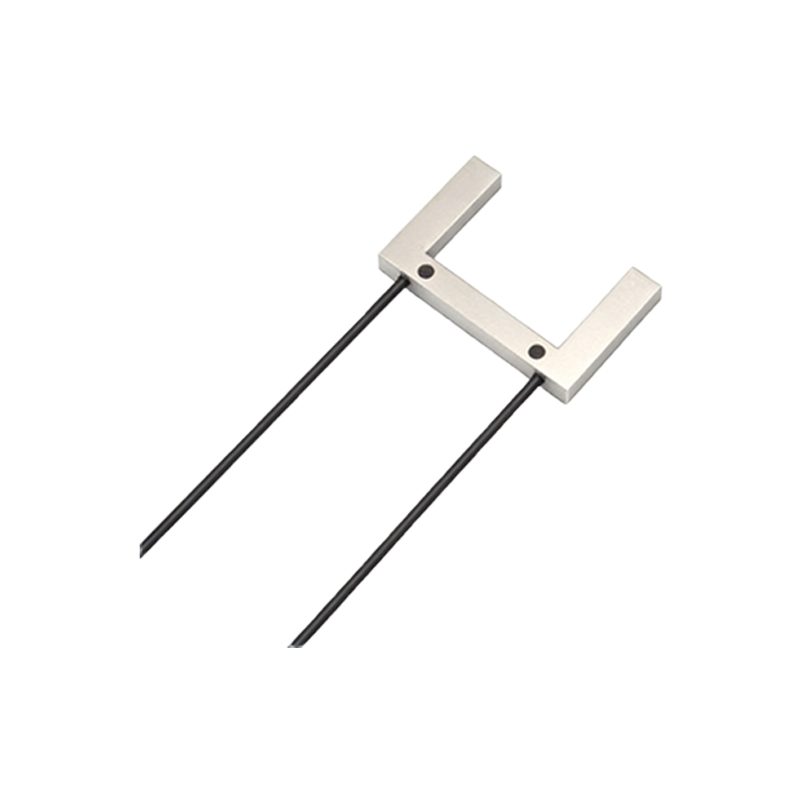
To diagnose why a photoelectric sensor light stays on, start with a visual inspection. Check for obstructions, dirt, or damage to the lens and housing. Clean the lens gently with a soft cloth and ensure no reflective surfaces nearby are causing interference. Next, verify the sensor's alignment using a multimeter to test the output signal; if the output remains high even without objects, it suggests internal failure. Examine the wiring connections for loose or corroded terminals, as poor contacts can mimic sensor activation. Also, review the control settings—adjust the sensitivity and delay parameters according to the manufacturer's guidelines. In cases of suspected electrical damage, such as a shorted transistor in the output circuit, replacement of the sensor unit may be necessary.
Step-by-Step Troubleshooting Guide
Begin troubleshooting by powering off the system to ensure safety. Disconnect the sensor from the light circuit and test it independently with a known working load. If the sensor behaves normally, the issue might lie in the light fixture or wiring. Conversely, if the sensor output stays active, proceed to reset it to factory defaults, if possible. For ambient light interference, shield the sensor from external sources or switch to a modulated light type that ignores steady background light. In industrial settings, use diagnostic tools like oscilloscopes to analyze the signal integrity. Regularly calibrate the sensor according to operational hours, as wear over time can degrade performance. Document any changes made during troubleshooting to identify recurring problems.
Preventive Maintenance and Best Practices
Preventing photoelectric sensor lights from staying on involves routine maintenance and proper installation. Install sensors in locations with minimal exposure to harsh weather, dust, or vibrations. Use enclosures with appropriate IP ratings for environmental protection. Schedule periodic cleaning and inspection, especially in high-traffic or dirty environments. Ensure power supplies are stable and within the sensor's specified range to avoid electrical stress. When configuring settings, set appropriate detection ranges and delay times to reduce false triggers. In critical applications, consider redundant sensors or fail-safe circuits that default to off states. Training personnel on basic sensor operation and troubleshooting can also minimize downtime and extend device lifespan.
When to Replace or Upgrade Sensors
If troubleshooting fails and the photoelectric sensor light continues to stay on, replacement may be the most cost-effective solution. Modern sensors offer enhanced features like background suppression, which ignores distant objects, or polarized filters to reduce glare. Upgrading to a different type, such as a diffuse reflective sensor with better noise immunity, can resolve persistent issues in challenging environments. Consult technical datasheets to select sensors with higher durability and compatibility with your lighting system. In industrial automation, integrating smart sensors with IoT capabilities allows for remote monitoring and predictive maintenance, reducing the risk of unexpected failures. Always follow manufacturer recommendations for disposal and recycling of old units.