Introduction to Tool Magazine Sensor Systems
In modern CNC machining centers, the tool magazine is a critical component responsible for storing and automatically changing tools. The seamless operation of this system relies heavily on a network of sensors, with proximity switches playing a pivotal role. These non-contact sensors detect the presence or absence of metallic objects, ensuring precise positioning and secure clamping of tools within the magazine. Understanding their location is fundamental for maintenance, troubleshooting, and ensuring optimal machine uptime. This article provides a detailed, industry-focused guide on where to find these essential proximity switches within a typical tool magazine assembly.
Primary Location: The Tool Pot Detection Point
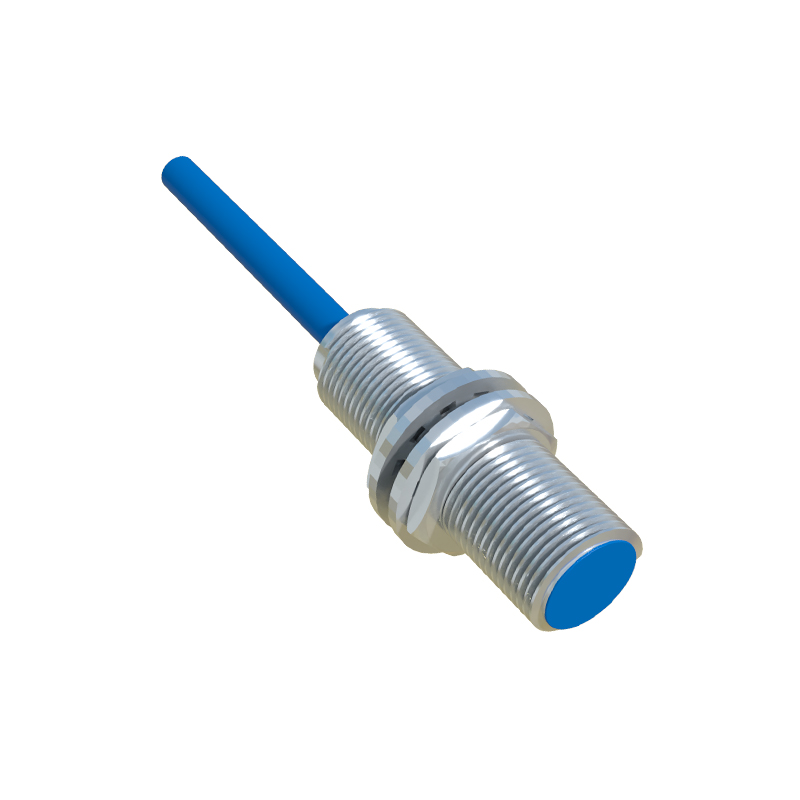
The most common and crucial location for a proximity switch is at the tool pot or tool pocket detection point. Each tool pot, which holds an individual tool, must be accurately positioned for the automatic tool changer (ATC) arm to engage. A cylindrical or rectangular proximity switch is typically mounted on the stationary frame of the magazine, adjacent to the path of the rotating carousel or chain. Its sensing face is aligned to detect a metal target (often a bolt head or a dedicated lug) on each tool pot as it passes. This signal confirms the pot is in the correct "home" or "exchange" position, allowing the CNC control to index the magazine accurately.
Key Position: The Tool Clamp/Unclamp Verification Switch
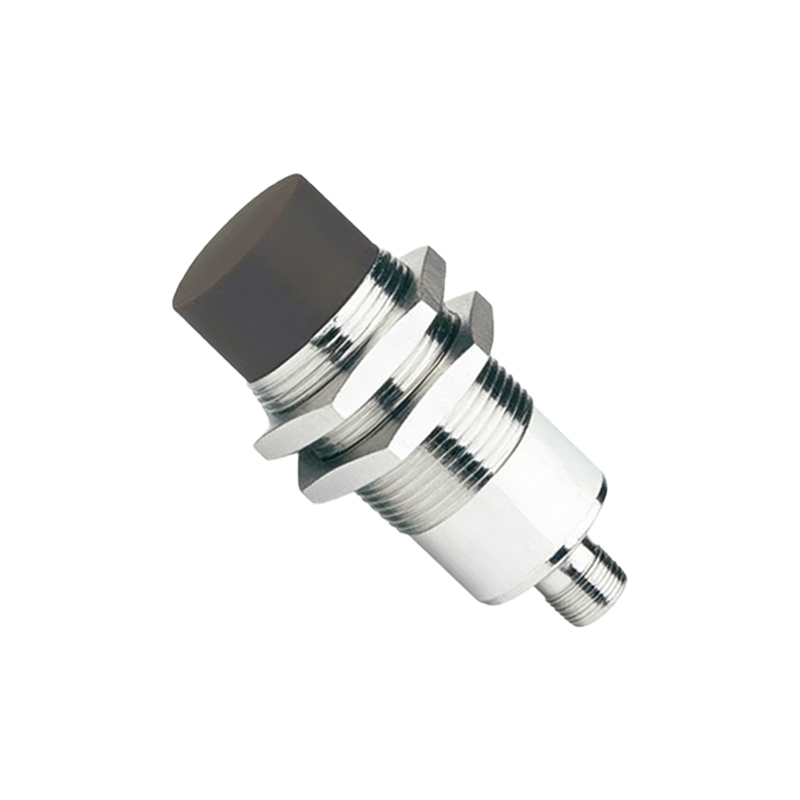
Another vital location is near the tool clamping mechanism within the magazine or at the ATC station. This proximity switch verifies whether the tool is securely locked in the pot or has been successfully released. It is usually mounted on the body of the tool pot or on a bracket very close to the clamping fingers or drawbar mechanism. The switch detects the position of the clamping collar or a specific part of the mechanism. A correct signal from this switch is a mandatory safety interlock; without it, the machine will not proceed with a tool change, preventing catastrophic tool drops.
Critical for Safety: The Magazine Door Interlock Switch
For safety reasons, many machining centers with enclosed tool magazines feature a door or access panel. A proximity switch acts as an interlock here. It is mounted on the machine frame near the door hinge or latch, detecting a metal target on the door itself. This switch ensures the magazine door is fully and securely closed before the magazine is allowed to rotate or any tool change sequence is initiated. This prevents operator injury from moving parts.
On Rotary Magazines: The Indexing Position Sensor
In rotary (carousel-type) tool magazines, a high-precision proximity switch is used to identify the magazine's zero or reference position. This switch, often called the "zero-point" or "marker" sensor, is located on the fixed base of the magazine. It detects a single reference target mounted on the rotating carousel. Every time the magazine completes a full rotation or upon machine startup, this sensor provides a homing signal to the control system, establishing an absolute positional reference for all subsequent tool pot indexing.
On Chain-Type Magazines: The Tool Pot Presence Sensor
For larger, chain-type magazines (also known as matrix magazines), additional proximity switches may be installed along the chain's path. These sensors verify the presence of a tool pot in every designated slot of the chain. They are mounted on guide rails or fixed brackets, sensing targets on each pot carrier. This provides the CNC system with a complete map of occupied and empty pot positions, optimizing tool management and preventing attempts to access non-existent pots.
Integration with the ATC Arm Mechanism
While technically part of the tool changer arm and not the magazine proper, proximity switches at the ATC interface are intrinsically linked. Switches located on the ATC arm assembly detect when the arm is in its "home," "ready," or "tool gripped" positions. The magazine's own sensors work in concert with these. For instance, the magazine will only index a new pot into position after receiving a signal that the ATC arm is clear and at its home location.
Practical Identification and Access Tips
To locate a specific proximity switch, first consult the machine's electrical and mechanical diagrams. Physically, follow the tool magazine's indexing path and look for small, barrel-shaped or rectangular devices with a sensing face, typically painted blue or black, with a 2 or 3-wire cable connected. They are always mounted rigidly, with a small gap (usually 0.5 to 2mm) between the