What is an Illuminated Proximity Sensor?
An illuminated proximity sensor, often referred to as a "proximity sensor with LED indicator," is an advanced industrial sensing device that combines the core functionality of non-contact object detection with an integrated visual status indicator. At its heart, it operates on the same fundamental principles as a standard proximity sensor—using electromagnetic fields, light, or sound to detect the presence or absence of an object without physical contact. The defining feature is the built-in Light Emitting Diode (LED), typically mounted on the sensor body. This LED provides immediate, clear visual feedback about the sensor's operational state, such as power-on status, target detection, or fault conditions. This integration of sensing and indication streamlines installation, troubleshooting, and maintenance processes in complex automation environments.
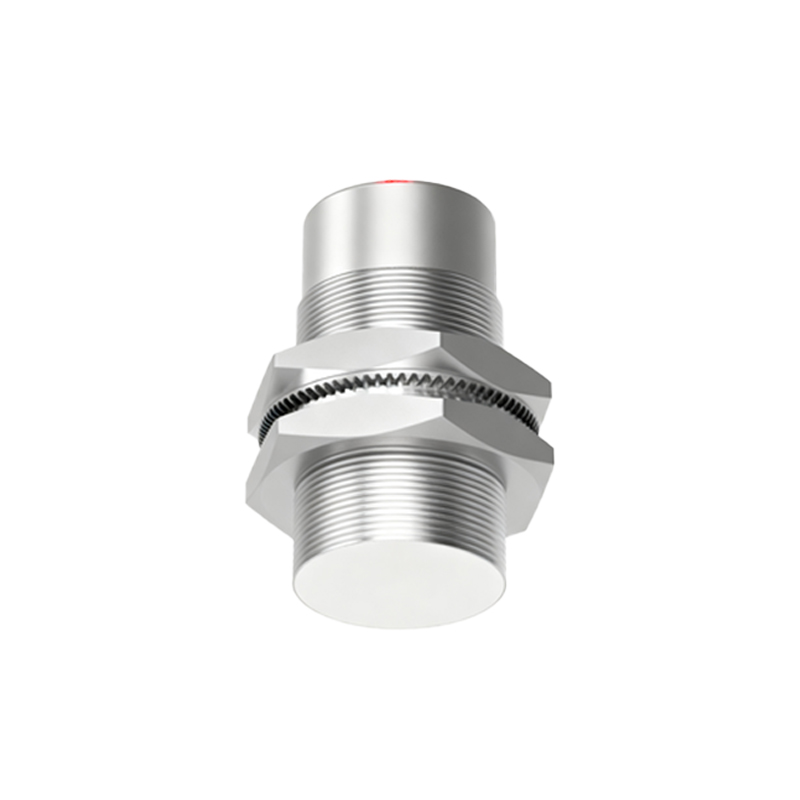
Core Operating Principles
Illuminated proximity sensors are categorized by their underlying sensing technology, with inductive and photoelectric types being the most prevalent. Inductive illuminated sensors generate an oscillating electromagnetic field. When a metallic target enters this field, it induces eddy currents, causing a change in the oscillation amplitude. The sensor's circuitry detects this change and triggers a switching output. Concurrently, the LED illuminates, often changing color or blinking pattern to signal detection. Photoelectric illuminated sensors, on the other hand, emit a beam of light (visible, infrared, or laser). A target object interrupts or reflects this beam back to a receiver. The change in light intensity is processed to activate the output switch and the indicator LED. The illumination principle remains consistent: the LED provides a direct, real-time visual correlation to the sensor's electrical output signal.
Key Advantages and Benefits
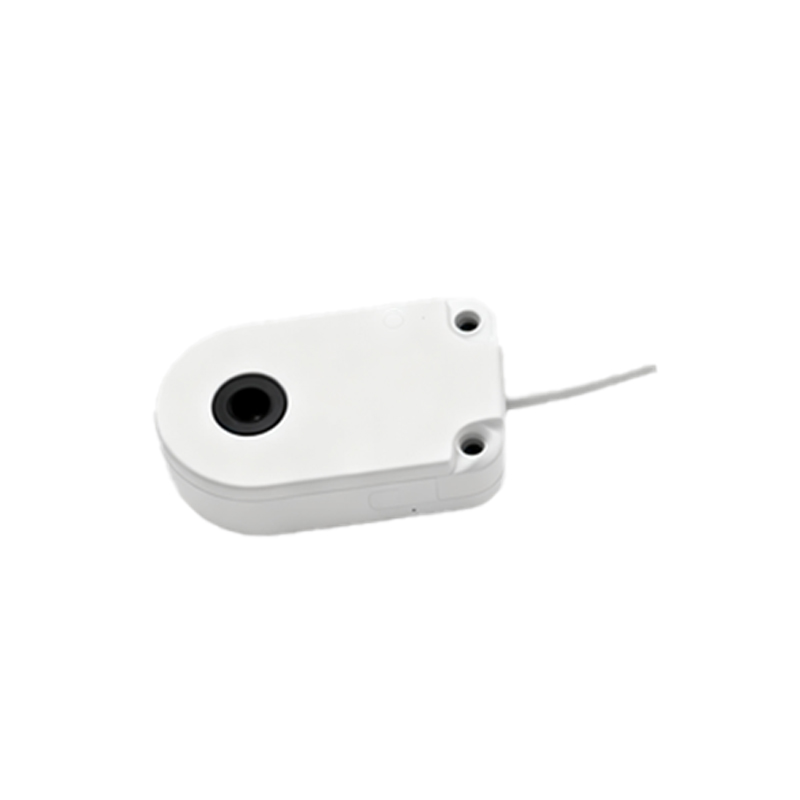
The primary benefit of an illuminated proximity sensor is enhanced operational visibility. During machine setup or changeover, technicians can instantly verify if the sensor is correctly aligned with the target by observing the LED, drastically reducing commissioning time. For troubleshooting, a malfunctioning sensor often reveals itself through an abnormal LED state—such as being constantly off, constantly on, or displaying an error flash code—enabling rapid diagnosis without immediate need for multimeters or PLC software. This visual cue minimizes machine downtime. Furthermore, the LED serves as a safety and confirmation feature; operators can visually confirm that a sensing point is active before initiating an automated cycle, adding a layer of procedural verification.
Common Applications in Automation
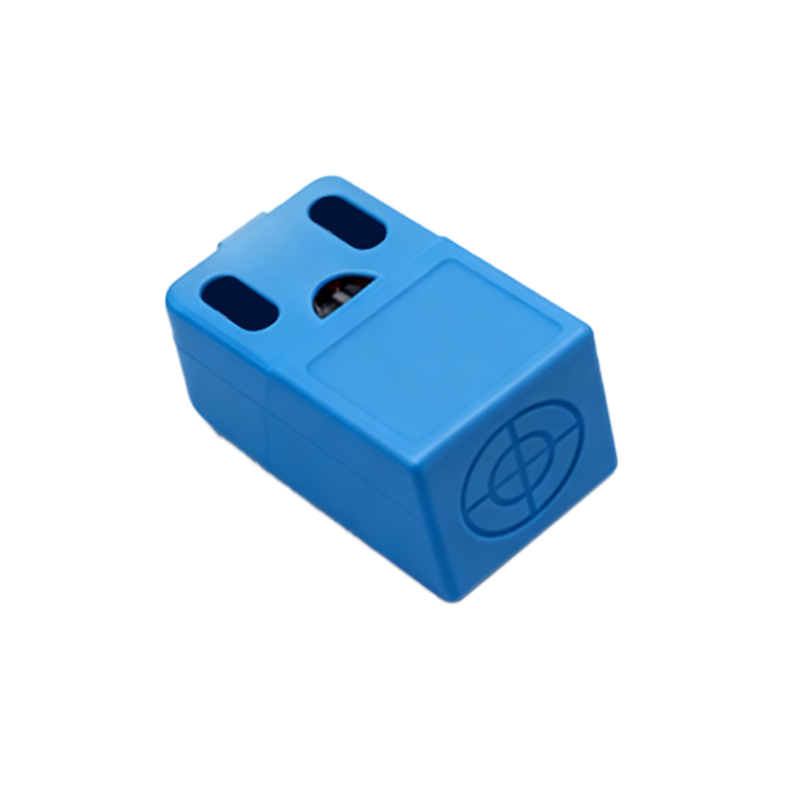
These sensors are ubiquitous in modern industrial automation. A typical application is in robotic work cells, where multiple sensors monitor part presence, end-of-arm tooling status, and safety guarding. The LED indicators allow personnel to quickly assess the cell's status from a distance. On conveyor systems, illuminated sensors verify part positioning, count objects, and detect jams. The visual feedback is invaluable for line operators monitoring production flow. They are also extensively used in packaging machinery to detect labels, monitor fill levels, and ensure proper case sealing. In automated assembly and machining centers, they confirm the correct seating of components in fixtures or pallets, with the LED providing immediate pass/fail indication to the operator.
Selection Criteria and Installation Tips
Selecting the right illuminated proximity sensor requires careful consideration. First, identify the sensing technology needed based on the target material: inductive for metals, photoelectric for various materials including plastics, glass, and liquids. Next, determine the required sensing range, output type (PNP/NPN, NO/NC), and electrical specifications (voltage, current). The LED indicator type is also crucial; some offer single-color (usually red or green) for simple on/off status, while others feature multi-color or programmable blink patterns for conveying more complex information like weak signals or overload conditions. During installation, ensure the sensor is mounted securely and aligned properly. Use the LED as a guide during alignment—fine-tune the position until the LED changes state reliably as the target passes. Always refer to the manufacturer's datasheet for specific mounting distances (like the recommended gap from the sensing face to the target) to ensure optimal performance and avoid false triggers.
Maintenance and Troubleshooting Guidance
Regular maintenance of illuminated proximity sensors involves keeping the sensing face clean and free from debris, dust, or oil buildup, which can attenuate signals, especially for photoelectric types. Periodically verify the sensor's operation by passing a target in front of it and confirming the LED responds appropriately. Common issues often have visual LED clues. If the LED is off entirely, check the power supply and wiring connections. If the LED is solidly on and unresponsive to targets, it may indicate a wiring fault (e.g., short circuit), sensor overload, or that the sensing face is contaminated or obstructed. An intermittently flickering LED can signal an unstable power supply, electrical