Introduction to Proximity Sensor Design Software
In the field of electrical engineering, proximity sensors are essential components for detecting the presence or absence of objects without physical contact. Creating accurate and detailed schematics for these sensors requires specialized software tools that cater to the unique demands of the industry. These programs enable engineers to design, simulate, and document sensor structures efficiently, ensuring reliability and performance in real-world applications. From industrial automation to automotive systems, the right software can streamline the development process, reduce errors, and enhance collaboration among teams. This article explores the key features and benefits of leading software solutions used for crafting proximity sensor schematics, providing insights for professionals seeking to optimize their design workflows.
Key Features of Professional Schematic Software
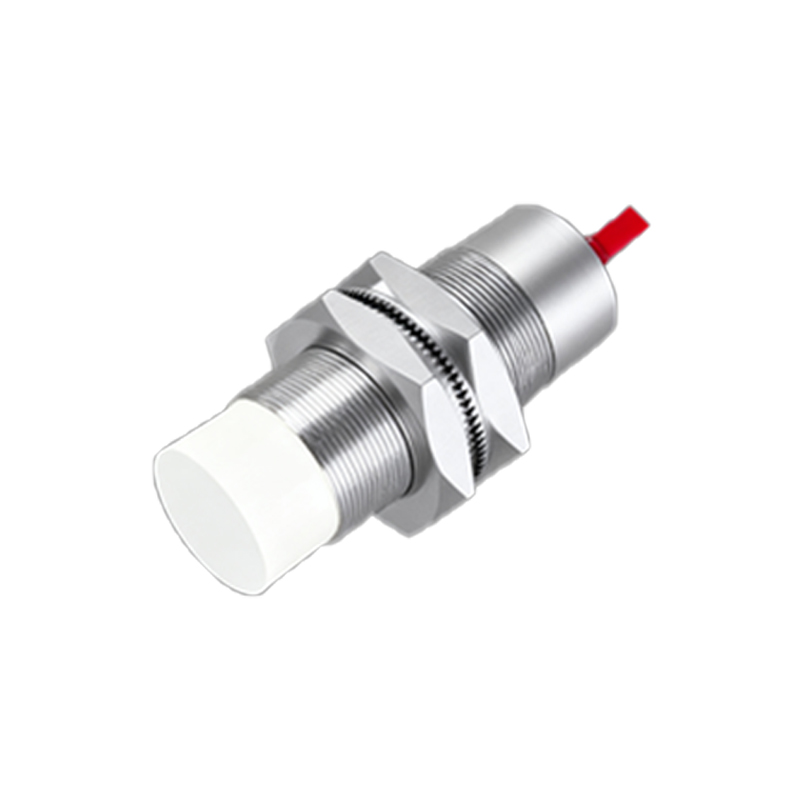
Professional software for proximity sensor schematics offers a range of features tailored to electrical engineering needs. First, intuitive user interfaces with drag-and-drop functionality allow engineers to quickly assemble components like inductive, capacitive, or ultrasonic sensors. Advanced libraries include pre-built symbols and templates for common sensor types, saving time and ensuring consistency. Simulation capabilities are crucial, enabling users to test sensor behavior under various conditions, such as different materials or distances, before physical prototyping. Additionally, these tools support real-time collaboration, version control, and integration with other engineering software, such as CAD or PLC programming environments. Compliance with industry standards, like IEC or ISO, is also embedded to guarantee safety and interoperability.
Popular Software Tools in the Industry
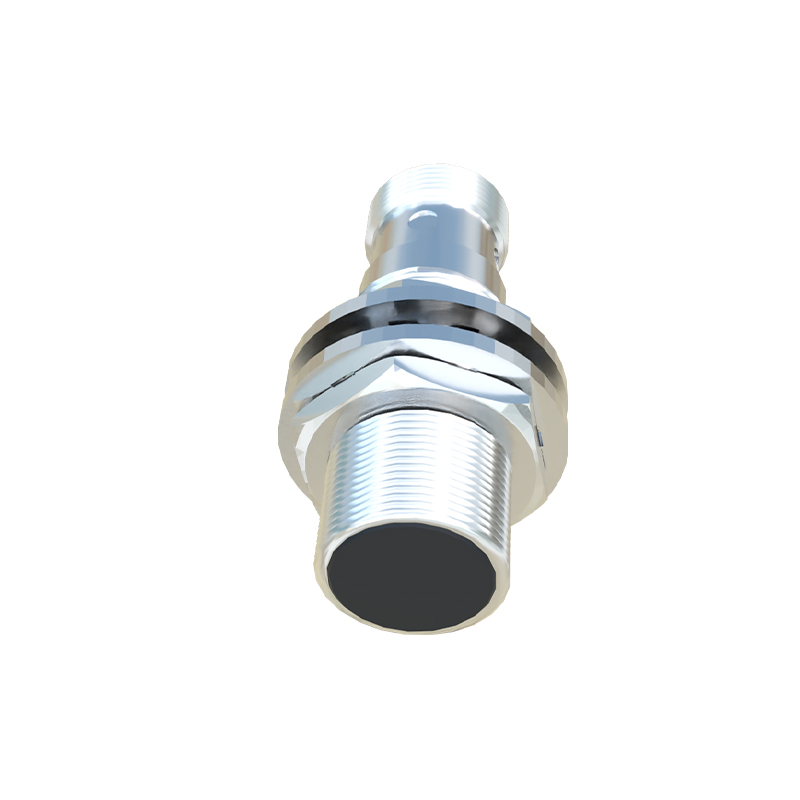
Several software tools dominate the market for creating proximity sensor schematics. AutoCAD Electrical is widely used for its comprehensive symbol libraries and automation features, ideal for complex industrial designs. EPLAN Electric P8 stands out for its project management and documentation capabilities, facilitating large-scale sensor system planning. For simulation-focused workflows, NI Multisim or LTspice allows engineers to model sensor circuits and analyze performance metrics. Open-source options like KiCad offer cost-effective solutions with active community support, suitable for smaller projects or prototyping. Each tool has strengths—AutoCAD excels in precision, EPLAN in documentation, and simulation software in validation—so engineers often choose based on project scope and team requirements.
Benefits of Using Specialized Software
Utilizing dedicated software for proximity sensor schematics yields significant advantages. It enhances accuracy by minimizing manual errors through automated checks and standardized components, leading to more reliable sensor designs. Efficiency improves as engineers can reuse templates and automate repetitive tasks, shortening development cycles. Collaboration benefits from cloud-based sharing and comment features, enabling seamless teamwork across locations. Moreover, simulation tools reduce costs by identifying issues early, avoiding expensive physical prototypes. These benefits translate into higher-quality sensors, faster time-to-market, and better compliance with regulatory standards, ultimately boosting competitiveness in the electrical industry.
Best Practices for Schematic Creation
To maximize the effectiveness of software in proximity sensor design, engineers should follow best practices. Start by organizing components logically, using clear labeling and layering to avoid clutter in schematics. Regularly update software libraries to include the latest sensor models and industry standards. Incorporate simulation early in the design phase to validate parameters like detection range or response time, adjusting as needed. Document all changes and versions meticulously for traceability, especially in team environments. Finally, leverage training resources or tutorials provided by software vendors to stay updated on new features, ensuring continuous improvement in schematic quality and workflow efficiency.
Future Trends in Sensor Design Software
The future of software for proximity sensor schematics is shaped by emerging technologies. Artificial intelligence and machine learning are being integrated to automate design suggestions and optimize sensor layouts based on historical data. Cloud-based platforms are becoming more prevalent, offering real-time collaboration and access from any device. Virtual reality (VR) and augmented reality (AR) tools may soon allow engineers to visualize sensor interactions in 3D environments, enhancing design precision. Additionally, increased focus on sustainability is driving software features that support energy-efficient sensor designs. As the Internet of Things (IoT) expands, software will likely evolve to handle more complex, interconnected sensor networks, requiring enhanced scalability and security features.
Conclusion and Recommendations
In summary, selecting the right software for creating proximity sensor schematics is critical for success in the electrical engineering field. Tools like AutoCAD Electrical, EPLAN, and simulation software provide robust features that cater to diverse project needs. By adopting best practices and staying informed about trends, engineers can leverage these tools to produce high-quality, efficient sensor designs. For professionals, it’s advisable to evaluate software based on factors like cost, compatibility, and team size, and to invest in ongoing training. Ultimately, the right software not only simplifies schematic creation but also drives innovation in proximity sensor technology, supporting advancements across industries.
SEO