Proximity sensors are critical components in modern automation systems, enabling non-contact detection of objects with high precision. Proper calibration and debugging are essential to ensure reliable performance, minimize false triggers, and extend sensor lifespan. This guide outlines practical steps for calibrating and troubleshooting common proximity sensor issues in industrial and electronic applications.
The calibration process begins with verifying the sensor’s installation environment. Ensure the sensor is mounted securely, free from excessive vibration, and positioned at the correct distance from the target object. Most inductive or capacitive proximity sensors have a specified sensing range, typically outlined in the datasheet. Use a calibration target—a standard object made of the material the sensor is designed to detect—to test the sensing distance. Gradually move the target toward the sensor until the output activates, noting the exact point. Compare this with the manufacturer’s specified range. If deviations exceed 10–15%, recalibration may be necessary.
Electrical interference is a frequent cause of malfunction. In environments with high electromagnetic noise, such as near motors or frequency drives, sensors may produce erratic signals. To mitigate this, use shielded cables and ensure proper grounding. Keep sensor wiring separate from high-voltage lines, and employ twisted-pair cables to reduce noise coupling. If interference persists, consider installing ferrite cores or filters on the signal lines.
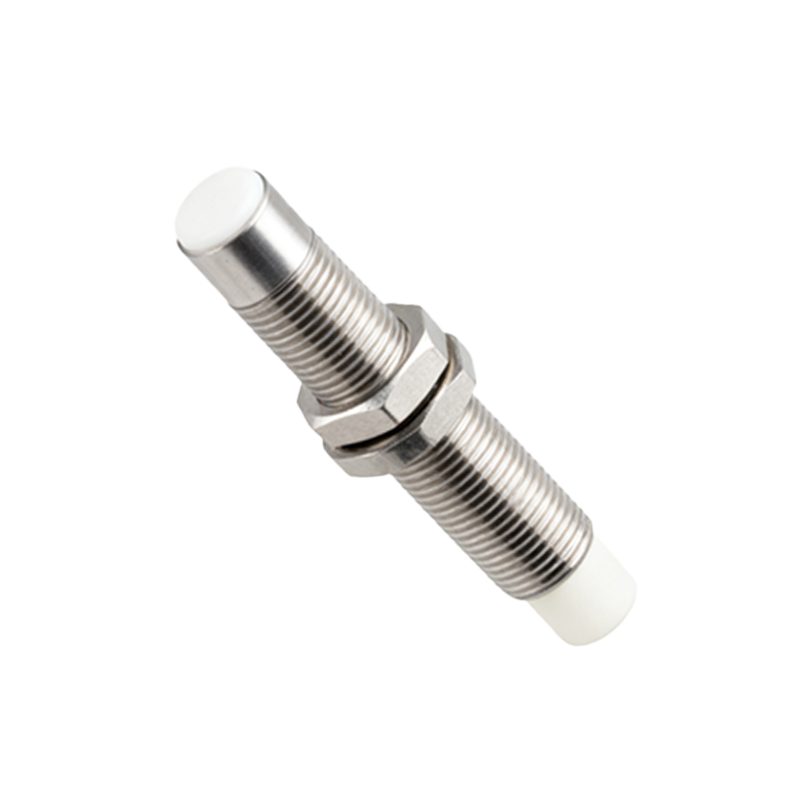
Output signal issues often stem from load mismatches or wiring errors. For two-wire DC sensors, verify the load current falls within the sensor’s rated capacity. Overloading can cause overheating or failure. For three-wire sensors, confirm correct connections: brown wire to positive supply, blue to negative, and black to the load. Use a multimeter to check voltage levels at the output terminal. If the sensor fails to switch, test with a known-good load to rule out external circuit problems.
Environmental factors like temperature, humidity, and contaminants also impact performance. High temperatures can drift the sensor’s operating point, while dust or oil accumulation may attenuate signals. For harsh conditions, select sensors with appropriate IP ratings and temperature specifications. Regularly clean the sensing face with a soft cloth and isopropyl alcohol, avoiding abrasive materials that could scratch the surface.
Debugging systematic faults involves methodical isolation. Start by powering down the system and inspecting for physical damage or loose connections. Power up and observe the sensor’s indicator LED (if available)—a steady glow often denotes normal operation, while flickering suggests instability. Monitor the output with an oscilloscope to capture transient anomalies, such as signal bounce or delay. For programmable sensors, review configuration settings like hysteresis or response time, ensuring they match application requirements.
Advanced troubleshooting may involve swapping sensors with identical units to isolate hardware faults. Log operational data over time to identify intermittent issues correlated with specific machine cycles or environmental changes. Consult the manufacturer’s diagnostic codes or software tools for digital sensors with communication protocols like IO-Link, which provide detailed status reports and allow remote parameter adjustments.
Preventive maintenance reduces downtime. Schedule periodic recalibration every 6–12 months, or after any mechanical changes to the system. Document calibration records, including date, technician, and measured values, to track performance trends. Train personnel on proper handling techniques, emphasizing avoidance of mechanical shock or misalignment during installation.
In summary, effective proximity sensor debugging combines environmental checks, electrical validation, and systematic testing. By adhering to calibration protocols and addressing interference proactively, users can achieve stable, long-term sensor operation. Always reference the specific sensor’s manual for model-dependent guidelines, as technologies like ultrasonic, infrared, or magnetic sensors may require specialized approaches.