Understanding Proximity Sensor Failures
Proximity sensors are critical components in industrial automation, machinery, and safety systems. They detect the presence or absence of objects without physical contact, relying on electromagnetic fields, infrared light, or ultrasonic waves. When a proximity sensor fails, it can lead to production downtime, safety hazards, or system malfunctions. Common failure modes include no output signal, intermittent operation, false triggering, or reduced sensing range. These issues often stem from environmental factors, electrical problems, mechanical damage, or internal component degradation. Recognizing the symptoms early is key to preventing costly disruptions.
Initial Diagnostic Steps
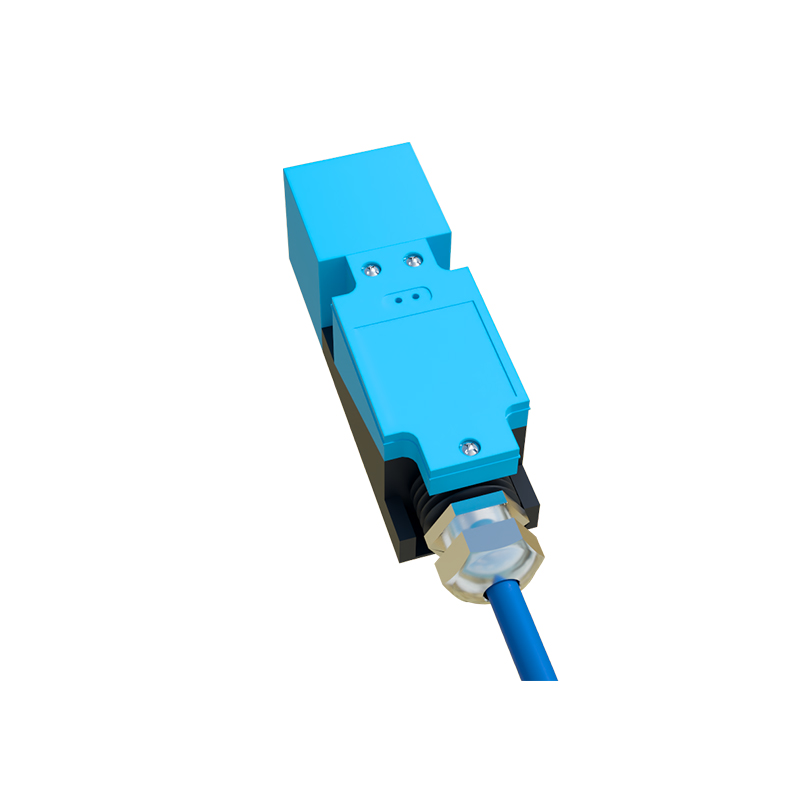
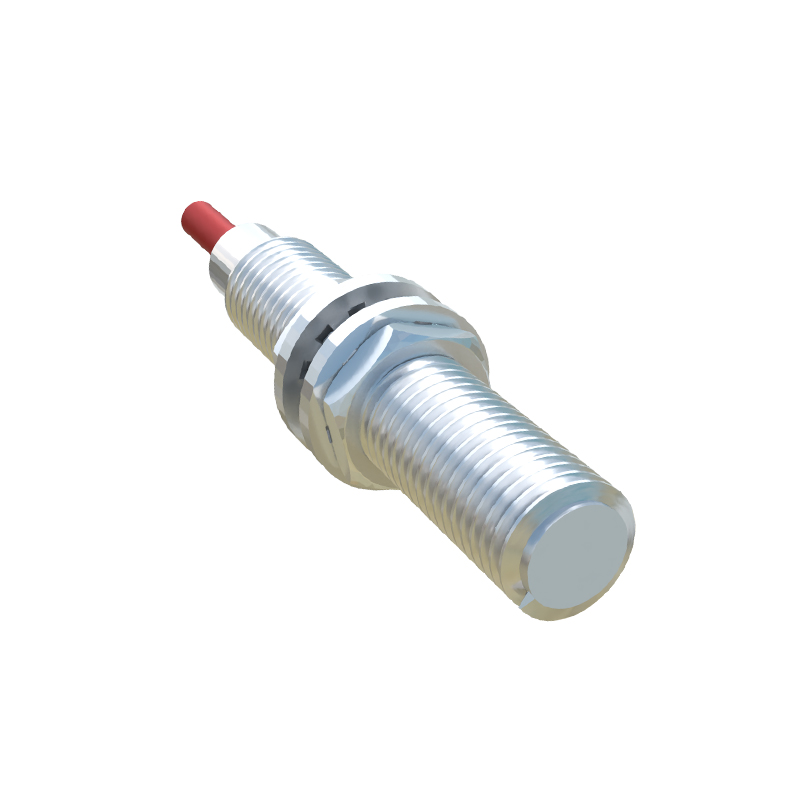
Begin by conducting a visual inspection of the sensor and its surroundings. Check for obvious signs of physical damage, such as cracks, dents, or corrosion on the sensor housing. Ensure that the sensor is properly mounted and aligned, as misalignment can cause inconsistent detection. Verify that the target object is within the specified sensing range and made of a compatible material. For inductive sensors, metallic targets are required, while capacitive sensors can detect non-metallic objects. Clean the sensor face from dirt, dust, oil, or debris, which may interfere with its operation. Also, inspect the wiring and connections for loose terminals, frayed cables, or short circuits.
Electrical Testing and Verification

Use a multimeter to measure the voltage at the sensor's power supply terminals. Ensure it matches the rated voltage (e.g., 12-24V DC or 110-230V AC). If the power supply is unstable or absent, troubleshoot the circuit breaker, fuse, or power source. Next, test the output signal. For a two-wire DC sensor, measure the voltage drop across the sensor when a target is present and absent. A three-wire sensor typically has separate power, ground, and output wires—check the output voltage or current against the datasheet specifications. If the sensor has an LED indicator, observe its behavior; a steady or blinking light may indicate normal operation or fault codes. For programmable sensors, review the settings via software to confirm parameters like sensing distance or output mode haven't been altered accidentally.
Environmental and Interference Issues
Proximity sensors can be affected by harsh environments. High temperatures may cause overheating, while excessive moisture or chemicals can lead to internal corrosion. Ensure the sensor's IP rating suits the operating conditions. Electrical noise from nearby motors, transformers, or frequency drives can induce false signals. To mitigate interference, use shielded cables, proper grounding, and install filters or ferrite cores. Additionally, avoid mounting multiple sensors too close together, as cross-talk between them might trigger erroneous responses. If the sensor is exposed to vibration or shock, consider using vibration-resistant models or adding dampening mounts.
Replacement and Calibration Procedures
If diagnostics confirm a faulty sensor, replacement is often the most efficient solution. Select a new sensor with matching specifications: sensing type (inductive, capacitive, ultrasonic), output type (PNP/NPN, analog, IO-Link), voltage range, and housing size. Before installation, power down the system to prevent electrical hazards. Remove the old sensor, disconnect the wiring, and install the new unit, ensuring correct polarity and secure connections. After installation, recalibrate the sensor if necessary. For adjustable sensors, use the manufacturer's guidelines to set the sensing distance or sensitivity. Test the new sensor with multiple target objects to verify consistent performance. Document the replacement for maintenance records.
Preventive Maintenance Strategies
To extend the lifespan of proximity sensors, implement a regular maintenance schedule. Periodically clean sensor surfaces and inspect for environmental changes. Monitor operating temperatures and humidity levels to avoid extremes. Check electrical connections for corrosion or looseness every few months. In high-vibration areas, tighten mounts and inspect for wear. Keep spare sensors on hand for critical applications to minimize downtime. Train personnel on basic troubleshooting steps to enable quick responses to failures. By adopting these practices, you can reduce unexpected breakdowns and maintain optimal system efficiency.