Introduction to Proximity Sensor Coding Systems
Proximity sensors are essential components in industrial automation, offering non-contact detection of objects. Each manufacturer employs a unique model numbering system to convey critical specifications. Understanding these codes is vital for selecting the right sensor for applications in machinery, automotive assembly, or packaging lines. Typically, a model number encapsulates information about sensing technology, physical size, sensing range, output type, and electrical characteristics. While formats vary by brand, common elements appear across the industry, enabling engineers to decode key parameters efficiently.
Deciphering Sensing Technology Indicators
The initial segment of a model number often denotes the sensing technology. For instance, "IN" may indicate inductive sensors for metal detection, while "CA" could refer to capacitive sensors for non-metallic materials. Photoelectric sensors might use "PH" or "BE" for through-beam types. Ultrasonic sensors frequently incorporate "US" in their codes. This prefix immediately informs the user about the fundamental operating principle, which dictates the sensor's suitability for specific materials and environmental conditions, such as presence of dust or liquids.
Interpreting Size and Form Factor Codes
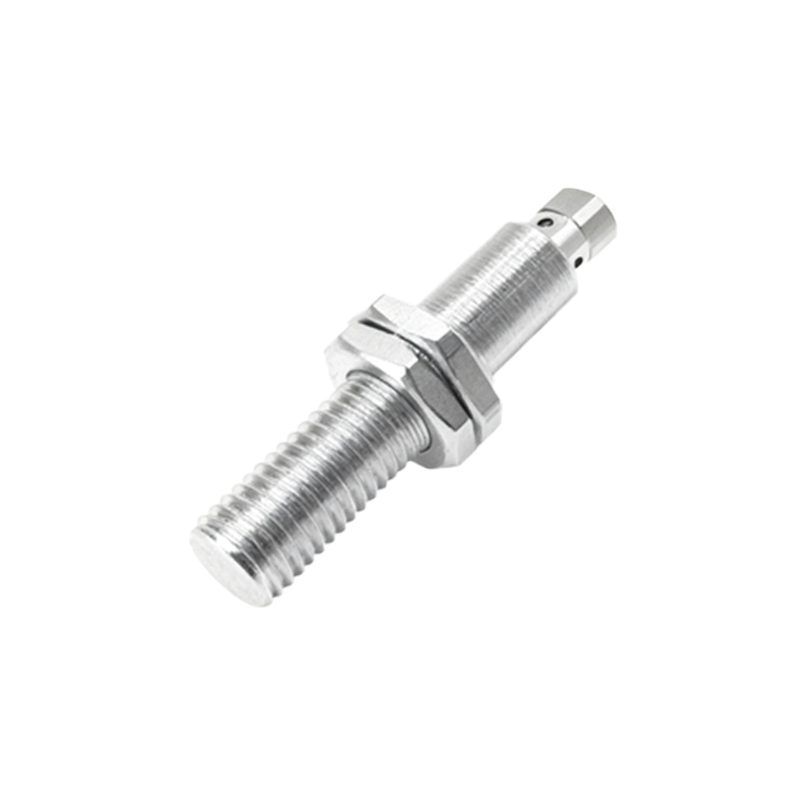
Following the technology indicator, codes often specify the sensor's size and shape. Numerical values like "08," "12," or "30" typically correspond to the barrel diameter in millimeters for cylindrical inductive sensors. Rectangular or block-style sensors might use codes such as "CUBE" or "RECT." Additionally, suffixes like "M" for miniature or "F" for flat pack are common. This information is crucial for mechanical integration, ensuring the sensor fits within spatial constraints of the machinery or assembly.
Understanding Sensing Range Specifications
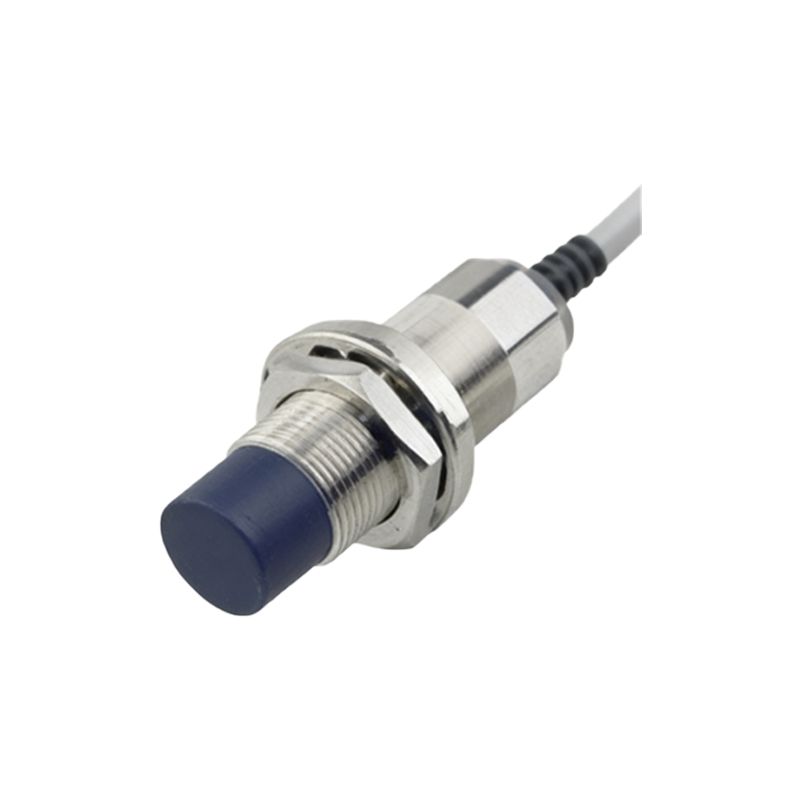
The sensing range, a critical performance parameter, is usually embedded in the model string. It might appear as a direct numerical value, such as "2" for 2 mm, or as a code like "E2" for a standardized range. For example, an inductive sensor with "5M" might indicate a 5 mm nominal range. Some manufacturers list the rated operating distance explicitly, while others use class designations. Engineers must cross-reference this with datasheets to confirm exact detection capabilities, considering factors like target material and installation conditions.
Analyzing Output Configuration and Electrical Ratings
Output type and electrical characteristics are key to interface compatibility. Codes like "NPN" or "PNP" define the transistor output configuration, essential for matching with PLC inputs. "NO" or "NC" indicate normally open or normally closed contact states. Voltage ratings (e.g., "10-30VDC") may be abbreviated, such as "DC" for direct current. Some model numbers include wire connection style, like "C" for connector or "L" for pre-wired cable. Misinterpreting these can lead to circuit malfunctions, so careful verification is necessary.
Identifying Housing Material and Protection Ratings
Environmental durability is often encoded via housing material and IP (Ingress Protection) ratings. Stainless steel housings might be marked "SS" or "V4A," while brass could be "BR." IP ratings, like "IP67" for dust and water resistance, may appear directly or as shorthand like "67." This section ensures the sensor withstands operational hazards such as coolant exposure, high-pressure washdowns, or corrosive atmospheres, directly impacting longevity and reliability in harsh industrial settings.
Utilizing Manufacturer Documentation and Resources
While general patterns exist, each manufacturer's coding system has nuances. Always consult the official datasheet or product catalog for definitive decoding. Many brands provide selection guides or online configurators that break down model numbers step-by-step. For complex applications, contacting technical support can clarify ambiguities. Keeping a reference chart for frequently used brands streamlines the selection process, reducing errors in procurement and installation.
Practical Application and Selection Tips
When choosing a proximity sensor, systematically decode the model number: start with technology, then size, range, output, and protection. Consider application specifics—target material, required sensing distance, response speed, and environmental factors. Verify electrical compatibility with existing systems. For replacements, match all code segments precisely or consult cross-reference guides. Understanding these codes empowers engineers to optimize sensor performance, enhance system efficiency, and minimize downtime in automated processes.