Proximity sensors are ubiquitous in modern electronics, silently performing crucial functions. From turning off your smartphone screen during a call to detecting objects in industrial machinery, their failure can be a significant nuisance or even halt operations. When a proximity sensor stops sensing, the issue can stem from various points in the system. Understanding the common causes and systematic troubleshooting steps can help restore functionality.
The primary symptom is obvious: the sensor fails to detect an object within its specified range. On a phone, this means the screen stays on during calls, potentially leading to accidental cheek-taps. In an automated system, it could cause a machine not to start or stop as intended. Before diving into complex solutions, start with the basics. For consumer devices like smartphones, a simple restart can resolve temporary software glitches that might be affecting the sensor driver. Ensure the device is updated to the latest operating system version, as updates often contain bug fixes for hardware components.
Next, inspect the physical environment. Proximity sensors, especially infrared (IR) types common in phones, require a clear path to the target. A dirty screen protector, particularly a thick or poorly aligned one, can obstruct the sensor's emitter or receiver. Carefully clean the area around the sensor (usually near the earpiece) with a soft, lint-free cloth. For industrial sensors, accumulated dust, dirt, oil, or debris on the lens is a leading cause of failure. A thorough cleaning with appropriate materials is essential. Also, verify the sensing environment. Strong ambient light (for optical sensors) or the presence of other electromagnetic fields (for inductive sensors) can interfere with operation.
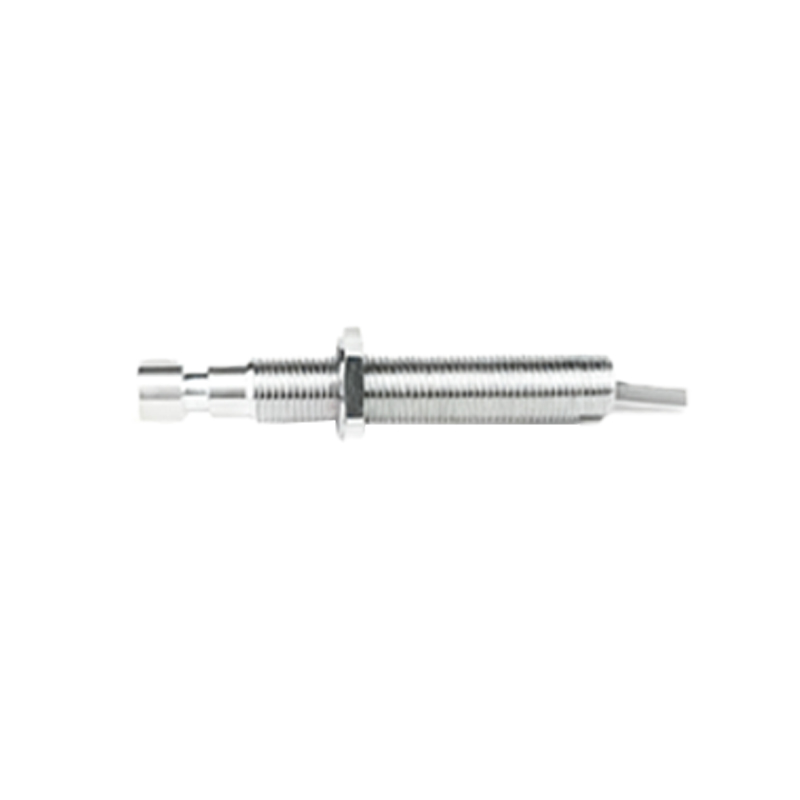
Check the object being detected. Is it within the sensor's specified sensing range? Is it made of the correct material? An inductive proximity sensor will not detect non-metallic objects, while a capacitive sensor might. Ensure the object size and reflectivity are suitable for the sensor's specifications. For retro-reflective types, ensure the reflector is clean and properly aligned.
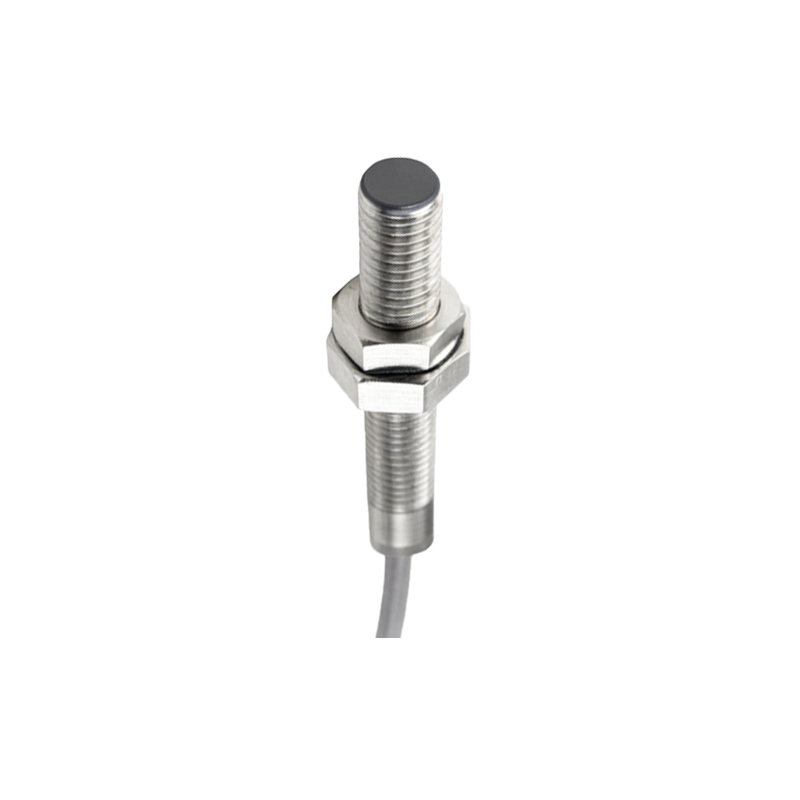
If the hardware environment checks out, the problem may lie in software or calibration. For smartphones, booting into Safe Mode (which disables third-party apps) can determine if a recently installed app is causing a conflict. If the sensor works in Safe Mode, uninstalling recent apps one by one can identify the culprit. Some devices have built-in diagnostic or hardware test menus (often accessed via dialer codes) that can test the proximity sensor directly. If available, run these tests.
Calibration is another key step. While not always user-accessible, some devices have hidden calibration routines. For industrial sensors, refer to the manufacturer's manual. Re-teaching or re-calibrating the sensor to its specific application can resolve drift or incorrect threshold settings.
Examine the wiring and connections, especially in industrial and automotive applications. Loose connections, damaged cables, or corroded terminals can break the signal path. Use a multimeter to check for proper voltage supply at the sensor and continuity in the wiring. Ensure the electrical load (like a PLC input or relay) is functioning correctly and is within the sensor's rated capacity.
In some cases, the issue is mechanical. The sensor itself may have become misaligned. Even a slight shift can cause it to miss its target. Verify its mounting and alignment according to the installation guidelines. For sensors with adjustable sensing distance potentiometers, ensure they haven't been accidentally moved.
Finally, consider sensor degradation or failure. Electronic components have a finite lifespan. If all other troubleshooting fails—cleaning, software resets, connection checks, and recalibration—the sensor itself may be damaged. Physical impact, liquid damage (for phones), excessive voltage spikes, or operating in harsh conditions beyond its specifications can cause permanent failure. Replacement becomes the only option. For phones, this often requires professional repair. For industrial sensors, swapping in a known-working sensor of the same model is a definitive test.
Persistent proximity sensor issues, after systematic troubleshooting, typically point to a hardware fault requiring repair or replacement. Regular maintenance, keeping the sensor area clean, and protecting devices from physical and environmental extremes are the best practices to prevent these problems from occurring in the first place.