Have you ever wondered why your smartphone screen turns off when you hold it to your ear during a call? Or how your phone prevents accidental screen touches while it's in your pocket? The unsung hero behind this simple yet crucial functionality is a tiny component called the proximity sensor. This small piece of technology plays a surprisingly significant role in our daily interactions with mobile devices, conserving battery life and preventing errant commands.
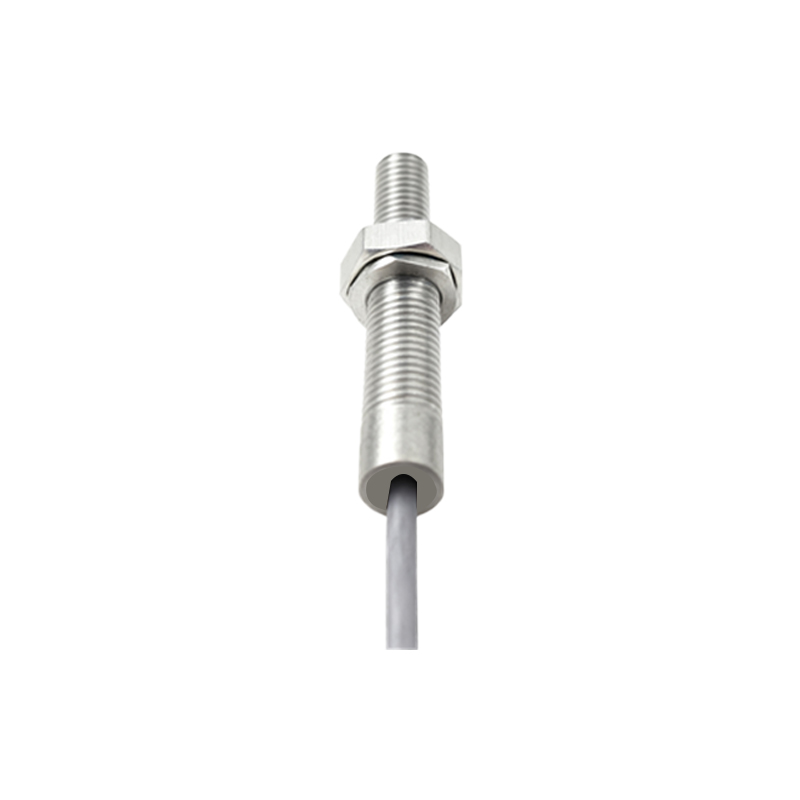
At its core, a proximity sensor is an electronic device designed to detect the presence or absence of nearby objects without any physical contact. In smartphones, its primary job is to sense when an object, like your face or hand, is close to the screen. The most common type found in modern phones is the infrared (IR) proximity sensor. This system typically consists of two main parts: an infrared LED that emits an invisible beam of light and an IR light detector or photodiode that measures the reflection of that beam.
Here's the clever part of the process. When you make or receive a call and bring the phone to your ear, the infrared LED emits a pulse of light. If your face (or any other object) is close to the screen, that light reflects back towards the phone. The photodiode detects this reflected light. The sensor's logic circuit then interprets this signal, determining that an object is very near. It immediately sends a command to the phone's operating system to disable the touchscreen and turn off the display. This prevents your cheek or ear from accidentally muting the call, launching apps, or hanging up. Once you move the phone away from your face, the photodiode stops detecting the reflected IR light, and the screen powers back on, ready for use.
The benefits of this seamless operation are substantial. The most obvious is the prevention of "cheek dialing" and other unintended touch inputs, which greatly improves the user experience during calls. Secondly, and just as importantly, it contributes to energy efficiency. By turning off the power-hungry display when it's not needed, the proximity sensor helps extend battery life. This is a critical consideration for modern smartphones with large, bright OLED or LCD screens that are significant drains on the battery.
Beyond phone calls, proximity sensors enable other smart features. Some phones use them to automatically turn off the display when placed face down on a table or slipped into a dark pocket or bag. Certain user interfaces can also utilize the sensor for gesture controls, like silencing an alarm or pausing a video by waving a hand over the screen. In the realm of accessibility, these sensors can be integral to features that assist users with visual or motor impairments.
While infrared is the dominant technology, it's not the only method used. Some devices employ capacitive or ultrasonic sensors. Capacitive sensors work by detecting changes in an electrostatic field when an object enters its range, similar to how a touchscreen functions. Ultrasonic sensors emit high-frequency sound waves and listen for the echo to gauge distance. Each technology has its own advantages and trade-offs concerning accuracy, power consumption, and cost.
However, the system isn't perfect. The infrared-based sensor can sometimes be fooled. For instance, if you are on a call in very bright sunlight, the ambient infrared light can overwhelm the sensor's photodiode, potentially causing the screen to behave erratically. Similarly, highly reflective surfaces or certain types of hair and headwear might not reflect the IR beam as expected, leading to malfunctions. Manufacturers constantly work on software algorithms and hardware shielding to minimize these issues.
The next time you effortlessly take a call without worrying about hanging up with your ear, take a moment to appreciate the sophisticated, miniature technology at work. The proximity sensor is a brilliant example of how a simple, single-purpose component can profoundly enhance the reliability, efficiency, and overall intelligence of a device we rely on every hour. It operates silently in the background, requiring no input from the user, yet it solves a problem that would otherwise lead to constant frustration and wasted battery power. As phones continue to evolve with foldable screens and new form factors, the fundamental role of the proximity sensor in managing the user interface contextually will remain as vital as ever.